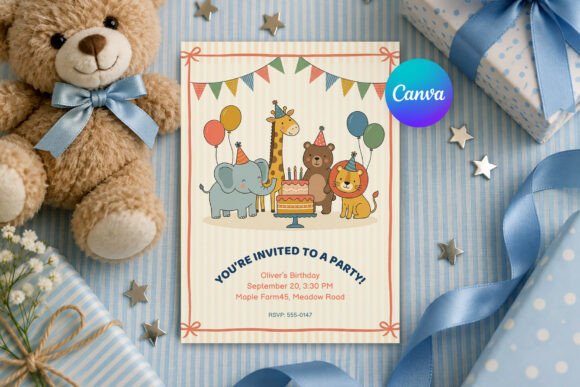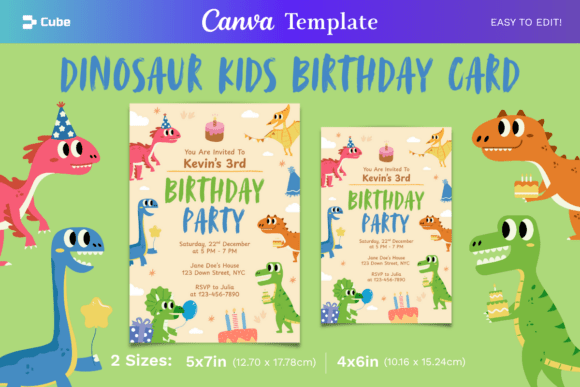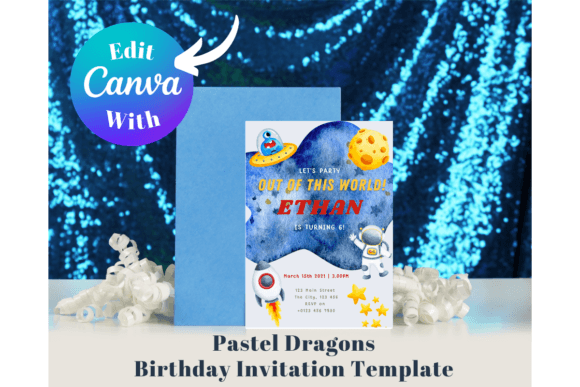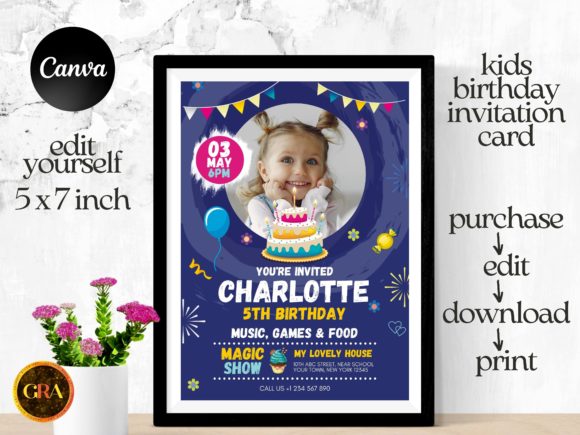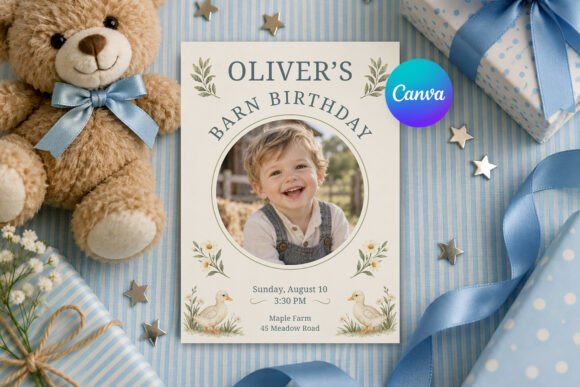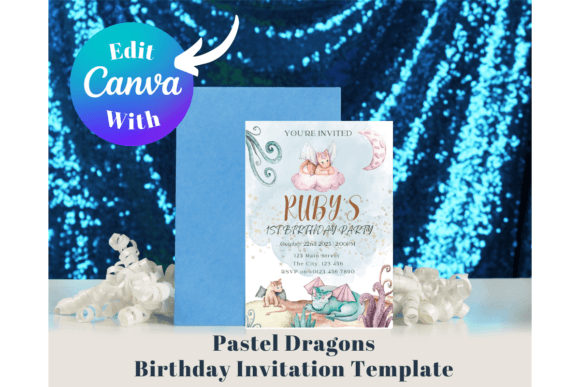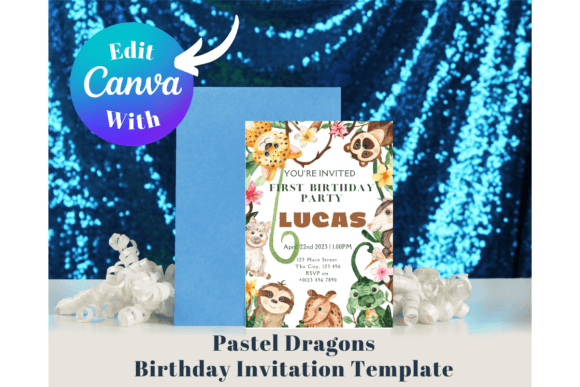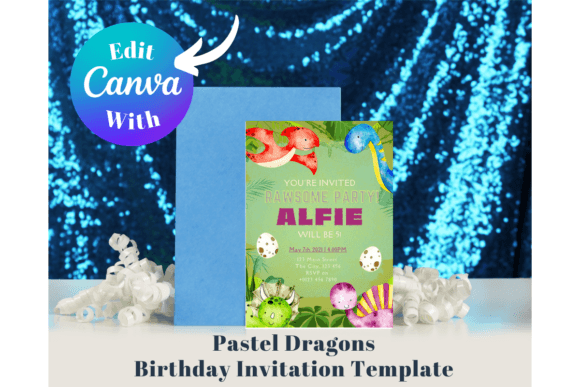
Kids’ birthday invitation templates split cleanly into two camps — fully editable Canva templates you customize online, and cutting-file SVGs built for a Cricut or Silhouette. The 40 designs below cover both, spanning unicorns, dinosaurs, safari animals, race cars, and space themes, so the harder part is narrowing down the theme rather than finding a design at all.
This kids’ invitation library adds new designs weekly, and most of what’s below is either a print-ready PDF, an editable Canva link, or an SVG cutting file — sometimes all three in one listing. See also: birthday invitation card for kids for a more focused set of kid-specific layouts.
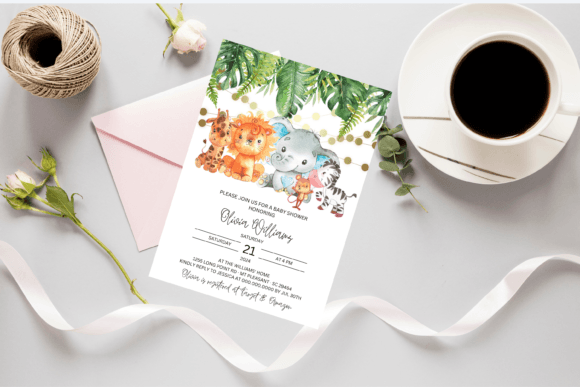
A handful of these were originally listed as baby shower invitations rather than birthday-specific designs, but the animal and nursery motifs work just as well for a first or second birthday party — worth a look if you want a softer, less cartoon-heavy option than the typical themed invite.
Quick Answer: This guide covers 40 birthday invitation templates for kids — Canva-editable designs, SVG cutting files, and flat printable cards across safari, unicorn, dinosaur, and space themes. Most are instant downloads ready for 2026.
 Pin it
 Pin it
 Pin it
 Pin it
 Pin it
 Pin it
 Pin it
 Pin it
 Pin it
 Pin it
A gate-fold or layered SVG invitation costs more setup time than a Canva template, but it’s the difference between an invite that gets glanced at and one that gets opened like a small gift.
Most of the flat and Canva-based designs below need nothing more than a home printer or a local print shop. The SVG cutting files need a Cricut, Silhouette, or laser cutter, plus the cardstock colors listed in each product description.
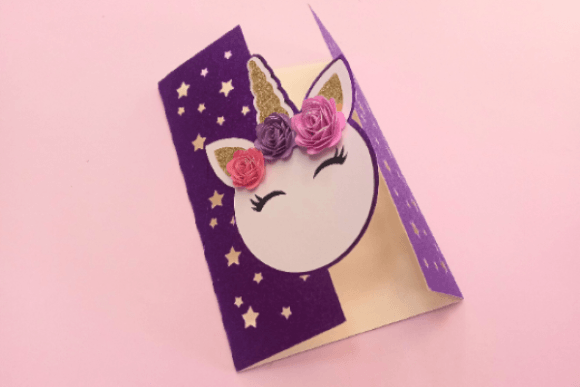
Gate Fold Card Invitation Unicorn
A gate-fold card template with a unicorn cutout on the front panel, delivered as an SVG cutting file with a full step-by-step tutorial link included. Folds open like a book to reveal the invitation details inside, and the layered paper-craft build gives it a dimensional, handmade look that a flat printed card can’t match.
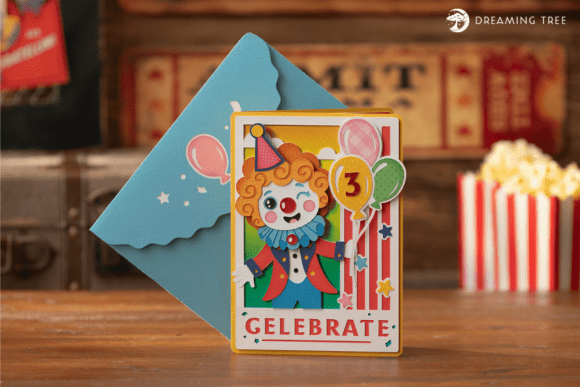
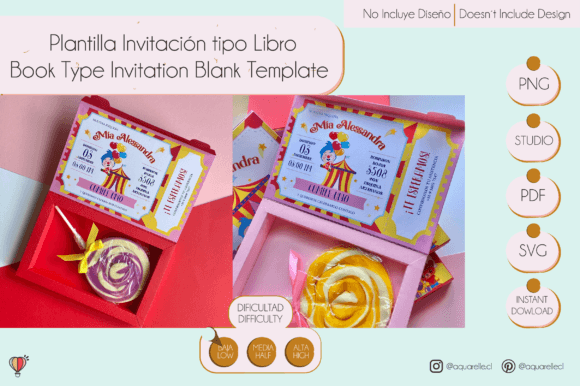
Clowning Around Card SVG
A layered SVG invitation featuring a winking clown holding balloons, built for a circus or carnival-themed party. Includes a print-and-cut insert for the party details plus a matching envelope, delivered as SVG only with a PDF color-legend and a video assembly tutorial, finishing at 7 by 5 inches.
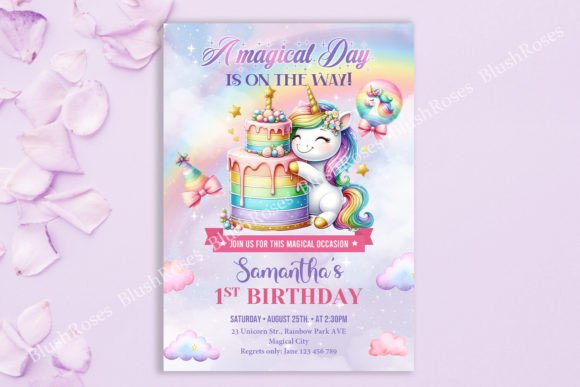
Magical Rainbow Unicorn Birthday Invite Graphic by Blush Roses
A soft rainbow-and-unicorn invitation at 5×7 inches, delivered as a fully editable PSD rather than a flat JPG. The pastel rainbow arc sits behind the unicorn motif, and the layered PSD format means every text field and color can be swapped in Photoshop before printing.
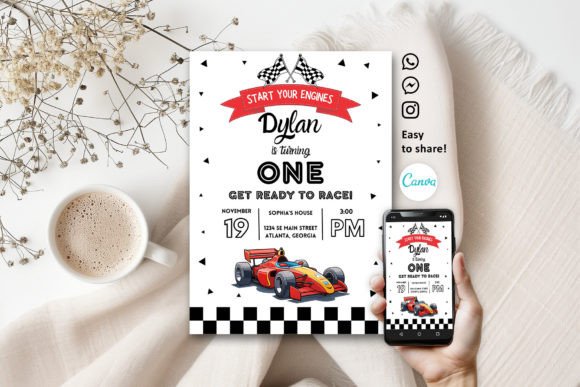
Racing Car Birthday Invitation Template Graphic by Print DIY Party
A racing-car themed invitation edited entirely in Canva, delivered as a PDF with a link to the online template rather than a static file. The 5×7 layout keeps the track-and-checkered-flag motif to the border, leaving the center open for the party details.
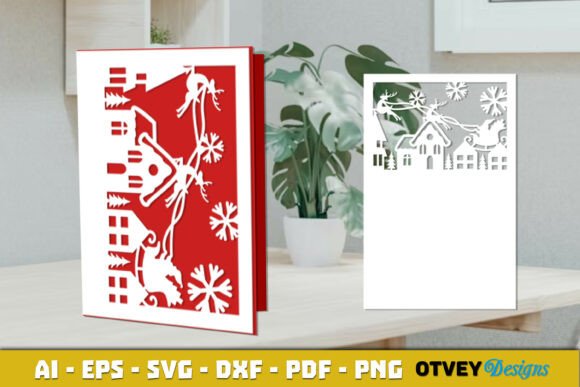
Book Type Invitation Cutting Template
A book-style invitation cutting template that opens like a small storybook, delivered in SVG, PDF, PNG, and Silhouette Studio formats. The folded book shape sets it apart from a standard flat card, and it works equally well for a birthday, baby shower, or any keepsake-style invite.
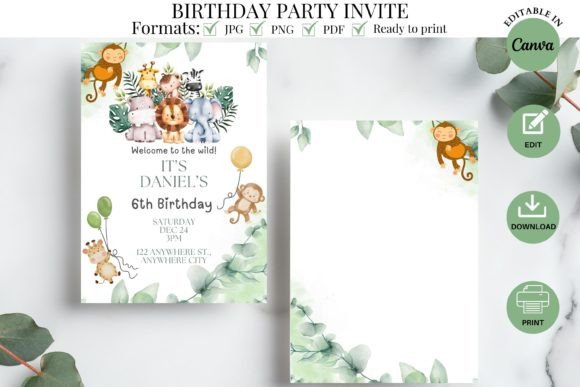
Wild Safari Birthday Party Invitation Graphic by kkdigitalprints
A safari-themed invitation edited in Canva, delivered as a PDF with links to both a single 5×7 template and a 2-up 8.5×11 sheet for printing two per page. Includes a YouTube tutorial video walking through the Canva editing steps for anyone new to the platform.
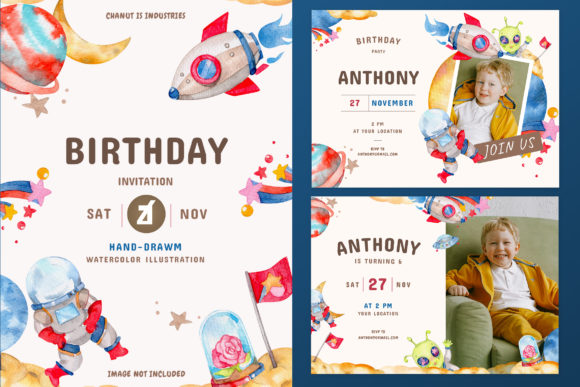
Space Theme Birthday Invitation Card Graphic by Rafiico Creative Studio
A hand-drawn watercolor space scene invitation delivered as 10 isolated PNGs plus AI, EPS, and PSD source files. The soft illustrated planets and stars replace the bright cartoon rockets most space-themed invites use, giving it a more painterly look.
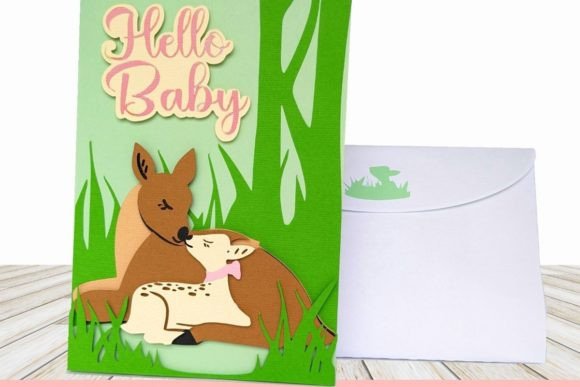
Woodland Baby Invitation
A woodland-themed cutting file showing a baby deer cuddling its mother in the forest, delivered as SVG with PDF step-by-step instructions. Finishes at 5×7 inches folded with raised layered details, and includes a matching A7 envelope template with a deer-detail liner — built for a new-baby announcement rather than a numbered birthday.
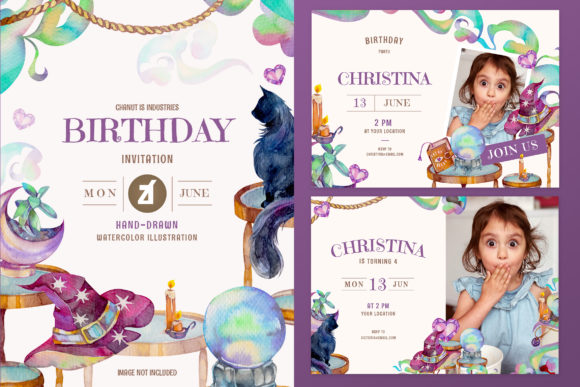
Witch Theme Birthday Invitation Card Graphic by Rafiico Creative Studio
A watercolor witch-themed invitation card delivered as 10 isolated PNGs plus AI, EPS, and PSD files, matching the same hand-drawn illustration style as the space design earlier in this list. Works for a Halloween-adjacent birthday or costume party rather than a generic kids’ theme.
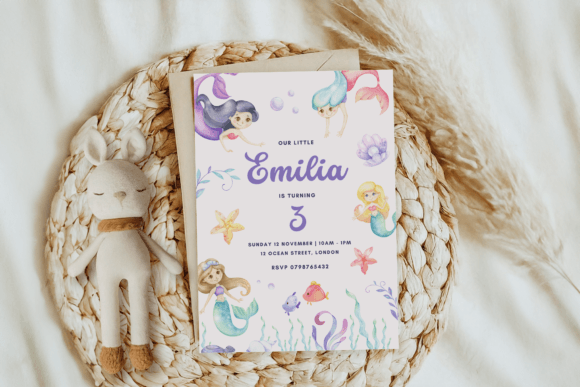
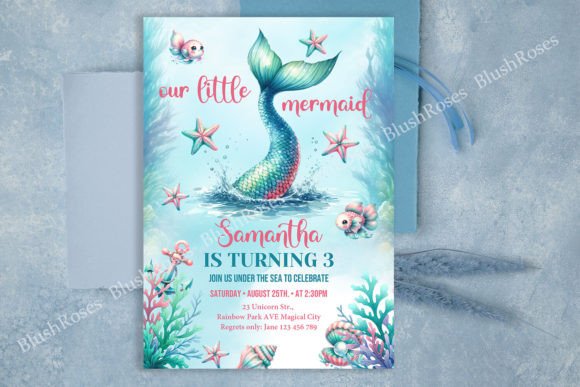
Mermaid Birthday Invitation Birthday Can Graphic by Anjali Anjali
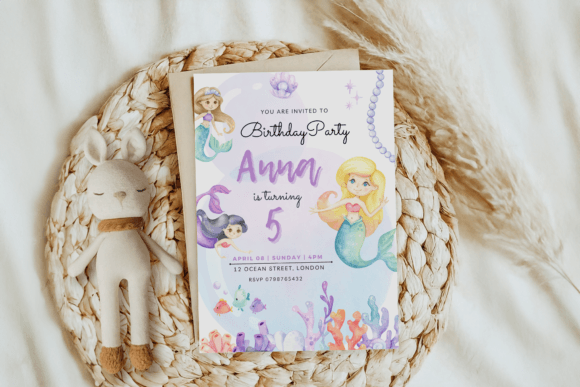
A pastel mermaid-tail invitation built for mobile and text-message sharing as much as printing, delivered as a single editable 5×7 Canva template. The under-the-sea palette leans soft pink and teal rather than bright primary colors, and the file supports unlimited re-edits after purchase.
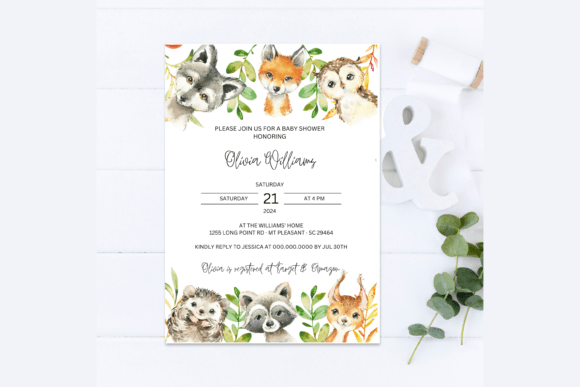
Forest Animals Baby Shower Invitation Graphic by AlishaSDBoutique
A forest-animals invitation showing a fox, raccoon, and squirrel in a woodland scene, delivered as a PDF linking to a 5×7 Canva template and a 2-up 8.5×11 sheet. Originally built for a baby shower, the woodland-creature motif works equally well for a young child’s birthday invite.
Animals Safari Baby Shower Invitation Graphic by AlishaSDBoutique
A safari-themed invitation with gender-neutral animal illustrations, delivered as a PDF linking to both a single 5×7 Canva template and a 2-up 8.5×11 printable sheet. The muted safari palette skips the bright cartoon look in favor of a softer, nursery-friendly design.
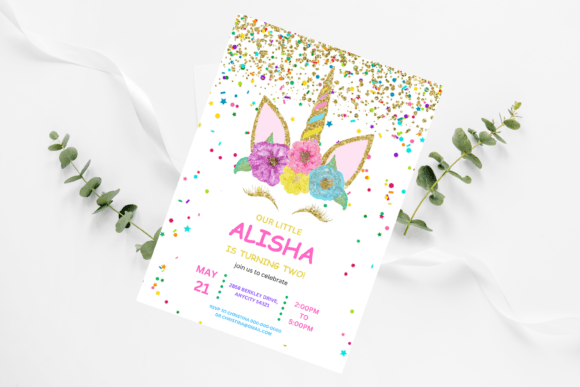
Magical Unicorn Birthday Invitation Graphic by AlishaSDBoutique
A magical-unicorn invitation edited in Canva, delivered as a PDF with links to a 5×7 single template and a 2-up 8.5×11 sheet for printing two per page. The unicorn illustration sits front and center rather than as a small accent, making it a bold pick for a unicorn-themed party.
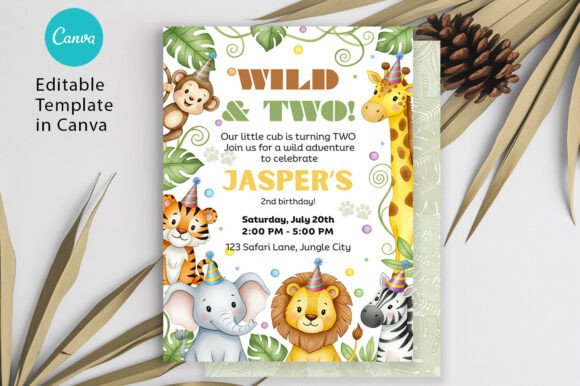
Safari Birthday Invitation Two Wild Boy Graphic by PixelTemplix
A safari-themed ‘Two Wild’ invitation built specifically for a second birthday, fully editable in Canva with adjustable text, font, and color. Exports as JPG, PNG, or PDF, and the wording is aimed at the 2-year milestone rather than a generic birthday.
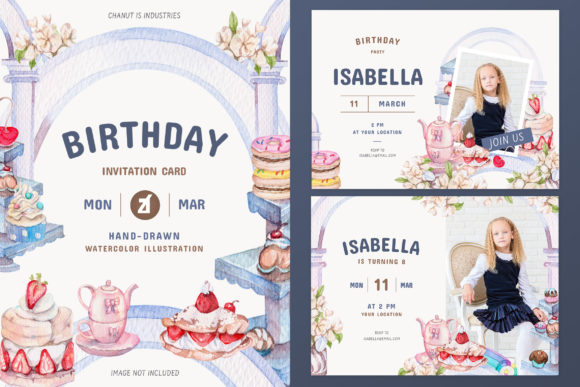
Sweet Bakery Theme Birthday Invitation Graphic by Rafiico Creative Studio
A watercolor sweet-bakery scene invitation delivered as 10 isolated PNGs plus AI, EPS, and PSD files, from the same illustrated series as the space and witch designs in this list. The cupcake-and-pastry motif suits a baking or sweets-themed party.
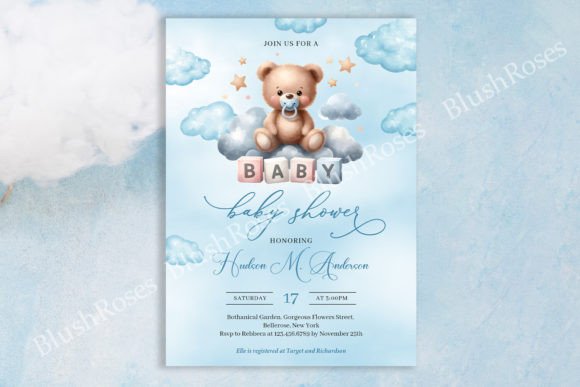
Cute Teddy Bear Boy Baby Shower Invite Graphic by Blush Roses
A teddy-bear-on-a-cloud invitation originally built for a baby shower, delivered as a fully editable PSD at 5×7 inches. The pastel cloud background and sleeping teddy bear illustration make it a soft, gender-neutral option for an early birthday as well.
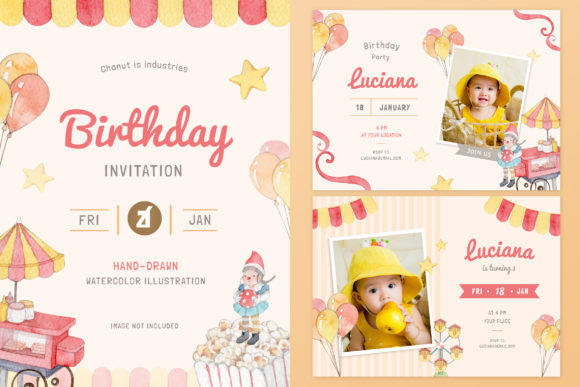
Fun Park Theme Birthday Invitation Card Graphic by Rafiico Creative Studio
A fun-park themed watercolor invitation delivered as 10 isolated PNGs plus AI, EPS, and PSD files, continuing the same hand-illustrated series style. Ferris wheels and carnival tents fill the background, suited to an amusement-park or carnival birthday theme.
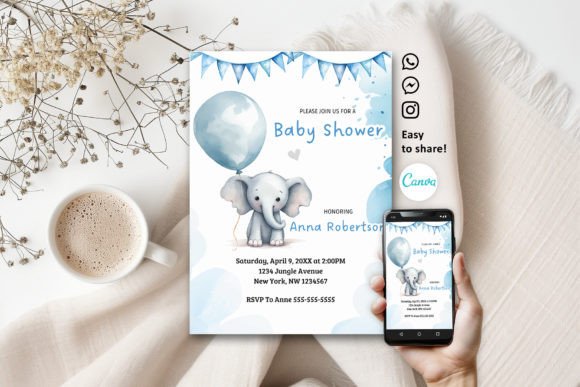
Cute Elephant Baby Shower Invitation Graphic by Print DIY Party
A cute elephant invitation edited in Canva, delivered as a PDF with a link to a single 5×7 template. Originally built for a baby shower, the pastel elephant illustration reads equally well for a first or second birthday invite.
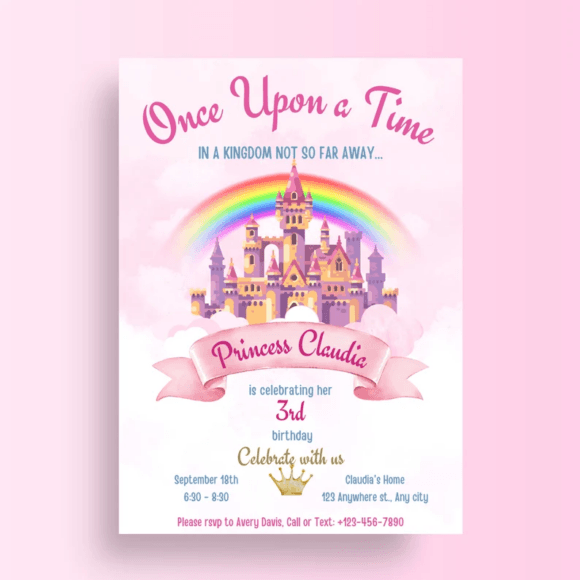
Princess Birthday Invitation Girl Prince Graphic by PlannersByBee
A princess-themed invitation in a soft pink palette, delivered as a high-resolution editable template with a quick customization workflow. The layout is built specifically around a girl’s princess party rather than a generic fairy-tale theme, with royal accents like a small crown motif.
Personalized Birthday Invitation Graphic by KOZAGO
A general-purpose editable birthday invitation delivered as a Canva template with lifetime access, meaning it can be reopened and reused for future events without repurchasing. Exports in 5×7 at PDF or JPEG, printable at home or through any online print vendor.
Want to see more kids’ birthday invitation designs? Browse All Kids’ Birthday Invitations →
Turquoise Mermaid Tail Birthday Invite Graphic by Blush Roses
A watercolor turquoise mermaid-tail invitation delivered as an editable PSD (also usable in Canva) at 5×7 inches. The scale-pattern tail motif wraps the border while leaving the center open for text, and unlimited re-edits are included after purchase.
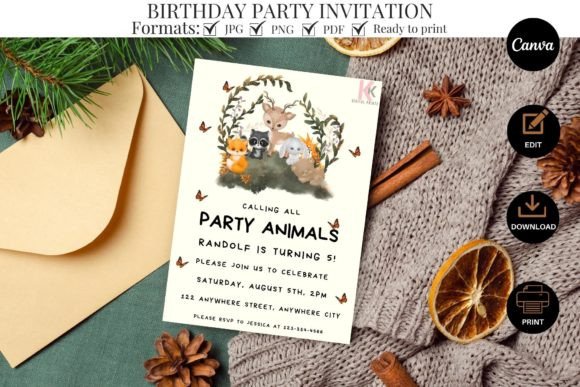
Party Animals Kids Birthday Invitation Graphic by kkdigitalprints
A safari-themed invitation built specifically for a kids’ birthday rather than a baby shower, delivered as a PDF linking to a 5×7 Canva template and a 2-up 8.5×11 printable sheet plus a YouTube tutorial. Jungle-animal illustrations frame the border in bright, kid-friendly colors.
Mermaid Birthday Invitation Birthday Inv Graphic by Anjali Anjali
A second mermaid-themed invitation from the same illustrator as an earlier design in this list, offering a slightly different layout for anyone who wants the under-the-sea theme without duplicating a design already used elsewhere. Delivered as a single editable 5×7 Canva template.
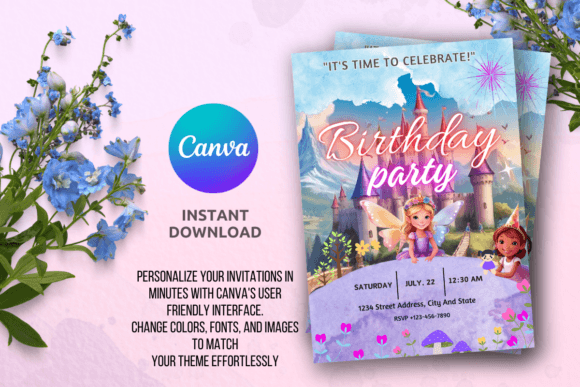
Little Fairy Girl Birthday Invitation Graphic by Blush Roses
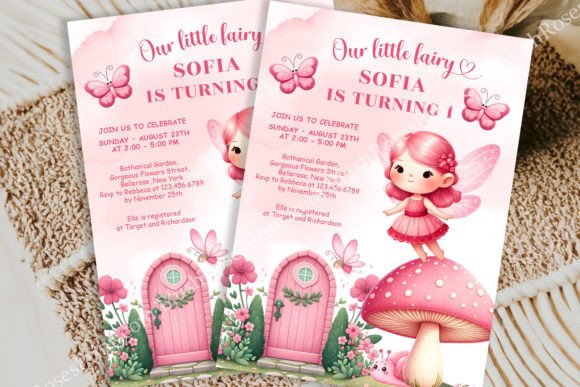
A fairy-tale themed invitation for a girl’s birthday, editable in both Photoshop and Canva, delivered as a fully layered PSD. The little-fairy illustration and soft color palette lean toward a storybook aesthetic rather than a standard cartoon-character party invite.
Cowgirl Pink Birthday Party Invitation Graphic by Print DIY Party
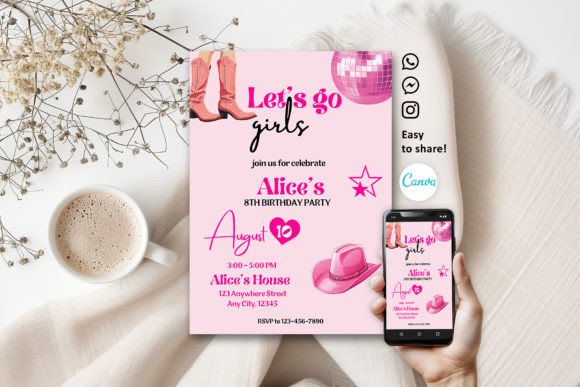
A pink cowgirl-themed invitation edited in Canva, delivered as a PDF with a link to a single 5×7 template. Cowboy hats, boots, and a bandana pattern fill the border in a soft pink palette, aimed at a western-themed party for a girl.
Birthday Party Invitation Template Graphic by kkdigitalprints
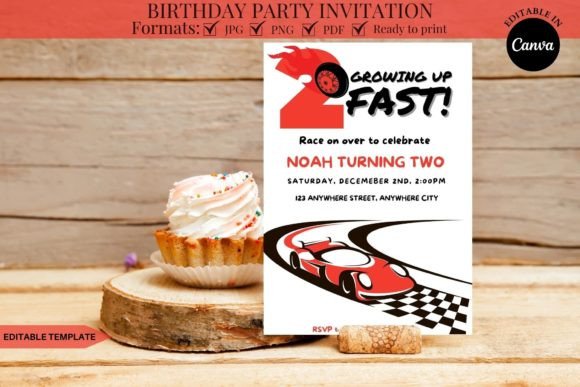
A general kids’ party invitation styled as a race-car theme, delivered as a PDF linking to a 5×7 Canva template and a 2-up 8.5×11 printable sheet, with a YouTube video tutorial included for first-time Canva users.
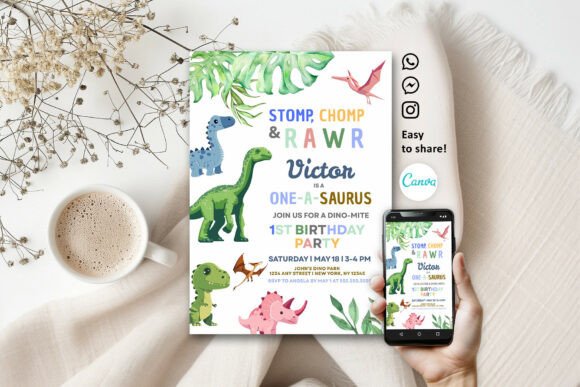
Dinosaur Cute 1st Birthday Invitation Graphic by Print DIY Party
A dinosaur-themed invitation built for a first birthday, edited in Canva and delivered as a PDF with a link to a single 5×7 template. Cartoon dinosaurs in green and orange tones frame the layout, matching the first-birthday wording built into the design.
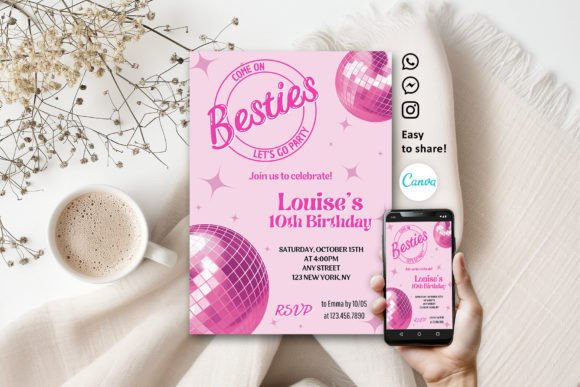
Groovy Retro Pink Party Invitation Graphic by Print DIY Party
A retro groovy-pattern invitation in a pink palette, edited in Canva and delivered as a PDF with a link to a single 5×7 template. Wavy retro shapes and a 70s-inspired font give it a distinct look from the more common cartoon-character invitations in this list.
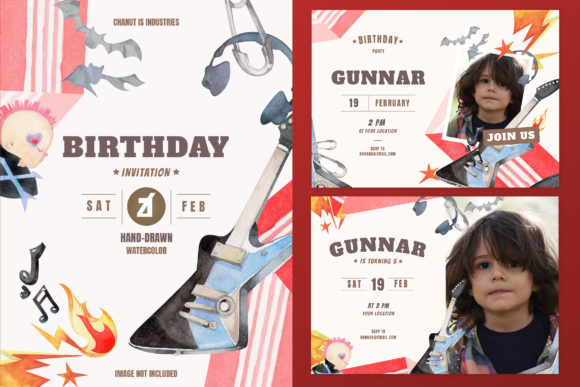
Rockstar Theme Birthday Invitation Card Graphic by Rafiico Creative Studio
A rockstar-themed watercolor invitation delivered as 10 isolated PNGs plus AI, EPS, and PSD files, from the same illustrated series as the space, witch, and bakery designs. Electric guitars and stage-light illustrations suit a music or rockstar-themed birthday party.
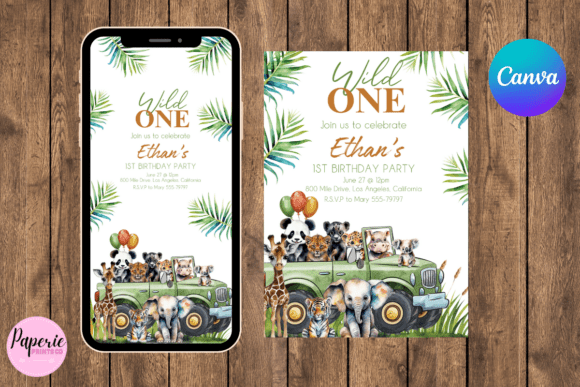
Wild One 1st Birthday Invitation Graphic by PaperiePrintsCo
A ‘Wild One’ first-birthday invitation, self-editable in Canva, delivered as a PDF with two separate links — one formatted for printing, one formatted for sending digitally via phone. The wording and jungle-animal accents are built specifically around the one-year milestone.
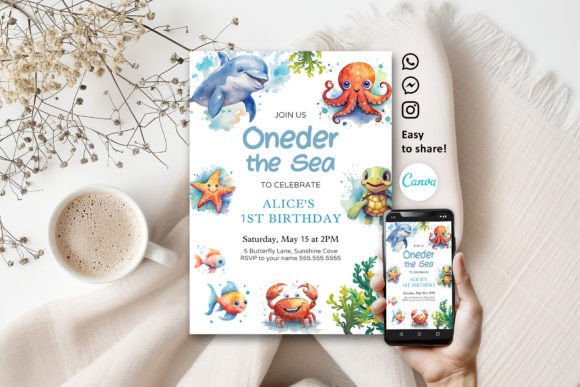
Under the Sea 1st Birthday Invitation Graphic by Print DIY Party
An under-the-sea themed invitation for a first birthday, edited in Canva and delivered as a PDF linking to a 5×7 template. Coral, fish, and bubble illustrations fill the border around a wording set built for the one-year milestone.
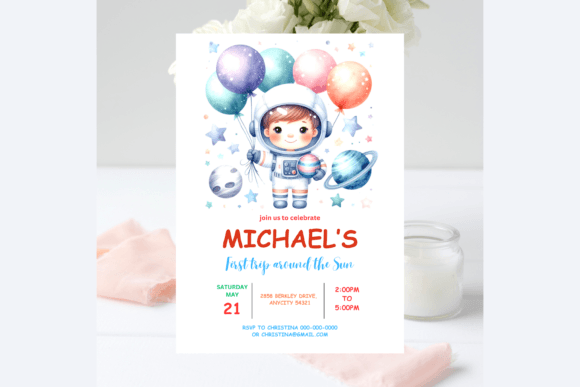
Space Astronaut Birthday Invitation Graphic by AlishaSDBoutique
A space-astronaut themed invitation, edited in Canva and delivered as a PDF with a link to a 5×7 template and a 2-up 8.5×11 printable sheet. A cartoon astronaut and rocket illustration anchor the design, aimed at kids who are into space and rockets specifically.
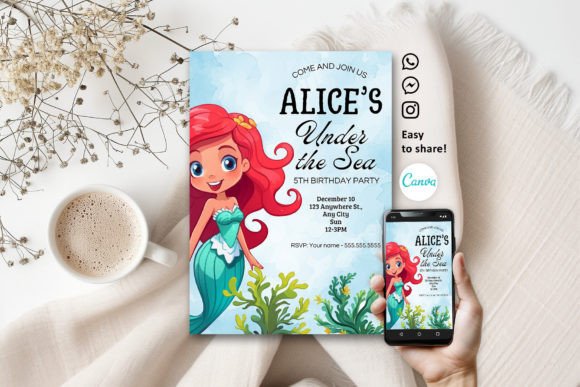
Little Mermaid Watercolor Invitation Graphic by Print DIY Party
A watercolor ‘Little Mermaid’ themed invitation, edited in Canva and delivered as a PDF with a link to a single 5×7 template. The soft watercolor mermaid tail and shell illustrations give it a gentler look than the brighter cartoon mermaid designs earlier in this list.
Dino Bash Party Invite Graphic by Sunny Jar Designs™
A dinosaur-themed ‘Dino Bash’ invitation delivered as a single PDF with instructions and a Canva editing link, sized at 5×7. Friendly cartoon dinosaurs surround the text area, aimed at a general dinosaur-loving kid’s birthday rather than a specific age milestone.
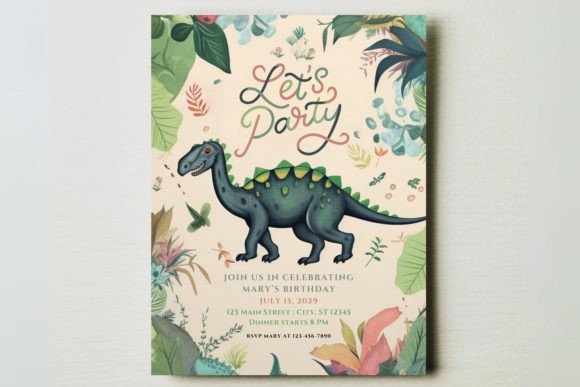
Chocolate Land Theme Birthday Invitation Graphic by Rafiico Creative Studio
A watercolor chocolate-themed invitation delivered as 10 isolated PNGs plus AI, EPS, and PSD files, rounding out the same hand-illustrated series used for the space, witch, bakery, fun-park, and rockstar designs in this list. Cocoa-brown tones and candy illustrations suit a chocolate or sweets-themed party.
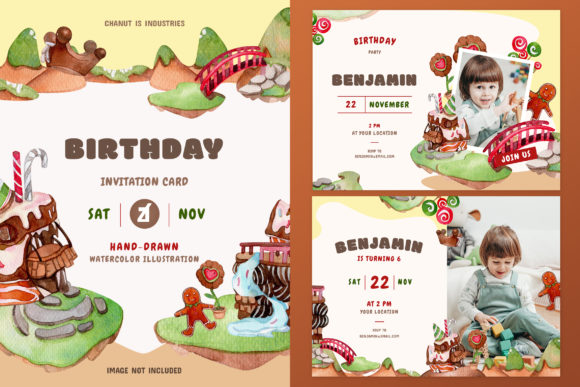
Transport-Themed Birthday Invitation Graphic by AlishaSDBoutique
A transport-themed invitation built for a boy’s birthday, edited in Canva and delivered as a PDF linking to a 5×7 template and a 2-up 8.5×11 printable sheet. Cars, trucks, and road illustrations fill the design for a kid who’s into anything with wheels.
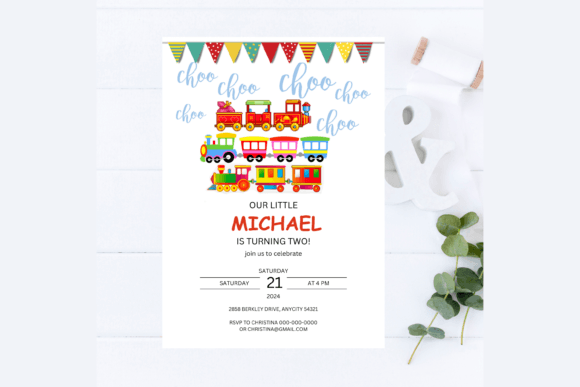
Modern Video Game Aqua Kids Invitation Graphic by Print DIY Party
A video-game themed invitation in an aqua color scheme, edited in Canva and delivered as a PDF with a link to a 5×7 template. Pixel-art style icons and game-controller graphics frame the layout for a gamer-themed kids’ party.
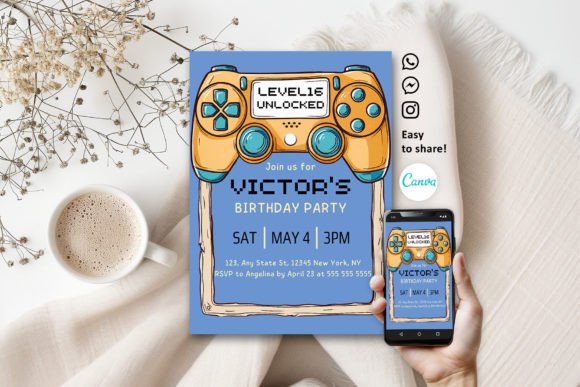
EDITABLE Safari Birthday Invitation, Wil Graphic by Anjali Anjali
A safari-themed invitation editable entirely in Canva without any design software, delivered as a PDF with export options in JPG, PNG, or PDF. The layout keeps jungle-animal accents to the border, similar in spirit to the other safari designs in this list but from a different illustrator.
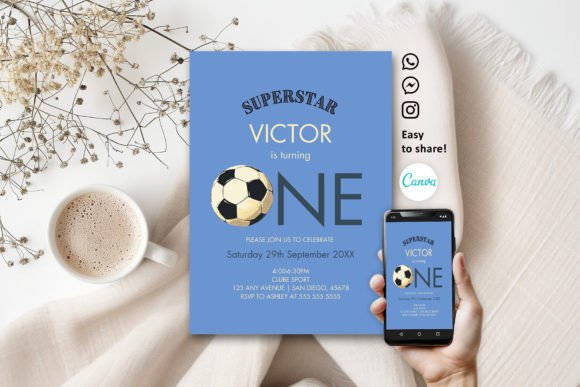
Boy Soccer Sport 1st Birthday Invitation Graphic by Print DIY Party
A soccer-themed invitation built for a first birthday, edited in Canva and delivered as a PDF with a link to a single 5×7 template. Soccer balls and a green-field background frame the design, wording set specifically for the one-year milestone.
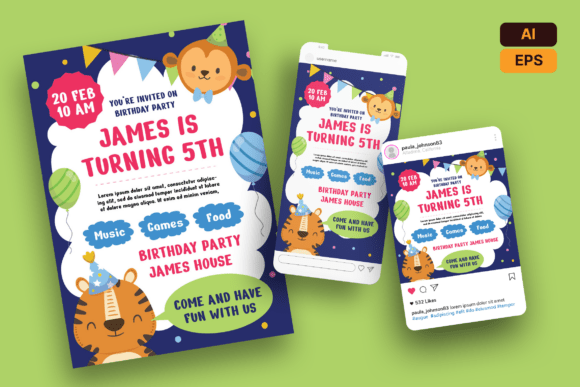
Kids Birthday Invitation Flyer Template Graphic by creativeproduction.rrgraph
A flyer-style invitation built as a full-page A4 layout rather than a 5×7 card, delivered as AI and EPS source files at 300 DPI with bleed included. Birthday cake and balloon illustrations fill a bold, poster-style layout aimed at event planners or party-supply sellers as much as individual use.
Printing timelines vary more than people expect — a flat PDF or JPG prints in minutes at a drugstore kiosk or home printer, while an SVG cutting file needs the actual cutting and assembly time on top of that. If you’re going the Cricut or Silhouette route, plan for a test cut first, since cardstock weight affects how cleanly the finer details cut.
For matching decorations once the invitations are out, see our birthday decoration ideas for kids collection.
Browse All Kids’ Birthday Invitations →
Canva, PSD or Flyer: Check the Format Before You Fall for the Theme
The theme is what your child picks; the format is what decides whether you can finish the invitation tonight. Out of 149 kids’ birthday invitation templates on sale at Creative Fabrica, 124 open in Canva, 12 need Photoshop and 3 come as Word files. Only 55 name a print size, 42 mention bleed and 29 leave space for an RSVP line, while 68 have a photo slot.
- No Photoshop? Stay with Canva or Word. A PSD file looks the same in the preview, but you cannot change the name without Photoshop or a PSD editor.
- Look for bleed if a print shop will cut it. A template with a 0.25 in bleed keeps the colour running to the edge; without it you get a thin white line on one side.
- Add the RSVP yourself. If the layout has no reply line, put a date and a phone number under the address, so you know how many goodie bags to make.
- Use a flyer when you need room. A 5×7 or A5 flyer holds the full address, a parking note, the RSVP date and what to bring, and you can also pin it up at the club or school.
Matching the Invitation to Your Child’s Age
The same template rarely works from age three to thirteen, and you can save a lot of scrolling by starting from the age.
- Ages 2 to 5: big animals, bright colours and one clear name in the middle. Safari and jungle designs suit boys and girls without any changes.
- Ages 6 to 10: a theme the child already loves, such as racing cars, dinosaurs, unicorns or a gaming “level up”. One specific theme gets a better reaction than a plain pink or blue card.
- Ages 11 to 13: skip cartoon characters and lean on colour and lettering. Pastel florals, a bold script name or a pop-up card feel grown-up enough for a teen.
- Mixed group or twins: teal and coral or yellow and navy read as festive without being for one gender.
Dark backgrounds, such as navy arcade designs, streak on many home inkjets, so print one test sheet before the full batch.
Key Takeaways
- Canva-editable templates are the fastest option if you just need to swap in a name, date, and time — no design software required beyond a free Canva account.
- SVG cutting files take more setup (a Cricut, Silhouette, or laser cutter plus cardstock) but produce a more dimensional, memorable invitation than a flat printed card.
- Several designs listed as baby shower invitations work equally well for a first or second birthday, since the animal and nursery motifs aren’t tied to a specific event.
- Watercolor illustration sets (space, witch, bakery, fun-park, rockstar, chocolate) all come from the same series, so picking a theme from that group keeps a consistent art style if you’re ordering more than one design.

Frequently Asked Questions
Do I need Photoshop or Illustrator to edit these?
No — most of the Canva-based templates only need a free Canva account, editable from a phone, tablet, or computer. The PSD files do need Photoshop, and the SVG files need a cutting-machine program like Cricut Design Space or Silhouette Studio.
Can I print these at home?
Yes — the flat and Canva-based designs print fine on a home inkjet or laser printer using cardstock. The SVG cutting files need a Cricut, Silhouette, or laser cutter rather than a standard printer.
Are the baby shower designs okay to use for a birthday?
Yes — several designs in this list were originally built for a baby shower, but the animal and nursery themes work just as well for a first or second birthday invitation.
What’s the difference between the flat PNG cards and the vector or PSD files?
Flat PNG or JPG cards are finished images with no editable text. The PSD and Canva-based templates let you change the wording, font, and color before printing; SVG files are built for cutting machines rather than direct printing.
Can I combine designs from this list for a themed party, like matching invites and decor?
Yes — several of the animal and nursery-themed designs are sold as coordinating sets with matching decor pieces, so check the product listing for a bundle before buying invitations and decorations separately.
Should I send a flyer or a card?
Send a card when you hand invitations out one by one at school, and a flyer when you need room for directions, parking and an RSVP date or want to post it at a club. Both print on a home printer at 5×7 or A5.
What should a kids’ birthday invitation always include?
The child’s name and age, the date, start and end time, the full address, an RSVP date with a phone number, and anything guests must bring, such as a swimsuit or socks for a trampoline park.