A Canva birthday card template only saves time if the editing actually happens in Canva, not in a separate design program you still need to figure out. The 20 templates below are ranked by how often other buyers have saved each one, from a 170-save four-size bundle at the top down to a newly listed mouse clipart set still building its following.
This Canva birthday card library adds new designs every week, from kids’ party bundles to elegant floral cards. Every file here links straight to an editable Canva template or ships as ready-to-place clipart, so nothing needs converting before you can start customizing.
See also: floral birthday card templates for more soft, elegant styles.
Quick Answer: This guide covers 20 Canva birthday card templates — party bundles, kids’ invitations, floral designs, and clipart sets — ranked from most-saved to least-saved. Every template edits directly in Canva, including on a free account.
The most-saved file in this list is a four-size template bundle, not a single card — buyers shopping for Canva birthday cards consistently favor having multiple print sizes ready to go over committing to one fixed layout.
All templates below open through a Canva link included in the download. Click through, personalize the text and colors, then export as a PDF, PNG, or JPEG to print at home or through a print shop. The list runs in order of popularity, so the top few are what other buyers have saved the most.
1. Greeting Card Canva Template Bundle
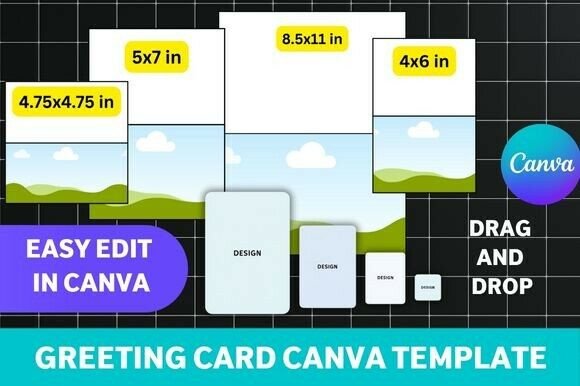
A four-size bundle covering an 8.5×11 folded card, a 5×7 card, a 4×6 card, and a 4.75×4.75 square layout, so one purchase covers most standard greeting card formats. Having the fold-to-5.5×8.5 option in the mix is useful if you want a more traditional folded card rather than a flat one. Colors, fonts, and graphics are all editable directly in Canva, so no design software beyond a browser is needed.
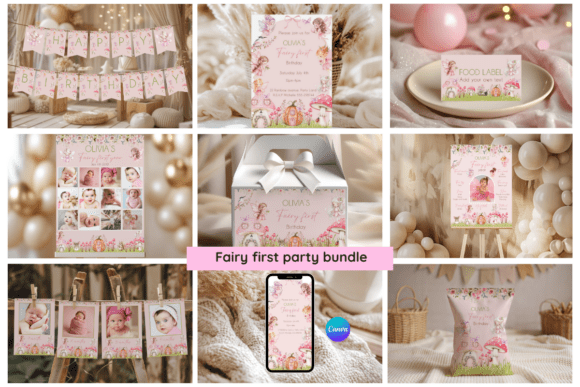
2. Fairy First Party Bundle Editable
An all-in-one first-birthday party kit built around a fairy theme, bundling an invitation, a mobile-sized invitation, cupcake toppers in three designs, a photo thank-you card, labels, a party banner, signs, and milestone posters into one Canva-editable set. Having the invitation and every matching party piece in one file keeps the whole event visually consistent without hunting for separate templates. Every piece is editable text-only, with the illustrations themselves left as-is.
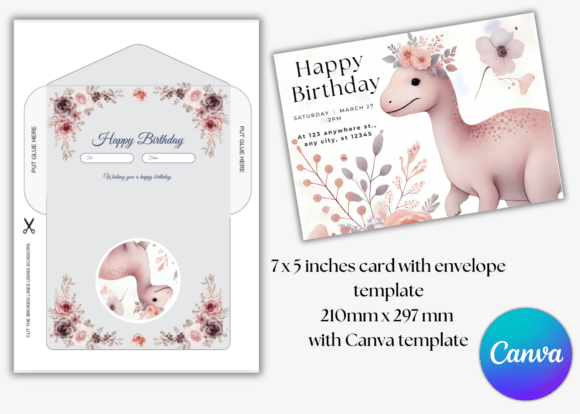
3. Dinosaur Birthday Card & Envelope
A 7×5 inch printable card with a matching envelope, built around a soft pastel dinosaur illustration paired with floral accents for a gentler take on a dino theme. The matching envelope template means the finished card doesn’t need a separately sourced envelope to look complete. Both the card and envelope are editable in Canva, so text and small details can be adjusted before printing.
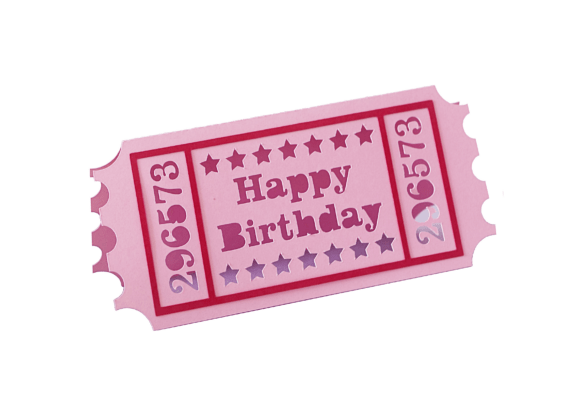
4. Retro Cinema Ticket Shape Birthday Card
A retro cinema-ticket shaped card with a cut-out ‘Happy Birthday’ phrase, delivered in SVG, Studio, and PDF formats rather than as a flat printable. The ticket shape itself is the novelty here, giving it a distinct silhouette compared to a standard rectangular card. Three file formats keep it compatible with most common cutting machines without needing a converter.
5. Dog Birthday Card
A Canva-editable dog birthday card delivered as a PDF with a link to the live template, aimed at a quick, no-frills personalization job. It includes both the PDF for printing and the Canva link for editing, so there’s no separate file hunting after purchase. It’s a straightforward pick if you specifically need a dog-themed card without extra bundled pieces.
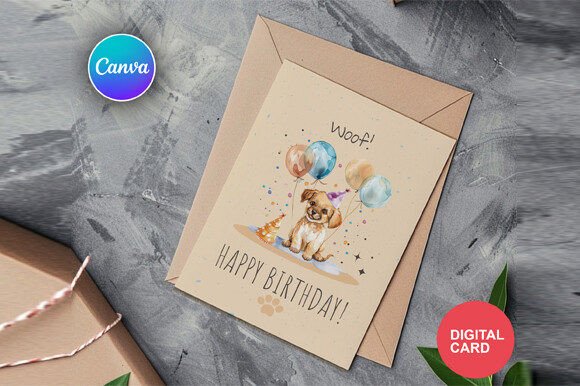
6. Birthday Greeting Card Canva Template
A birthday greeting card template delivered as a PDF containing a link to the editable Canva design, built to work with both free and Pro Canva accounts. Some elements are marked as Pro-only, so it’s worth checking which pieces need a subscription before committing to the exact look shown. It’s a simple, single-purpose template rather than part of a larger bundle.
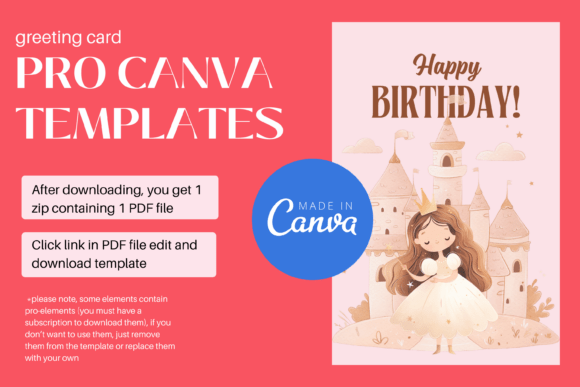
7. 13th Birthday Invitation Canva Template
A 13th birthday invitation offered in 5×7 with two different layout variations, fully editable in Canva for text, fonts, colors, and images. Having two variations included gives a bit of choice without needing to buy a second template. It’s aimed specifically at a teen milestone birthday rather than a general all-ages design.
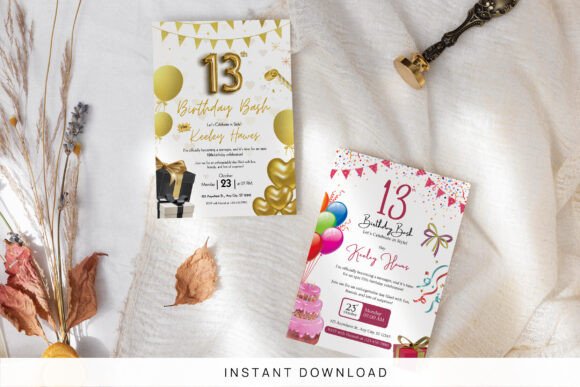
8. Girls Princess Birthday Card Editable
A girls princess birthday card delivered as a PDF linking to an editable Canva greeting card template, available in both a 5×7 professional print size and a US letter size for home printing. Having both sizing options built in means you can choose between a print shop or a home printer without resizing anything yourself. Only the wording is editable — the illustrations stay fixed as designed.
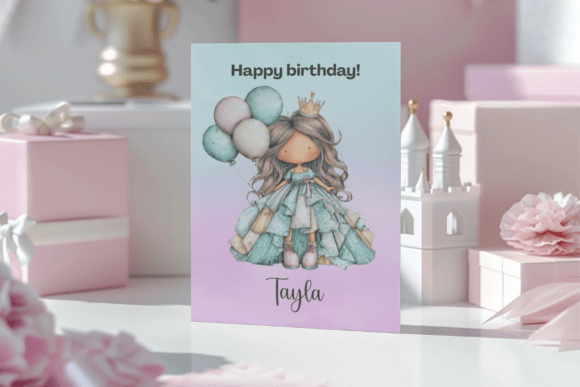
9. Birthday Party Invitation Card
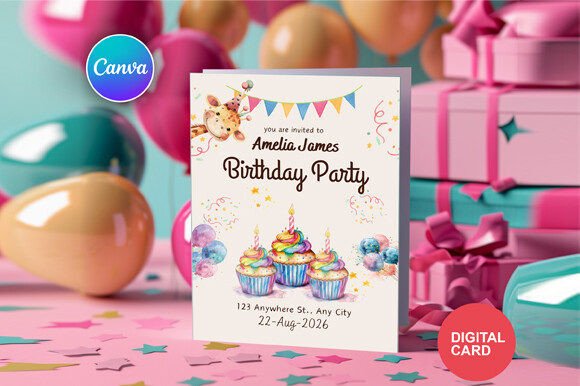
A Canva-editable birthday party invitation card delivered as a PDF with a link to the live template, aimed at a quick, no-frills personalization job similar to the dog card in this list. It includes both the PDF for printing and the Canva link for editing, so there’s no separate file hunting after purchase. It works as a general-purpose invitation rather than being tied to a specific theme.
10. Girls Birthday Card Editable
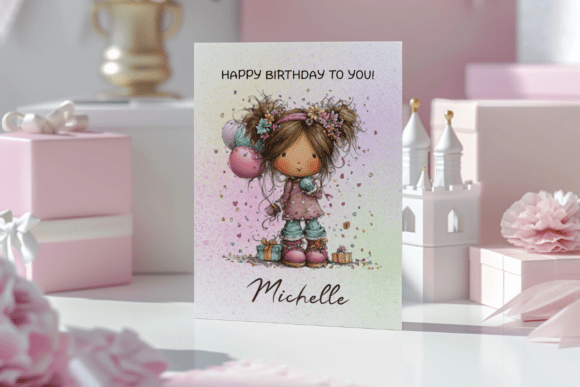
A girls birthday card delivered as a PDF linking to an editable Canva greeting card template, available in both a 5×7 professional print size and a US letter size for home printing. Like the princess version in this list, only the wording is editable while the illustration stays fixed. 110 lb cardstock is the recommended weight if printing at home.
Browse All Canva Birthday Card Templates →
11. Dog Birthday Card
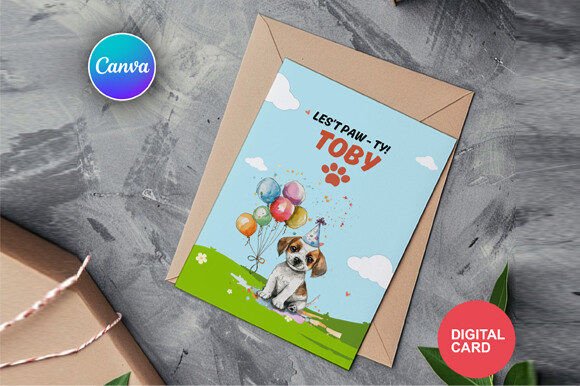
A second dog-themed birthday card option delivered as a PDF with a Canva link, giving a slightly different look from the first dog card in this list if neither one alone fits what you had in mind. It follows the same simple PDF-plus-Canva-link delivery as the other single-purpose cards here. Having two dog options in the same collection makes it easy to compare before choosing.
12. Dinosaur Kids Birthday Invitation Canva
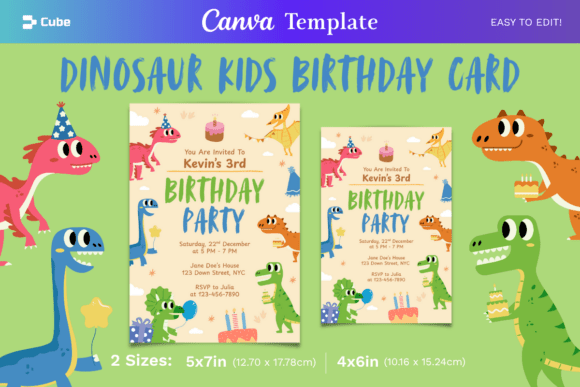
A dinosaur-themed kids birthday invitation featuring cute dinosaur illustrations and tropical leaves, available in both 5×7 and 4×6 sizes and fully editable in a free Canva account. All text, uploaded images, and most illustration colors can be adjusted, which gives more customization range than the PDF-link-only cards elsewhere in this list. The tropical-leaf detailing sets it apart from the softer, floral dinosaur card also included here.
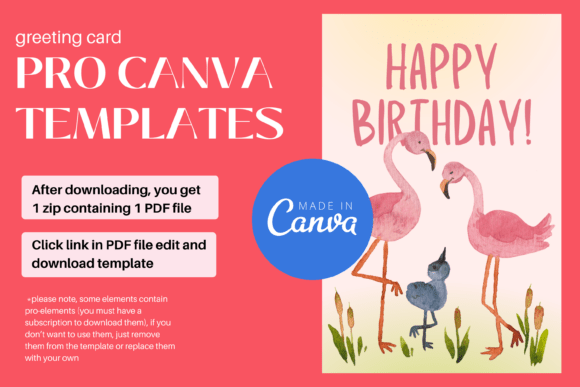
13. Birthday Card with Flamingo Canva PRO
A birthday card with a flamingo illustration delivered as a PDF linking to a Canva Pro template, built for both free and professional Canva accounts. As with the other Pro-tagged template in this list, some elements may require a subscription to fully access. The flamingo motif gives it a brighter, more playful look than the florals and pastels used elsewhere.
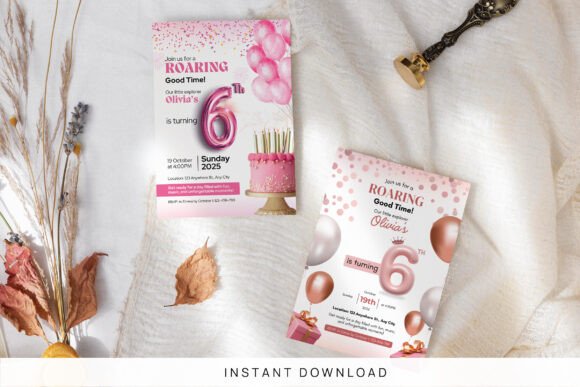
14. 6th Birthday Invitation Canva Template
A 6th birthday invitation sized 5×7 inches, editable in Canva for the child’s name, date, time, address, and RSVP details, designed to work for both girls’ and boys’ sixth birthdays. It can double as a printable flyer or keepsake card beyond just the invitation itself. The template is built to print at home, at a shop, or be sent digitally without reformatting.
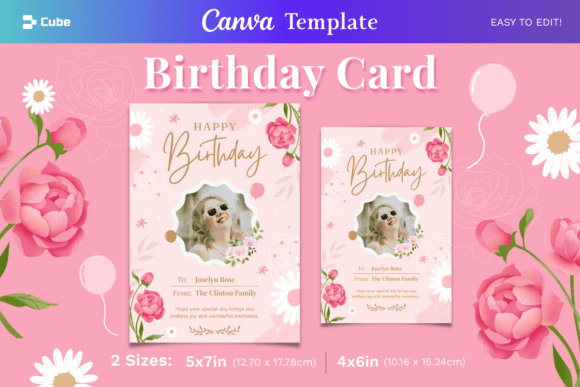
15. Pink Floral Birthday Card Canva Template
A pink floral birthday card in soft, elegant pink tones, available in 5×7 and 4×6 sizes and fully editable in a free Canva account. Text, uploaded images, and most illustration colors can all be adjusted, giving it more flexibility than a text-only PDF-link template. The floral styling leans toward a heartfelt, adult-friendly tone rather than a kids’ party look.
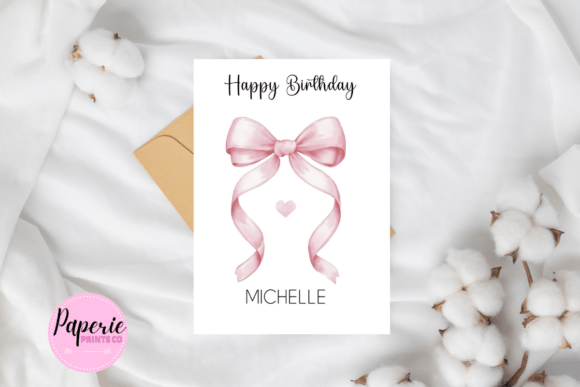
16. Birthday Card Personalised Pink
A personalised pink birthday card delivered as a PDF with a link to a self-editable Canva template, offered in both 5×7 and 4.25×5.5 inch sizes. Having two size options built into one purchase covers both a standard greeting card format and a slightly smaller alternative. PDF or PNG export is recommended for the sharpest print results.
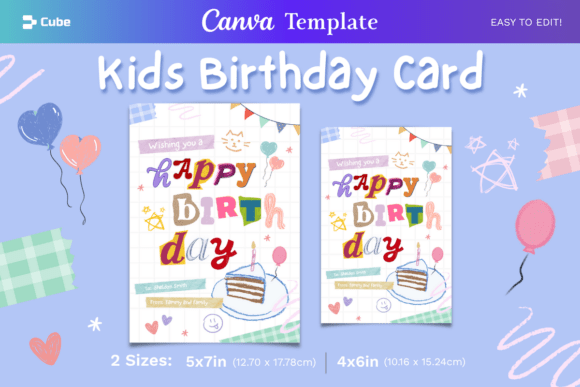
17. Kids Birthday Card Canva Template
A scrapbook-style kids birthday card with bright colors and playful design elements, available in 5×7 and 4×6 sizes and fully editable in a free Canva account. The scrapbook layout gives it a busier, more layered look compared to the cleaner single-illustration cards elsewhere in this list. All text and most illustration colors can be customized before exporting.
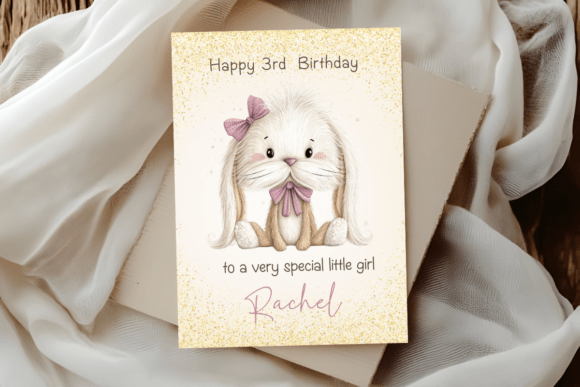
18. Cat Birthday Card Editable
A cat-themed girls birthday card delivered as a PDF linking to an editable Canva greeting card template, available in both a 5×7 professional print size and a US letter size for home printing. It follows the same wording-only editing structure as the other PaperiePrintsCo cards in this list. 110 lb cardstock is the recommended weight for home printing.
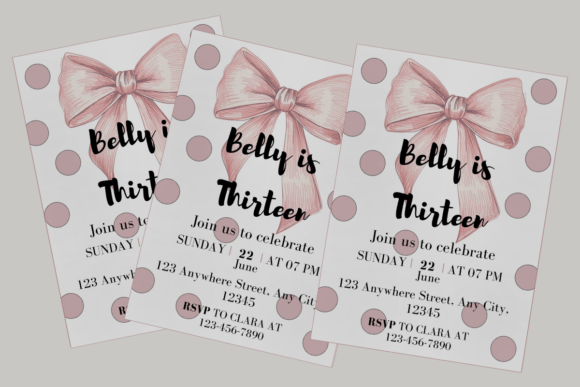
19. Coquette Bow Birthday Invitation
An elegant coquette-style birthday invitation featuring pink ribbon illustrations and clean typography, sized 5×7 inches and fully editable in Canva for text, fonts, and colors. The bow motif is aimed at soft, feminine celebrations like a first birthday, a sweet sixteen, or a brunch-themed party rather than a kids’ cartoon look. A desktop is recommended for the smoothest editing experience.
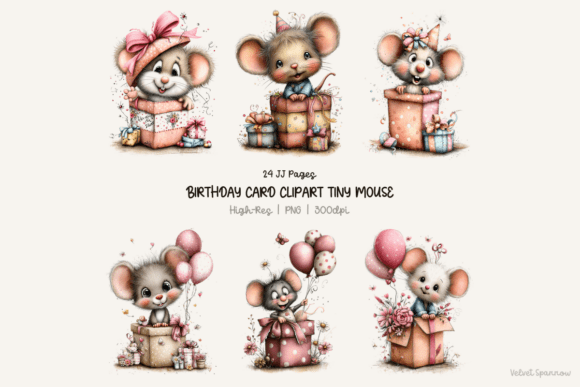
20. Birthday Card Clipart Tiny Mouse 24 Png
A set of 24 tiny mouse birthday card clipart elements at 300 DPI with white backgrounds, meant for building your own layout rather than using a pre-made card design. Because the background is already white and edit-free, the pieces can be dropped straight into Canva, Photoshop, or Procreate without extra cleanup. It’s a better fit if you want to design a fully custom card rather than start from a finished template.
For more elegant options, see our elegant birthday invitation templates.
Key Takeaways
- The most-saved file is a four-size bundle rather than a single card — having multiple print sizes ready to go outperforms a single fixed layout in this category.
- Several PaperiePrintsCo cards (girls, princess, cat) share the same wording-only editing structure and 5×7 / US letter sizing, so pick by theme rather than by feature set.
- Templates from The Digital Cube allow deeper customization — text, images, and most illustration colors — compared to PDF-link cards that only let you edit the wording.
- The clipart set is the only non-template option here, better suited if you want to design a fully custom card layout rather than start from a finished design.
About the Author: Emma Blake has spent over 8 years designing and testing printable party templates, with a focus on Canva-based birthday invitations and decor. She personally reviews every template for print resolution (300 DPI+), layout quality, and ease of customization before it’s featured.
Frequently Asked Questions
Do I need a paid Canva account to edit these templates?
No — most templates in this list work with a free Canva account, though a few flag certain elements as Canva Pro-only, which you can remove or replace if you don’t have a subscription.
What’s the difference between the PDF-link cards and the fully editable ones?
PDF-link cards from sellers like PaperiePrintsCo typically only let you change the wording, while templates from The Digital Cube also allow editing images and most illustration colors.
What size should I choose for printing at home versus a print shop?
Most templates include both a 5×7 professional print size and a US letter size for home printers, so pick based on where you plan to print rather than resizing the file yourself.
Can I use the clipart set without a pre-made card template?
Yes — the clipart set ships with white backgrounds at 300 DPI, so the elements drop directly into Canva, Photoshop, or Procreate for building a fully custom card layout.
Can I export these Canva birthday card templates as a print-ready PDF?
Yes — every Canva-based template in this list exports directly to PDF, PNG, or JPEG from the Canva editor, so no extra software is needed to get a print-ready file after customizing.