Layered Paper Art Template: The One SVG Bundle That Replaces 100 Single Buys
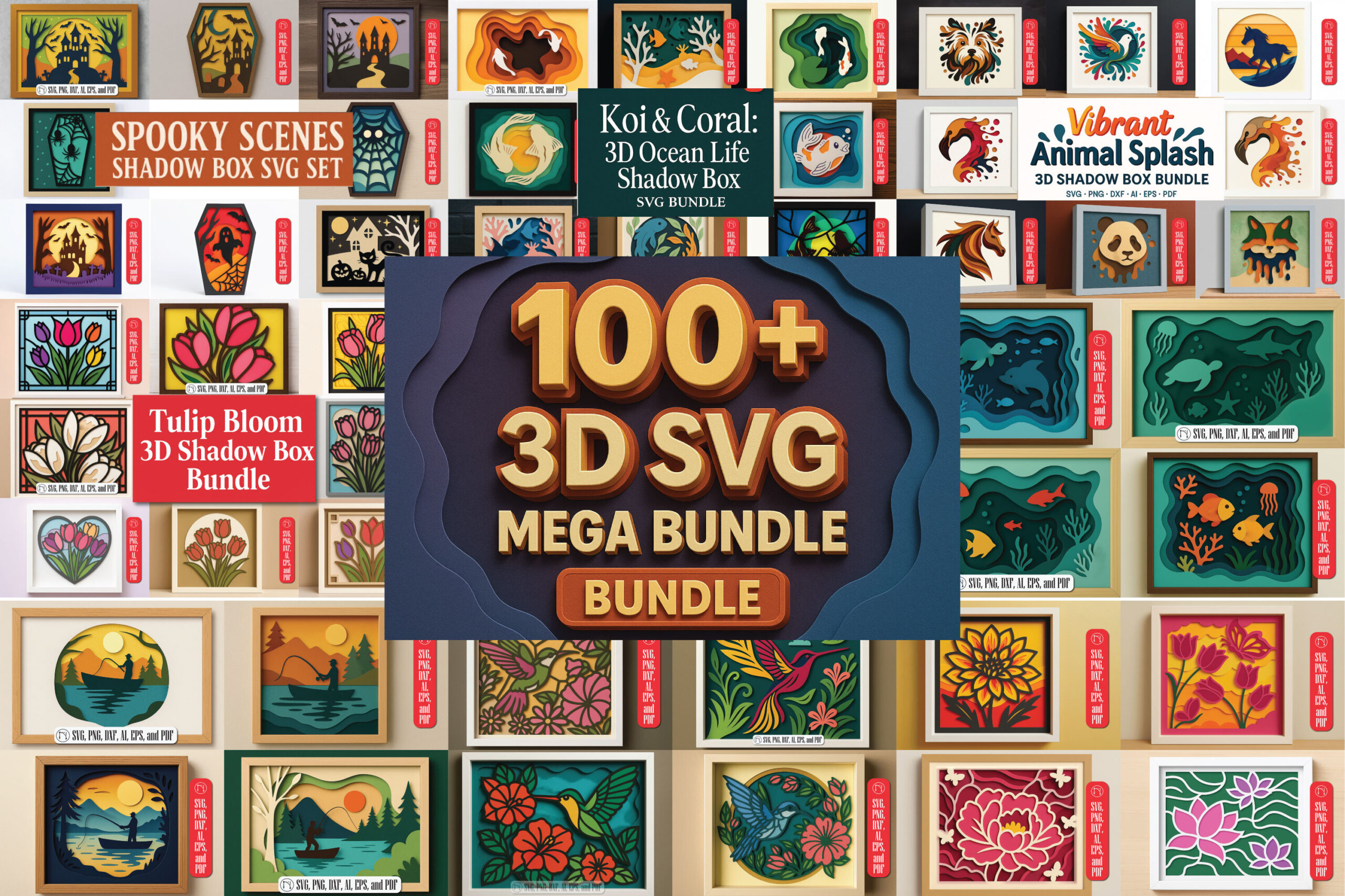
You need a Cricut, Silhouette, Brother ScanNCut, Glowforge, or another SVG-compatible cutting machine to use these files, no printer required. The Multilayer 3D Shadow Box SVG Mega Bundle gives you 100+ multilayer shadow-box designs (floral, animals, holidays, ocean life, and more) in one purchase, in six file formats, instead of buying one shadow-box SVG at a time every time you need a new theme.
You’ve probably already bought one shadow-box SVG. Maybe a floral one for a birthday gift, maybe a holiday scene for December. Then the next occasion came around and you were back on Etsy or a design shop, hunting for a single new file, checking whether it would even open in your software, and paying again for something that’s basically the same product with a different picture.
That’s the actual problem this bundle solves: it replaces the “one file, one theme, one purchase” cycle with 100+ ready-to-cut designs and one license, so the next occasion doesn’t send you shopping again.
The part that’s easy to miss when you’re comparing a bundle like this to a single design is the format list. This one ships as SVG, PNG, DXF, AI, EPS, and PDF, and every design in it is compatible with Cricut, Silhouette, Brother ScanNCut, Glowforge, and other laser cutters in the same purchase. Most single-design shadow-box SVGs hand you one file type, built around one brand’s software, and if you switch machines later, you’re stuck. Six formats in one download means you’re not locked into one machine ecosystem.
Is This Bundle Right for You?
Good fit: You already own a compatible cutting machine (Cricut, Silhouette, Brother ScanNCut, Glowforge, or a laser cutter) and you want a large library of shadow-box themes without paying per design every time a new occasion comes up.
Not a fit: You don’t own a cutting machine and only want a printable-only design, or you need exactly one specific design and don’t need 100+ to choose from.
The other honest limitation: a bundle this size only pays off if you’ll actually reach for it more than once. If you have exactly one occasion in mind and no plan to make another shadow box after it, a single well-matched design is the simpler purchase. This is built for the person who already knows they’ll be back for the next holiday, the next gift, the next commission, not for a one-and-done project.
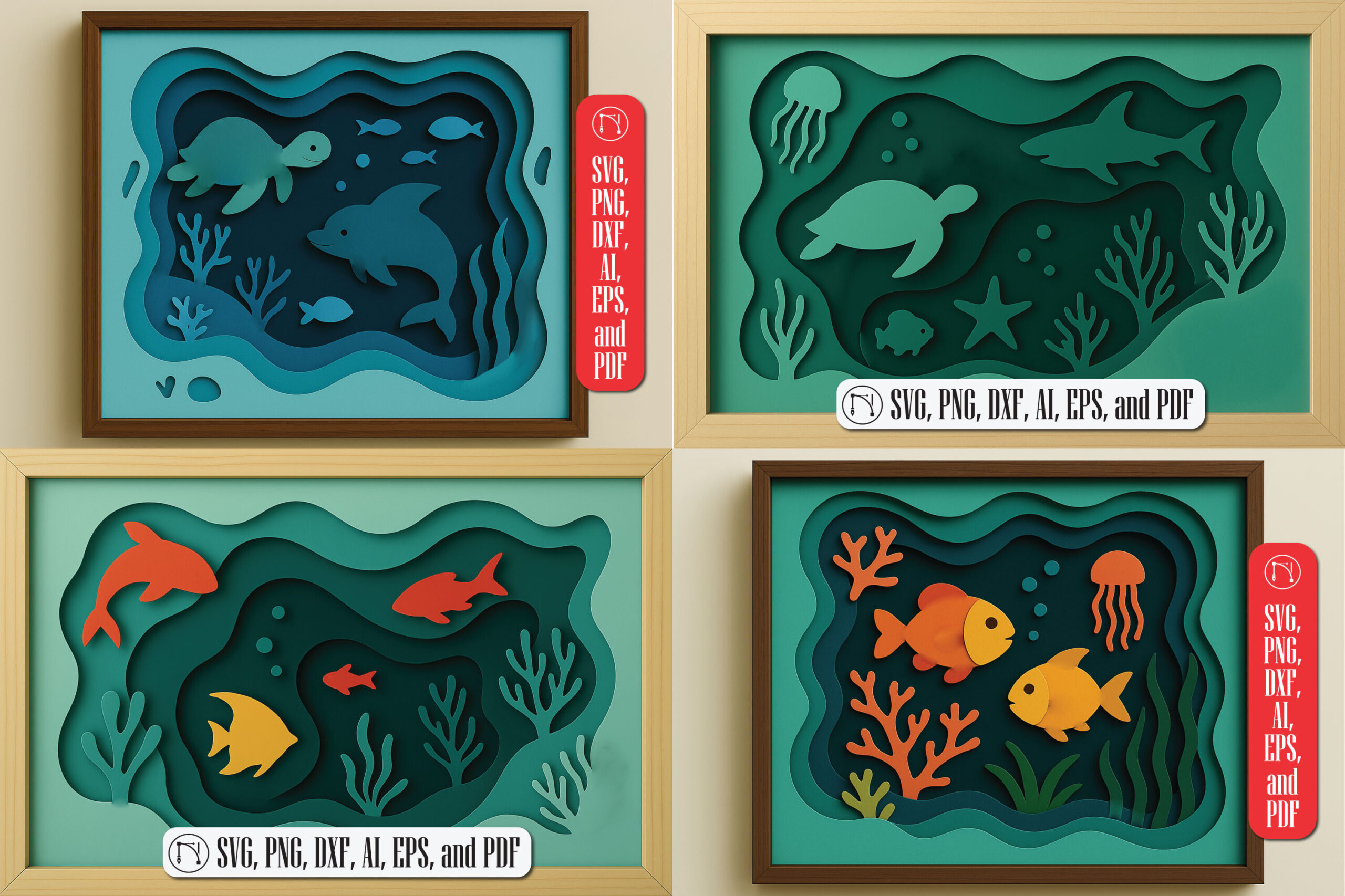
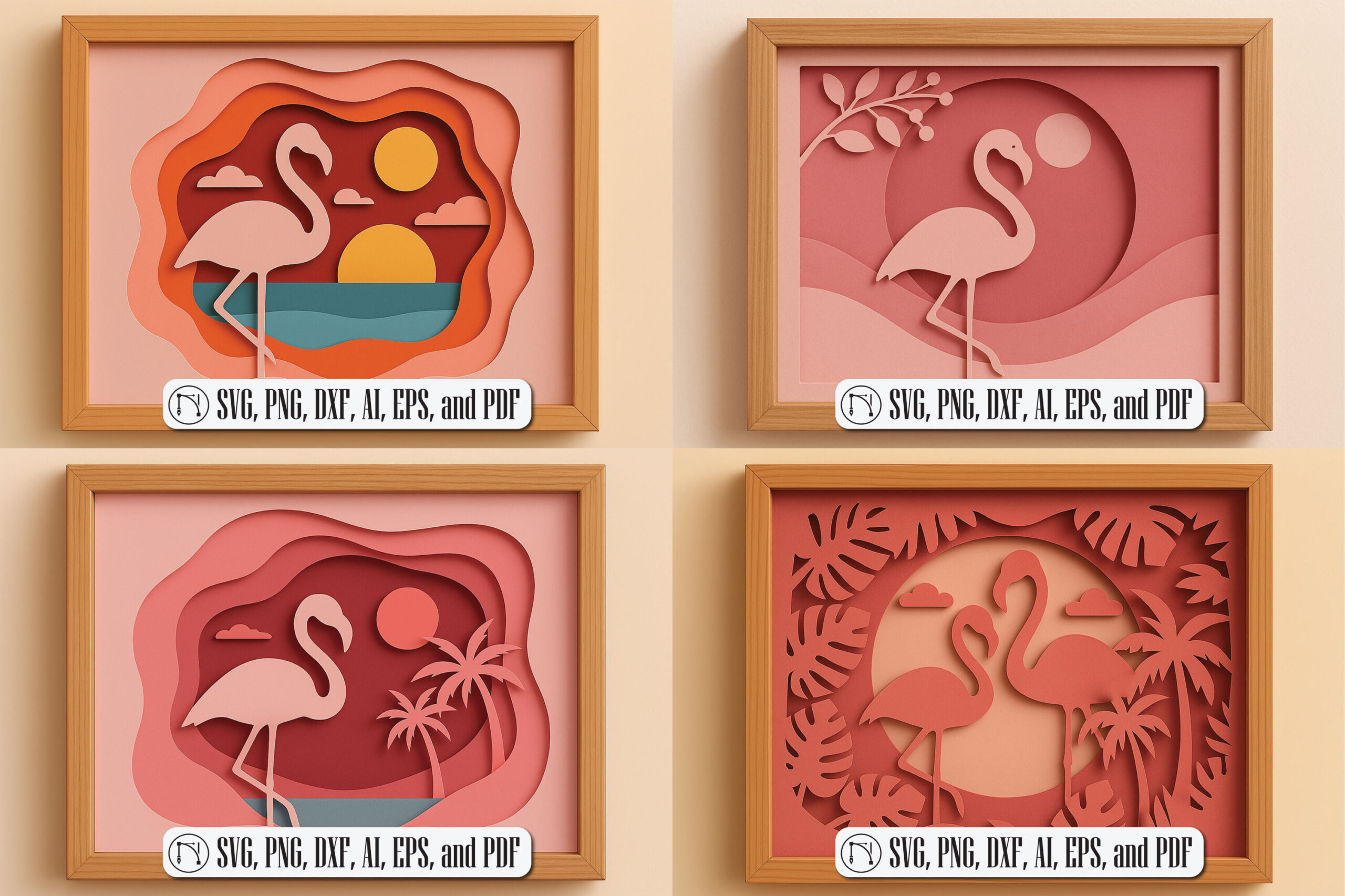
The 100+ design count is doing real work here, not just padding a listing. The bundle spans floral, animal, holiday, and ocean-life themes, plus more, categorized on Creative Fabrica under 3D SVG shadow-box crafts. That range matters because shadow-box gifts tend to be occasion-driven: a birth announcement one month, a wedding gift the next, a seasonal piece after that. Buying single files means re-shopping every time the occasion changes. A library this size means most of those occasions are already covered in the one purchase you already made.
Will you actually be able to figure out the layer order and get the pieces to line up, or will you end up with a pile of cut cardstock you can’t assemble? That’s the real doubt before buying a bundle like this, and it’s a fair one. Each SVG in this bundle is cleanly layered for assembly, which means the layer order is already built into the file, not something you have to guess at. The part that actually takes practice is stacking those layers with foam adhesive so the top ones sit raised above the bottom ones, which is covered below.
Supplies
- Multilayer 3D Shadow Box SVG Mega Bundle (SVG, PNG, DXF, AI, EPS, PDF)
- A cutting machine: Cricut, Silhouette, Brother ScanNCut, Glowforge, or another laser cutter (your own)
- Cardstock, around 65lb weight, so it holds shape but still lets light through if you’re making a lit shadow box
- Dimensional adhesive (foam tape or foam pads) for stacking layers
The six-format download (SVG, PNG, DXF, AI, EPS, PDF) is what actually makes this list short. Whichever of Cricut, Silhouette, Brother ScanNCut, Glowforge, or another laser cutter you own, the format your specific software needs is already in the download. You’re not choosing a format when you buy, and you’re not stuck re-exporting or re-buying if you add a second machine later.
5 Steps to Assemble a Layered Shadow Box
1. Pick a design from the bundle
With 100+ designs across floral, animal, holiday, and ocean-life themes, start with the occasion, not the format. Every design in the bundle uses the same layered structure, so the workflow below is the same regardless of which one you pick, which is the actual advantage of a bundle over hunting for single files: you learn the process once and reuse it for every theme after that.
2. Cut each layer in its labeled order
Each SVG is cleanly layered by design. Cut the layers in the order they’re labeled rather than pulling pieces at random, this is what keeps the final stack lining up correctly. Skipping around the layer order is the single most common way a layered SVG project turns into a pile of pieces that don’t sit right once you try to assemble them, so treat the labeled order as a build sequence, not a suggestion.
3. Stack layers with dimensional adhesive
Use foam tape or foam pads between layers so the top pieces sit physically raised above the ones underneath. This is what turns a flat cut piece into a 3D shadow-box scene. Placement matters more than most people expect going in: foam pads placed off-center let the top layer sag under its own weight, so keep the pads centered under any piece that extends past the layer below it.
4. Check the light if it’s a lit shadow box
If you’re building a lit version, check that light passes through the layers the way you want before you commit to final placement. This is also where 65lb cardstock earns its keep: sturdy enough to hold shape, thin enough to let light through.
5. Frame or mount the finished piece
Once the layers are stacked and set, frame it or mount it as home decor or a gift. A finished multilayer piece is dimensional enough to stand on its own as a framed wall piece, not just a card insert, which is part of why this style works as a gift and not only a keepsake for yourself.
Frequently Asked Questions
Can I sell finished pieces made from this bundle?
Every download and purchase includes a commercial license, so finished physical pieces you make from these files are covered for commercial use. That’s worth checking before you buy any craft bundle, since not every shop includes it by default, and it’s the detail that matters most for the small-business side of this: you can produce and sell shadow-box pieces from any design in the bundle under one license instead of licensing each design separately.
Is a free trial available before I commit to the full bundle?
Yes. There’s a free trial with a limited number of free downloads before you move to the unlimited tier, so you can pull a design or two and test the layer files in your own software before deciding the bundle is worth the rest of your downloads.
Do I need a printer to use this bundle?
No. These are cutting files for a Cricut, Silhouette, Brother ScanNCut, Glowforge, or laser cutter, not printables. No printer is needed.
What if I’ve never assembled a layered shadow box before?
The layer order is built into each design, and the assembly process is the same every time: cut in order, stack with foam adhesive so top layers sit raised, then frame. There’s a learning curve on getting the foam placement right so nothing sags, but it’s the kind of thing that gets easier by your second design, not something that requires prior experience.
Does it matter which cutting machine I use?
All designs are compatible with Cricut, Silhouette, Brother ScanNCut, Glowforge, and other cutting machines, so the file format you use will depend on your specific machine and software rather than the bundle limiting you to one brand. That’s the point of shipping six formats in the same download: you’re not stuck re-buying a differently formatted version of the same design if you switch machines later, or if you’re cutting for someone else who owns a different brand than you do.
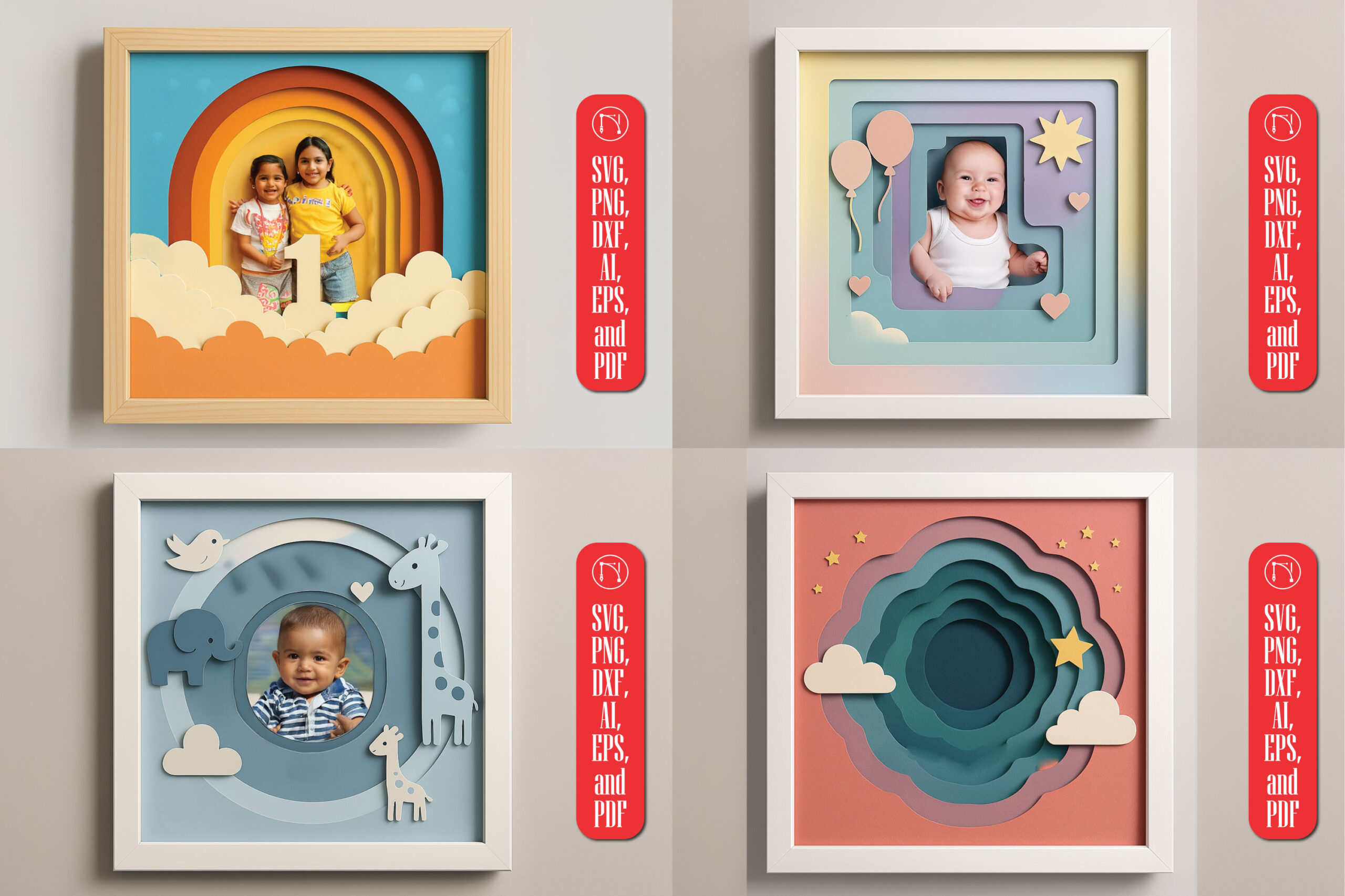
If shadow-box SVGs are new to you, or you want to see the layered technique applied to a single themed project first, our layered SVG baby keepsake shadow box guide walks through the same cut-and-stack process on one design before you commit to a 100+ design bundle. Same layer-cut-and-foam-stack technique, just applied to a single baby-shower keepsake instead of a full theme library, so it’s a lower-commitment way to practice the assembly before you’re choosing between 100+ options.
This bundle is designed by NGISED on Creative Fabrica and currently sits at a 5.0 rating, though that’s based on only 4 reviews so far, not a large enough sample to call it a proven bestseller. What’s a stronger signal at this point is that it’s been added to favorites over a thousand times, which tracks with how often crafters save a bundle to come back to later rather than buying it outright the moment they see it.
Key Takeaways
- One bundle, six formats (SVG, PNG, DXF, AI, EPS, PDF), and one license replaces buying a new shadow-box SVG every time you need a new theme.
- Works across machine ecosystems: Cricut, Silhouette, Brother ScanNCut, Glowforge, and laser cutters, not locked to one brand.
- The layer order is already built into each file; the skill to build is foam-pad placement, not guessing what goes where.
- Commercial license is included, so finished pieces can be sold, not just made for personal gifts.
See the Full Shadow Box Bundle