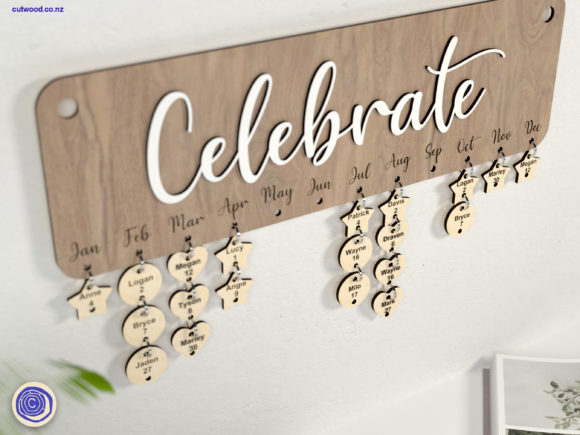
A laser cut birthday calendar turns a flat wall reminder into a piece of cut wood or acrylic decor — one that tracks every family member’s birthday in a single glance. The 27 designs below range from single-layout calendars to full CNC bundles with matching name-tag sets.
This laser cutting library for birthday calendars spans dozens of sellers, most tested on Glowforge and compatible with standard CNC routers. Files typically ship as SVG, DXF, EPS, PDF, and PNG, with RED cut lines and BLACK engrave lines marked directly where relevant.
See also: laser cut birthday number SVG files if you want matching number cutouts for the calendar’s date markers.
Quick answer: This guide covers 27 laser cut birthday calendar SVG files — single designs, multi-design bundles, and matching family tracker boards. Formats include SVG, DXF, EPS, PDF, and PNG, most compatible with Glowforge and standard CNC routers.
If you’re cutting in Lightburn, use the DXF file rather than SVG — sellers across this list note that Lightburn can distort SVG dimensions during import.

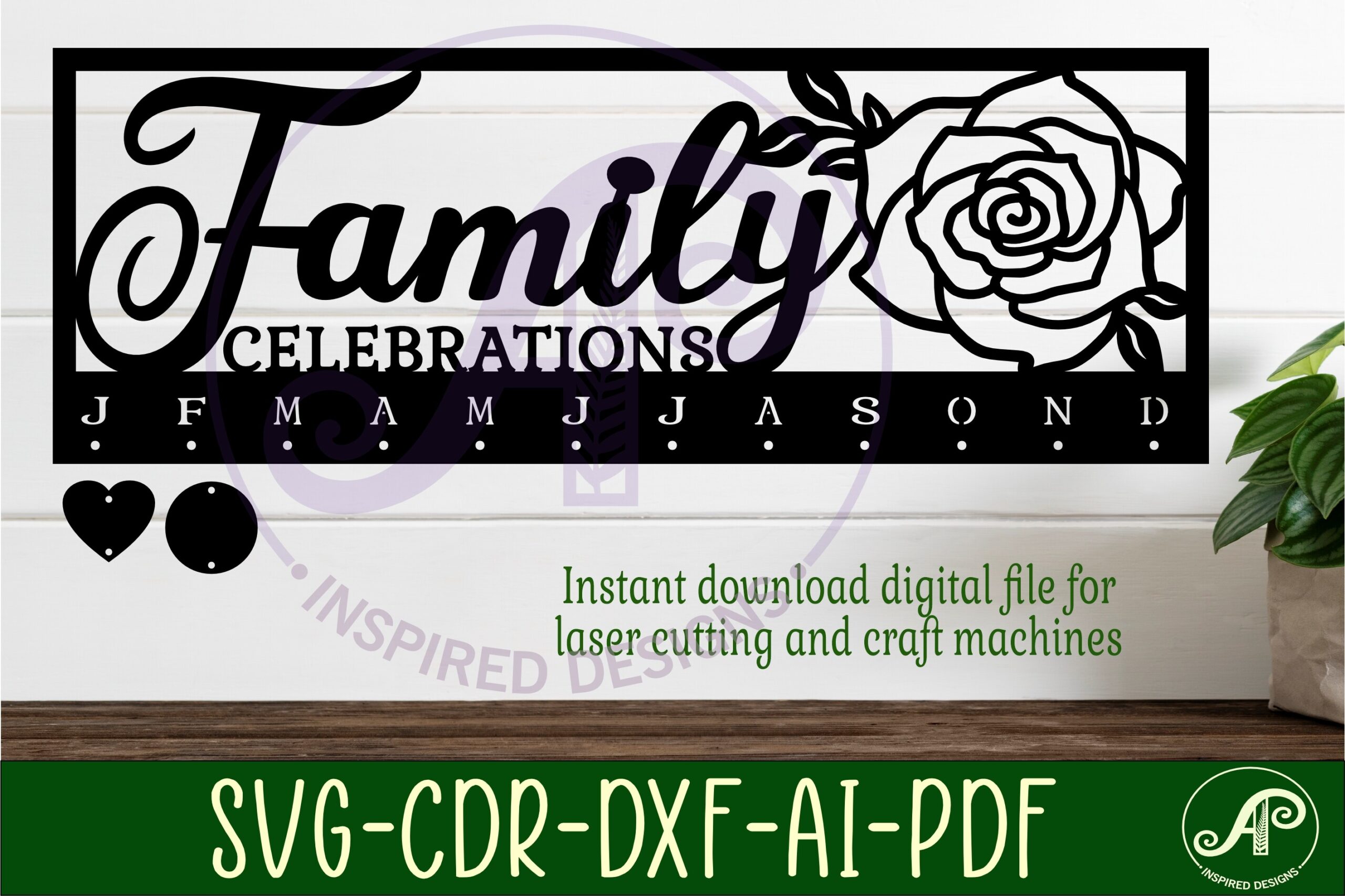


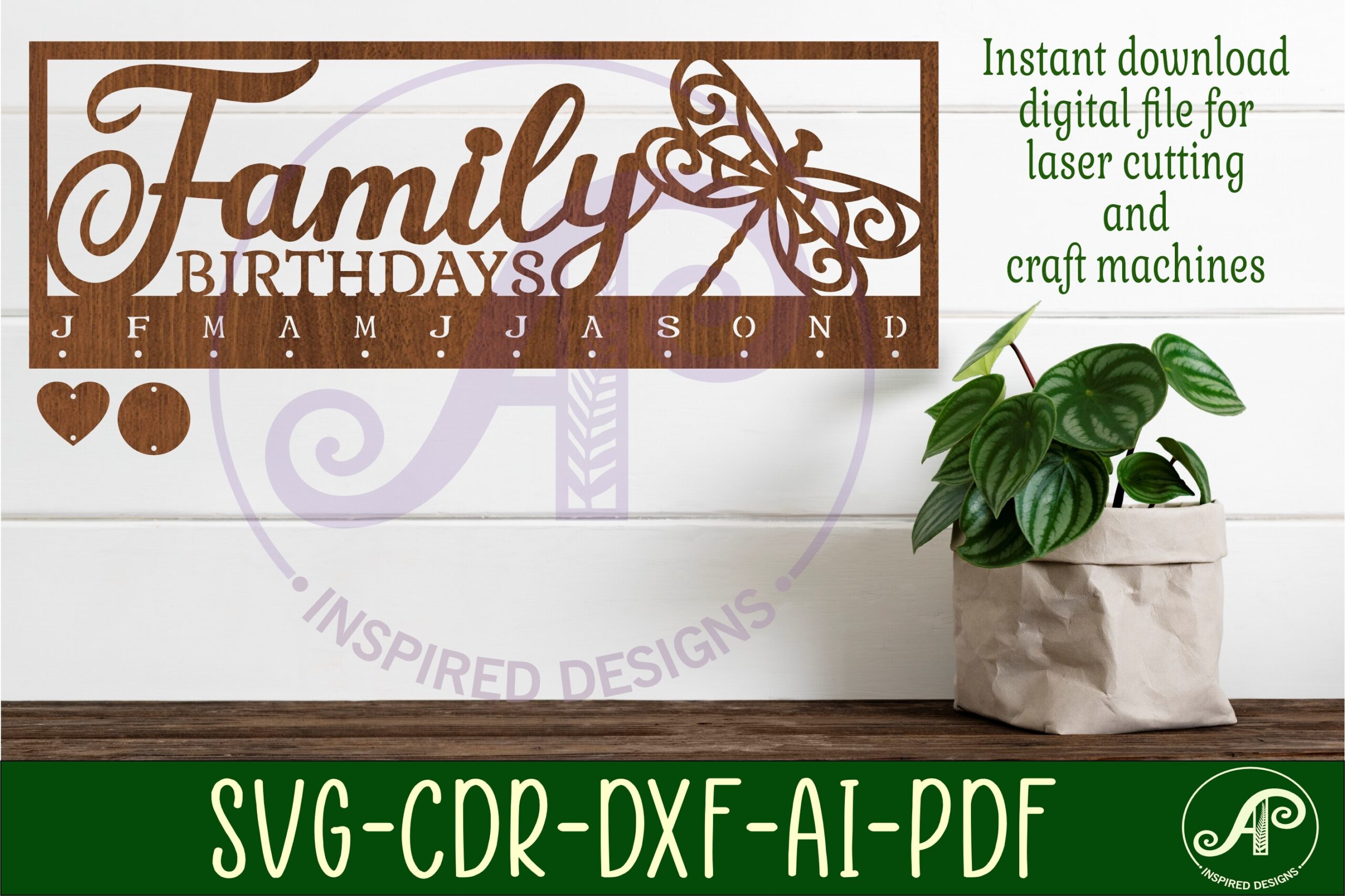
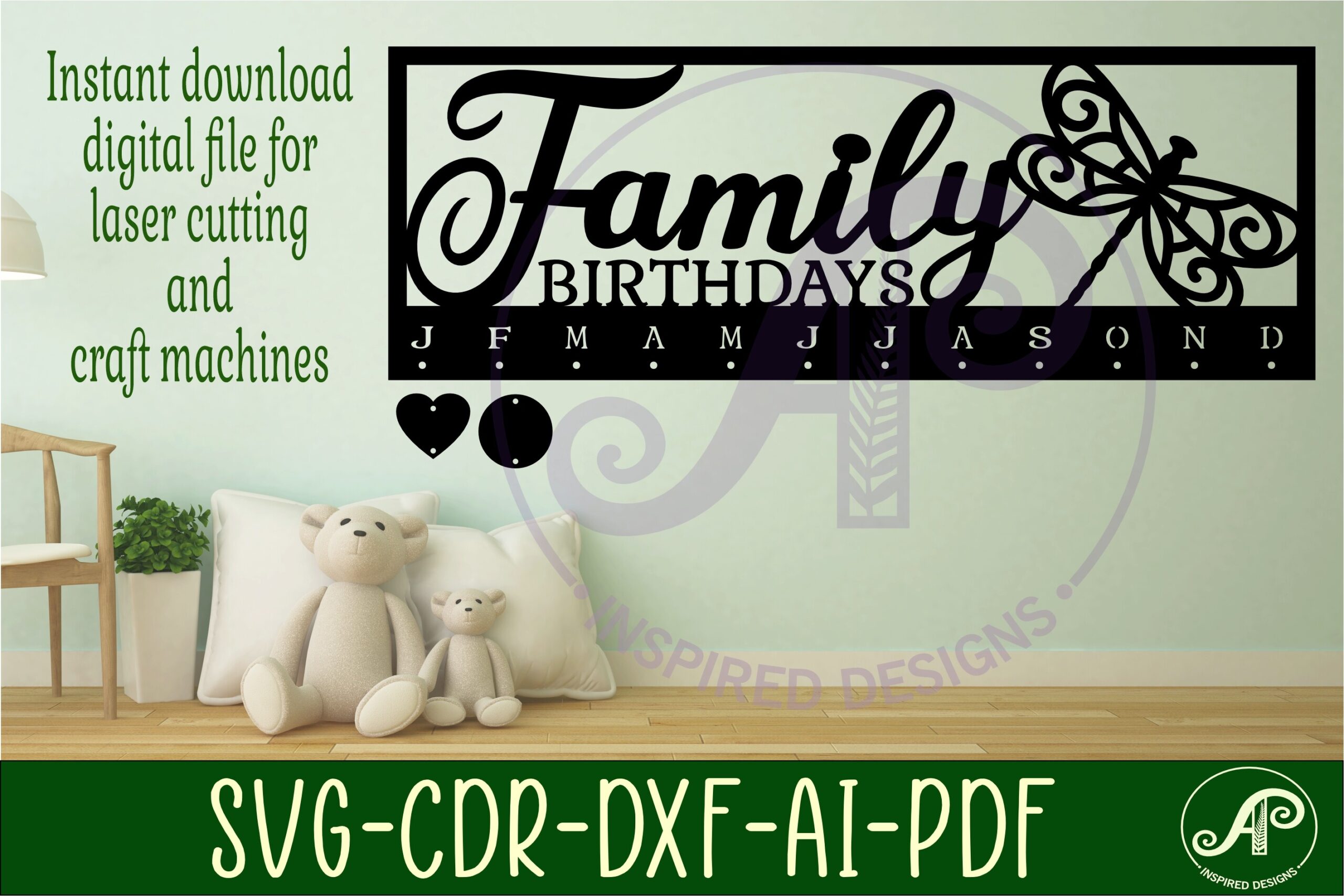





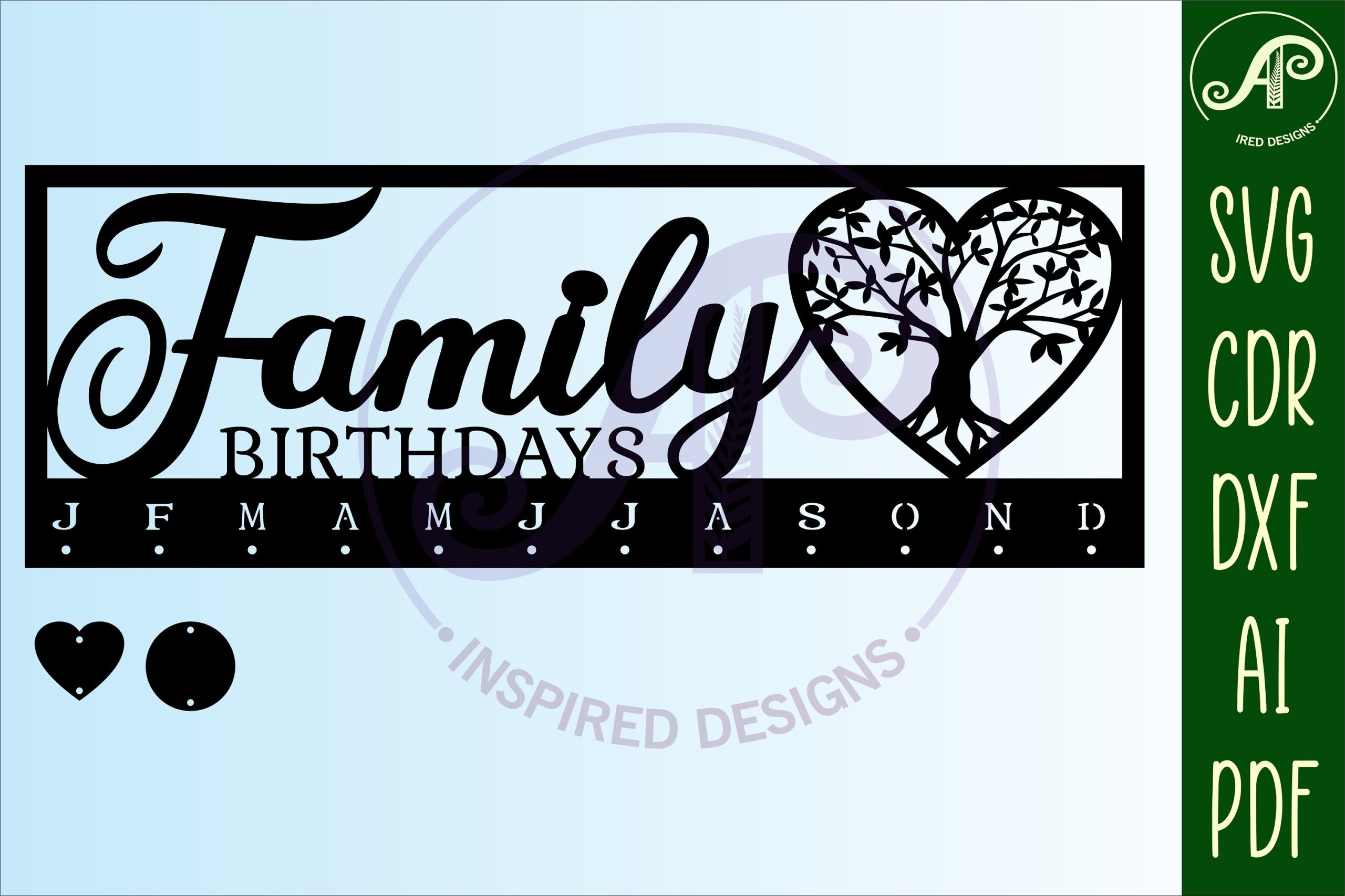


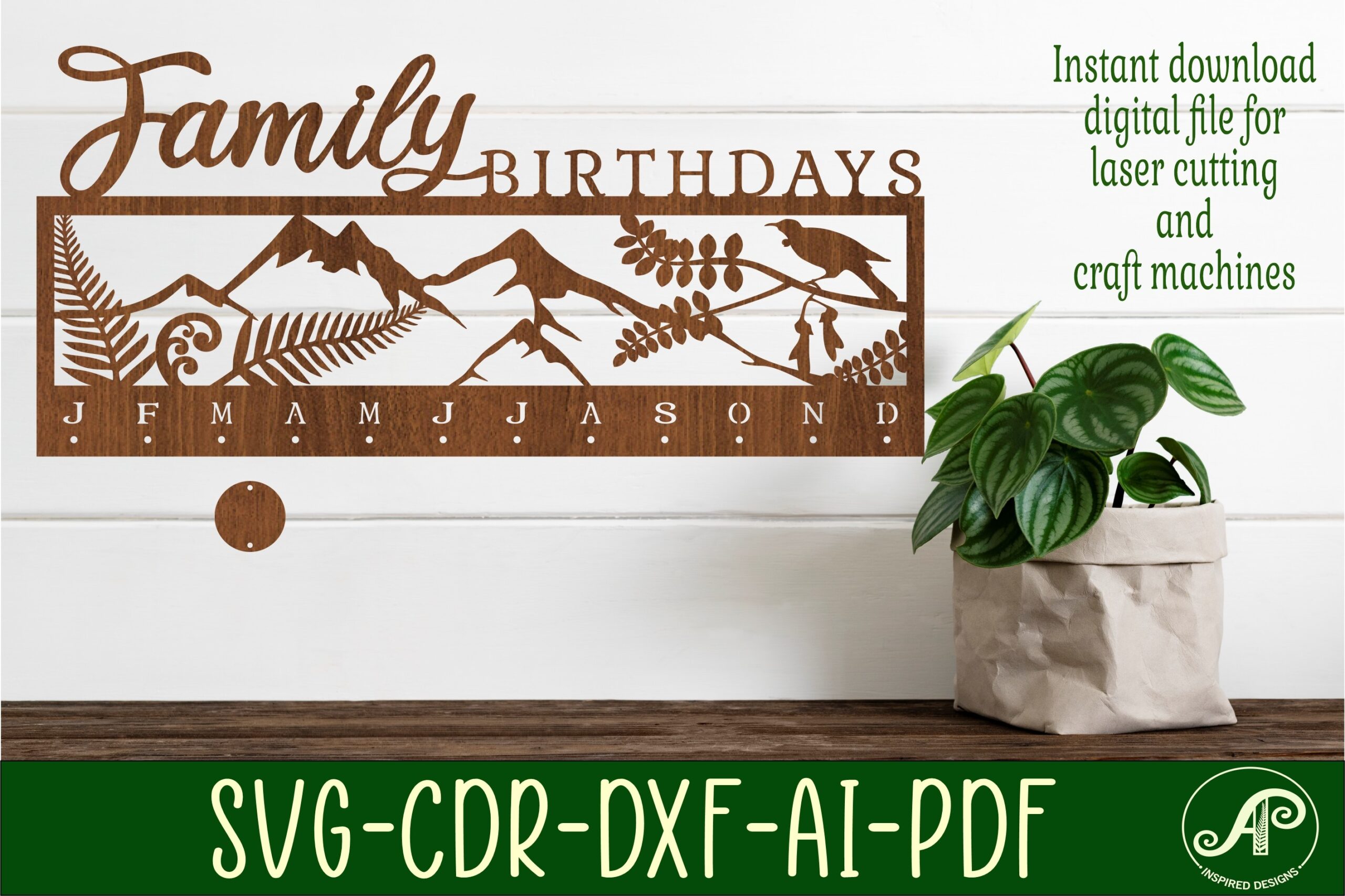


All files are digital downloads. Import into your laser cutter software, follow the RED cut / BLACK engrave markings where included, and cut from your material of choice.
Birthday Calendar
A starter pack of over 36 alignment pins and crumb-tray tools sized for 400mm and 125mm laser beds, in Ai, DXF, SVG, and EPS formats — a practical accessory pick for anyone setting up their laser bed before cutting the calendars below.
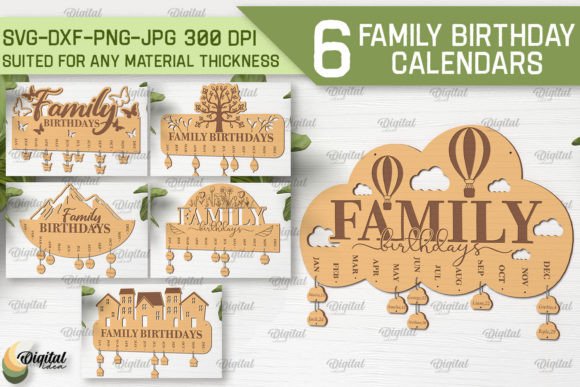
Family Birthday Calendar Laser Bundle
A 6-design bundle delivered in SVG, DXF, EPS, PDF, JPG, and PNG formats — flexible enough to repurpose into home decor, stationery, or textile projects beyond the calendar itself.
Family Birthday Calendar Laser Cut
A single Family Birthday Calendar design in SVG, DXF, EPS, PDF, JPG, and PNG formats, ready to resize for wall decor, stationery, or gift projects.
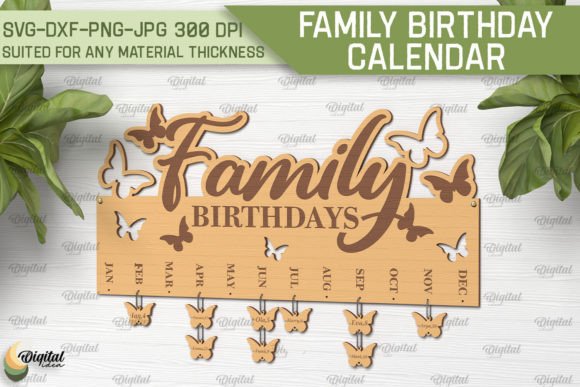
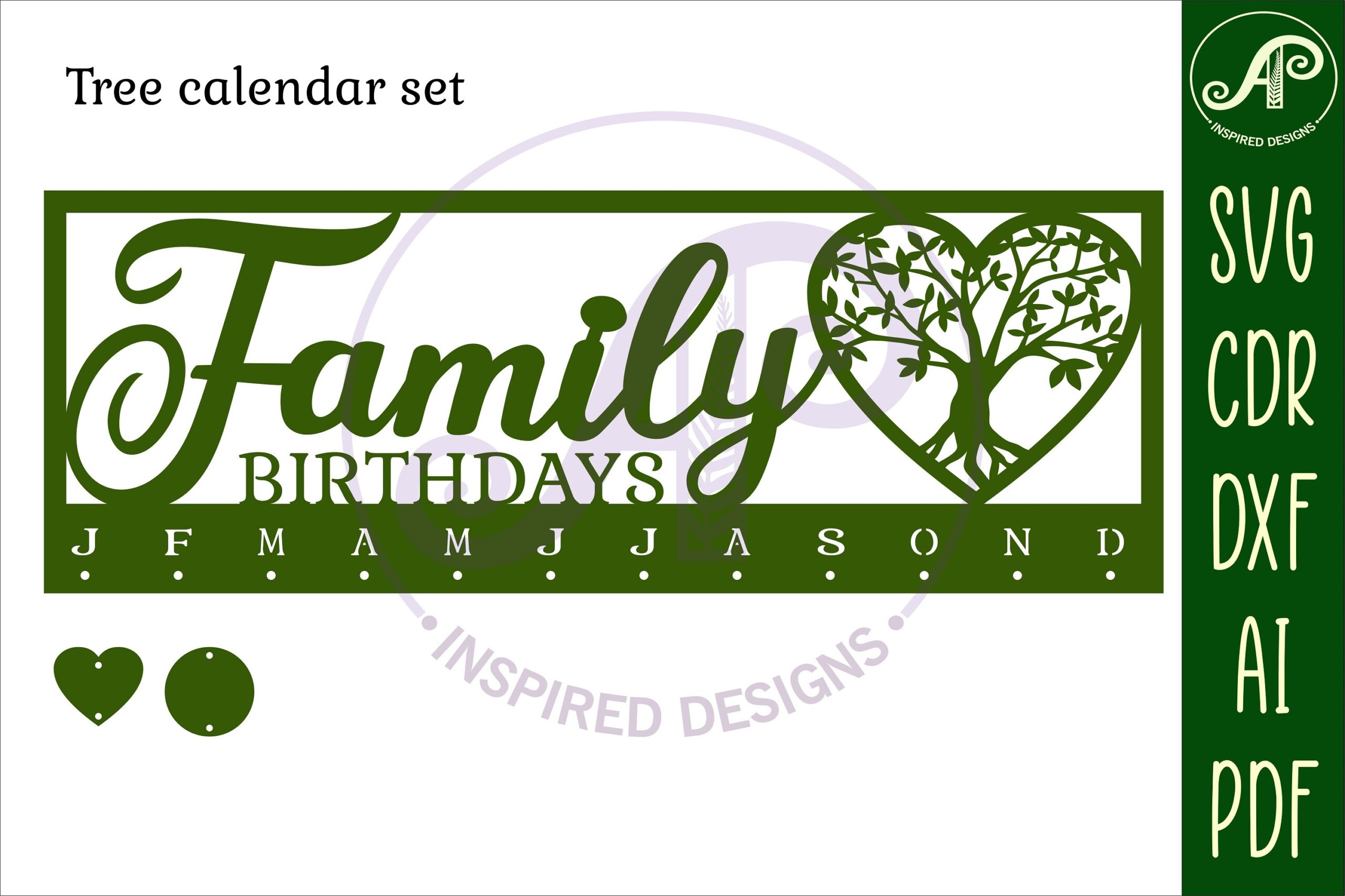
Family Birthdays Calendars Laser Cut Set
A 10-design bundle with RED cut lines and BLACK engrave lines marked directly on the files, in SVG, EPS, PNG, PDF, and DXF formats — DXF is the recommended format if you’re cutting in Lightburn.
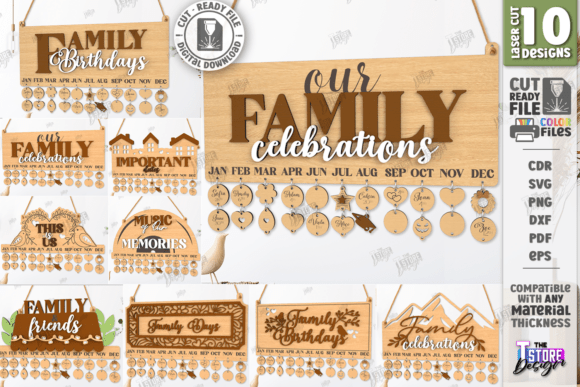
Our Family Leaves Birthday Calendar 306
Designed and tested on a Glowforge Pro but compatible with any laser cutter, delivered as DXF, SVG, PDF, AI, and CDR vector files, with JPG included for reference only.
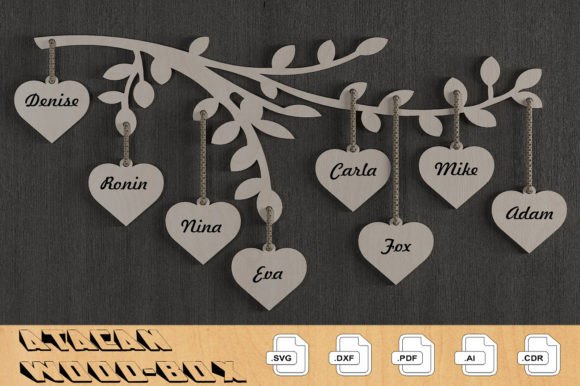
Family Birthday Tracker Board Laser Set
A tracker-board bundle of 10 designs featuring personalized family name signs and hanging name-and-date tags, in SVG, EPS, PNG, PDF, and DXF formats with RED cut / BLACK engrave lines.
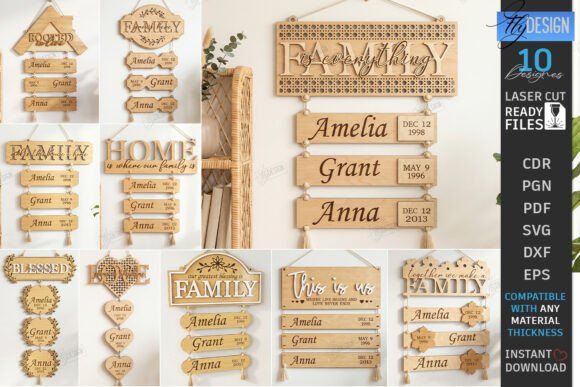
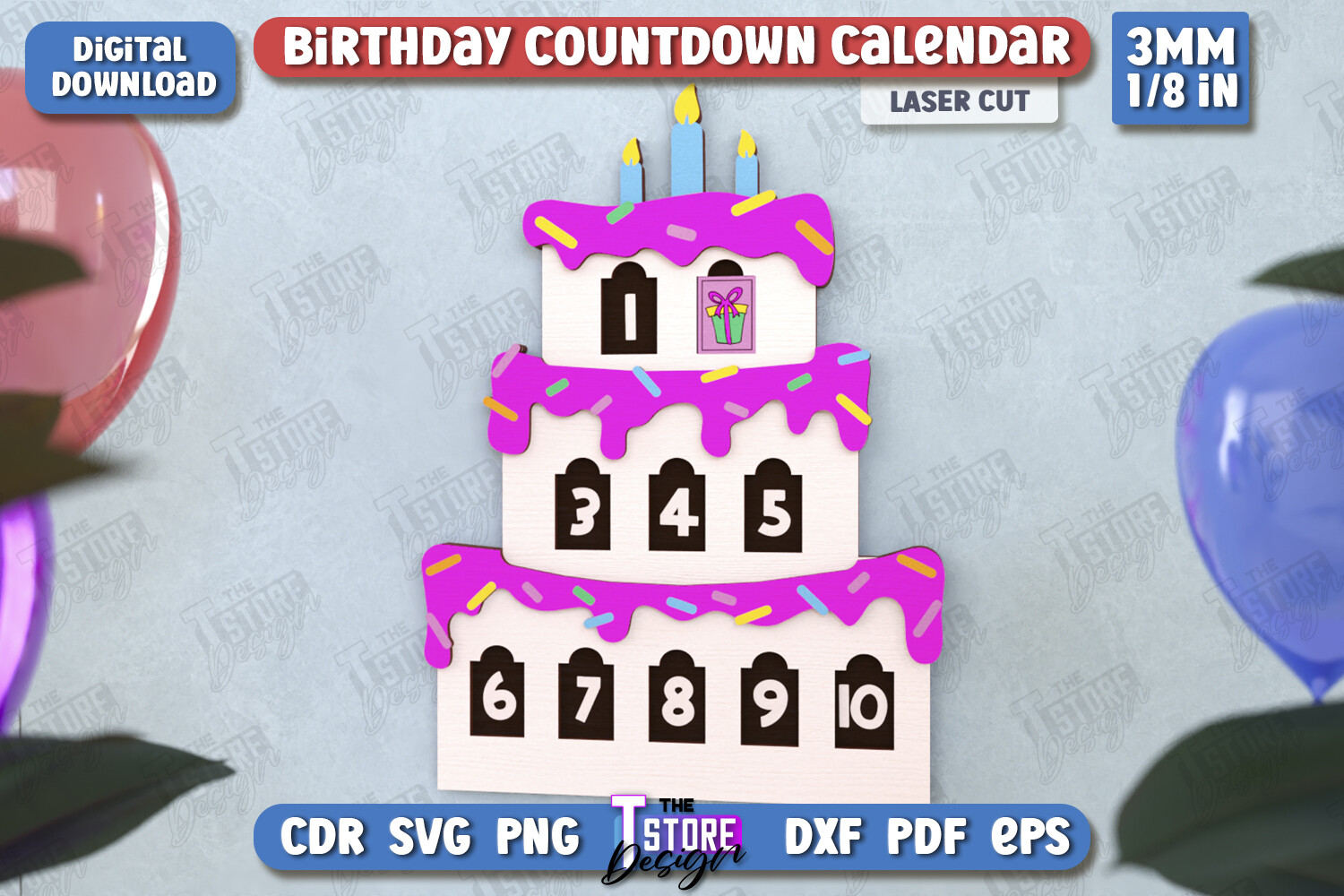
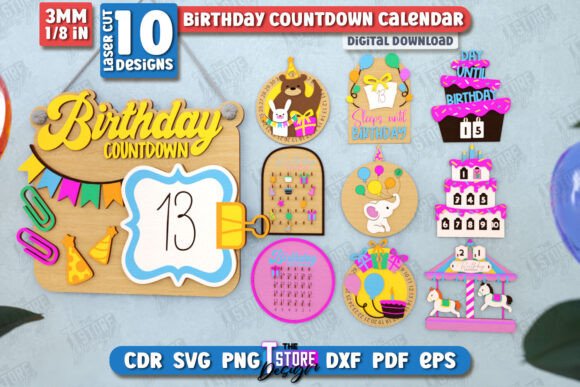
Birthday Countdown Calendar Bundle — CNC
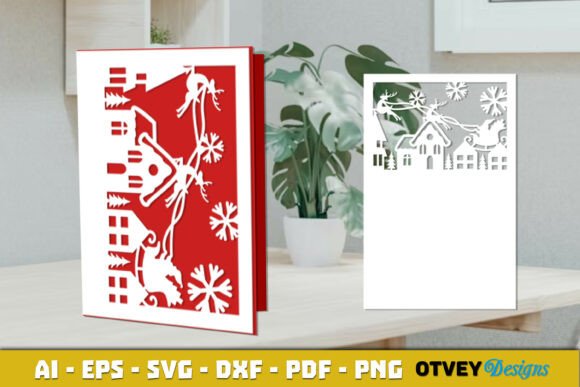
A wall calendar bundle built around a birthday countdown concept — 10 designs in SVG, EPS, transparent PNG, PDF, and DXF formats for tracking days until the big day.
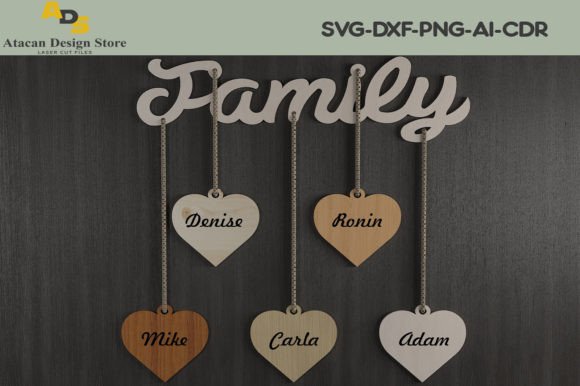
Family Birthday Celebration Calendar 273
Tested on a Glowforge Pro and compatible with other laser cutters, delivered as DXF, SVG, PDF, AI, and CDR vector files with a JPG reference image.
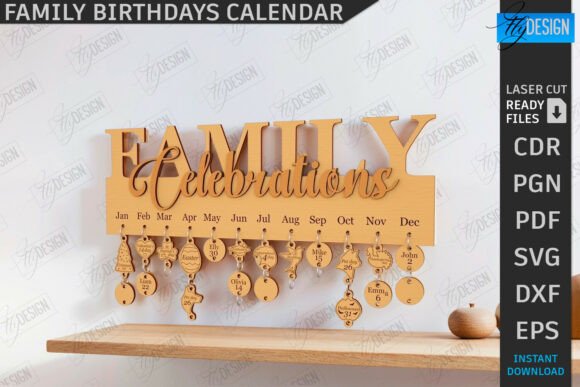
Family Birthdays Wall Calendar Laser Cut
A single wall calendar design with RED cut / BLACK engrave lines, delivered as one SVG, EPS, PNG, PDF, and DXF file each — a lean option if you only need one layout.
Family Birthdays Wall Calendar Laser Cut
A second layout in the same Family Birthdays Wall Calendar series, with the same RED cut / BLACK engrave convention and single-file SVG, EPS, PNG, PDF, and DXF delivery.
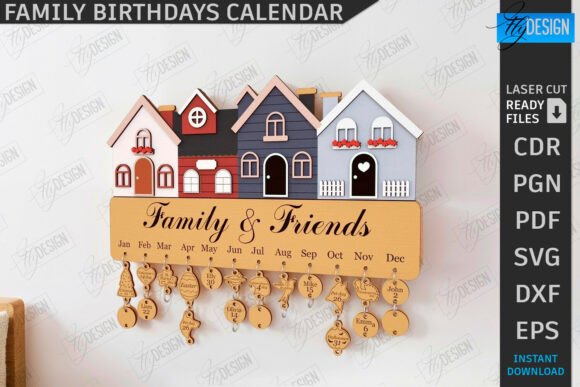
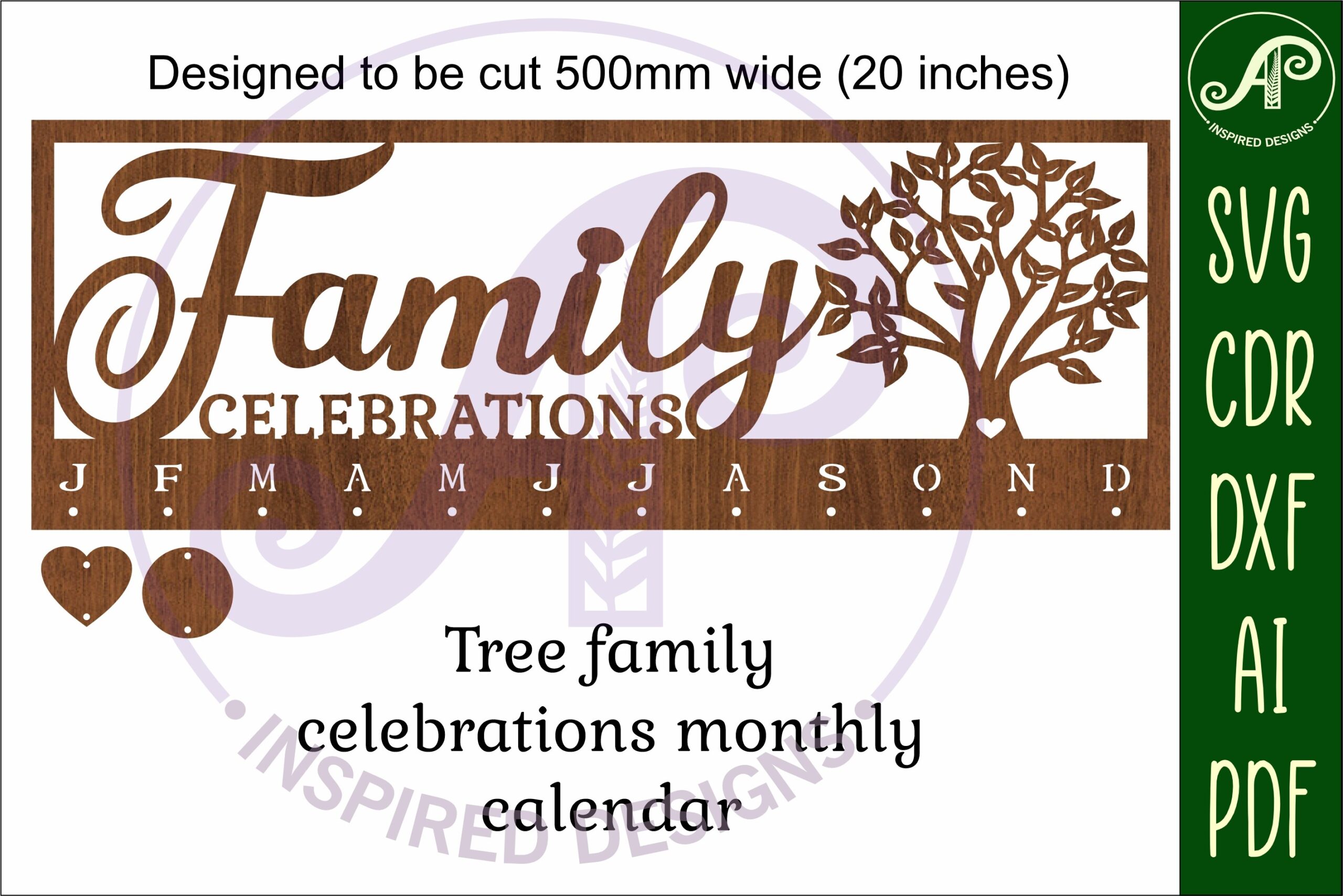
Family Celebrations Calendar SVG Laser
A wall-art calendar with a disc cut-out, sized to cut at 50cm wide, in SVG, DXF, AI, and CDR formats plus PNG and PDF — the disc mechanism sets it apart from the flat plaque-style designs elsewhere in this list.
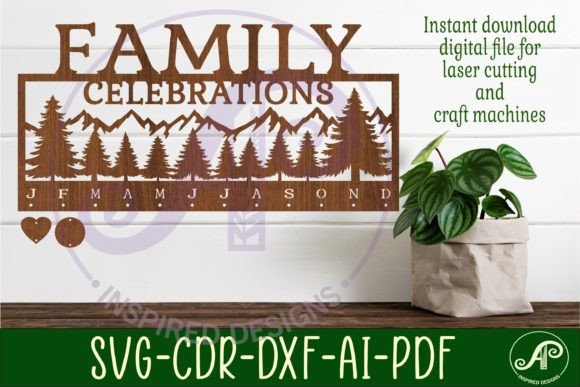
Family Birthdays Calendar Laser Cut — CNC
A single-file calendar design in the CNC-focused Family Birthdays series, RED cut / BLACK engrave, delivered as SVG, EPS, PNG, PDF, and DXF.
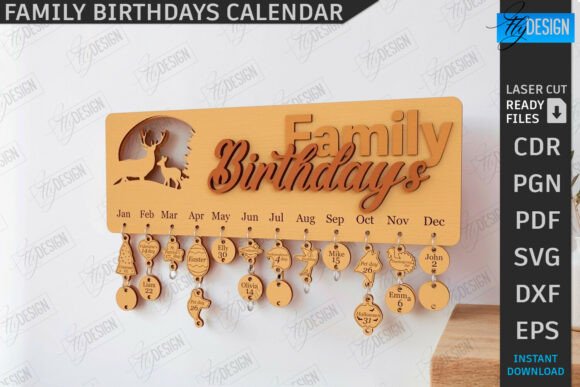
Family Birthdays Calendar Laser Cut — CNC
Another single-file entry in the same CNC series, following the identical RED cut / BLACK engrave file convention.
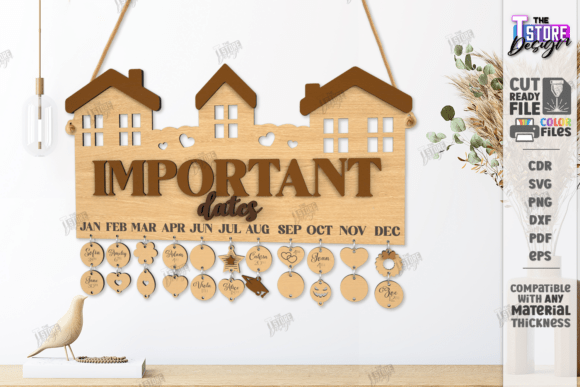
Want to see more laser cut calendar styles? Browse All Laser Cut Birthday Calendar Files →
Family Birthday Tracker Board Laser Cut
A tracker-board layout with personalized family name signs and hanging date tags, delivered as a single SVG, EPS, PNG, PDF, and DXF file set.
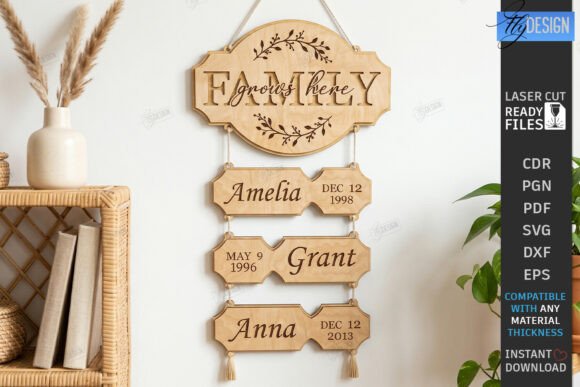
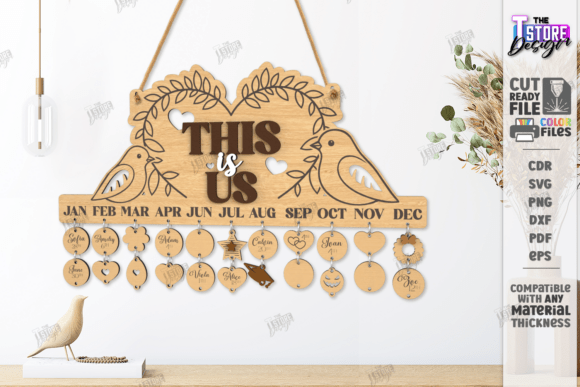
Family Birthdays Calendar Laser Cut — CNC
A further variation in the Family Birthdays Calendar CNC series, same RED cut / BLACK engrave marking and single-file format delivery.
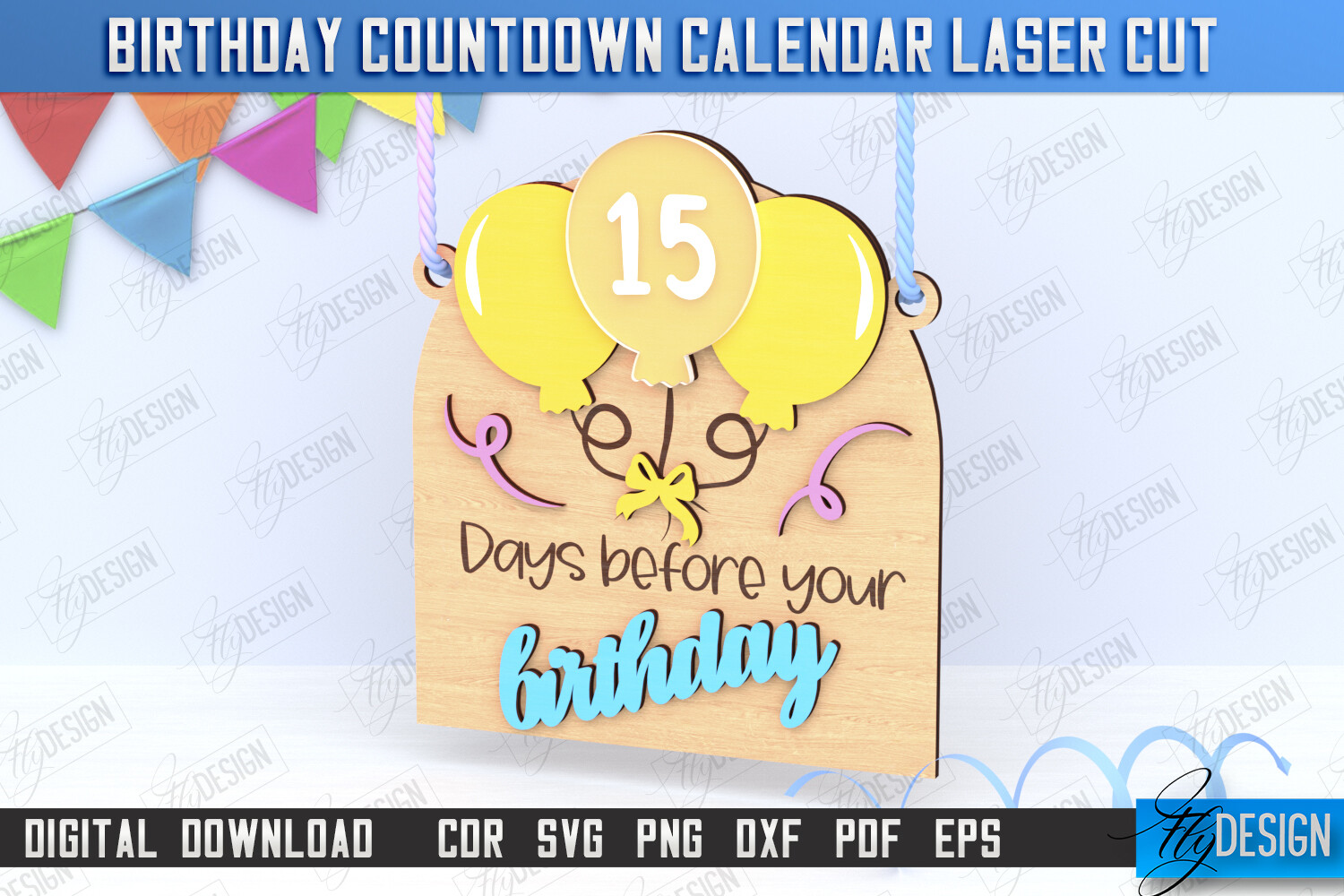
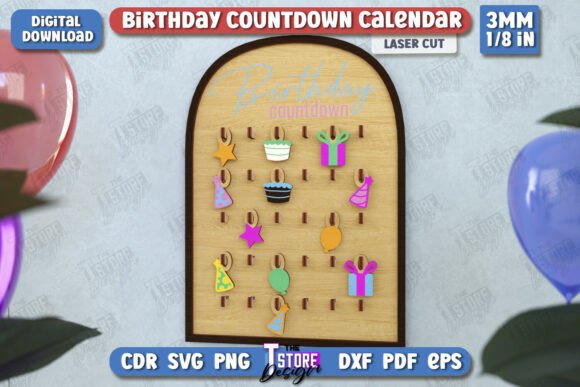
Birthday Countdown Calendar Laser Cut
A birthday countdown wall calendar template focused on counting down the days, delivered as a single SVG, EPS, PNG, PDF, and DXF file.
Family Birthdays Calendar Laser Cut — CNC
Another entry in the CNC-tagged Family Birthdays Calendar series, RED cut / BLACK engrave, single-file SVG, EPS, PNG, PDF, and DXF delivery.
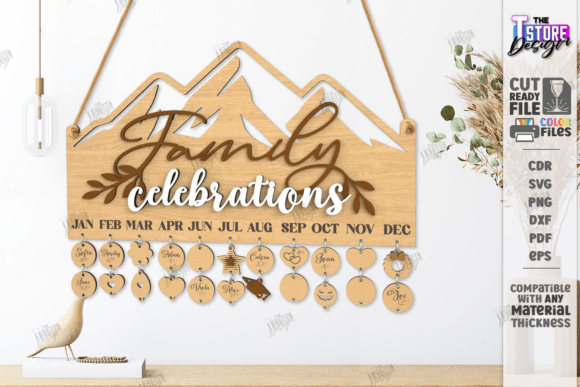
Family Birthdays Wall Calendar Laser Cut
A third layout variation in the Family Birthdays Wall Calendar series, keeping the same file structure and cut/engrave line convention.
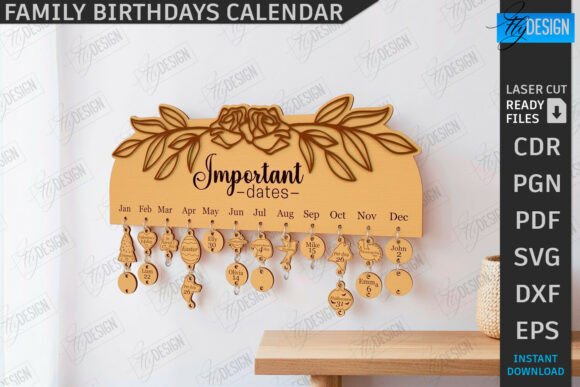
Family Birthdays Calendar Laser Cut — CNC
Another single-file CNC calendar design from the same series, RED cut / BLACK engrave marked.
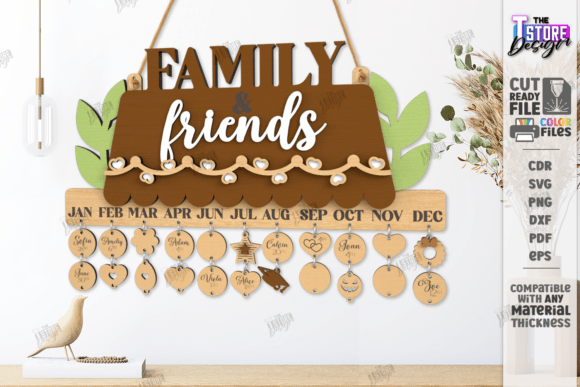
Family Birthdays Calendar Laser Cut — CNC
A further variation in the CNC series with the identical single-file SVG, EPS, PNG, PDF, and DXF structure.
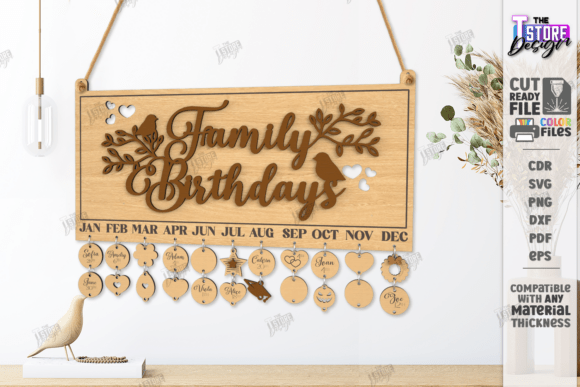
Family Birthdays Calendar Laser Cut — CNC
One more entry in the long-running Family Birthdays Calendar CNC series, same RED cut / BLACK engrave convention.
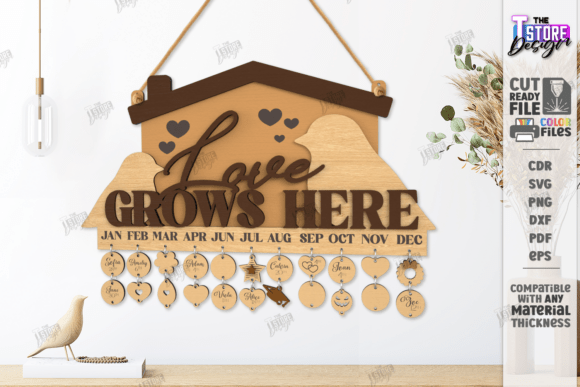
Birthday Countdown Calendar Laser Cut
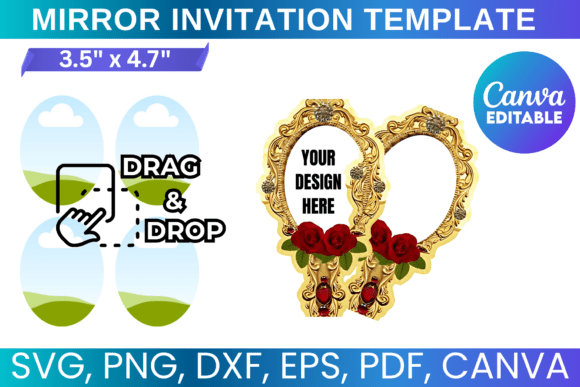
A second birthday countdown wall calendar layout, single-file SVG, EPS, PNG, PDF, and DXF delivery.
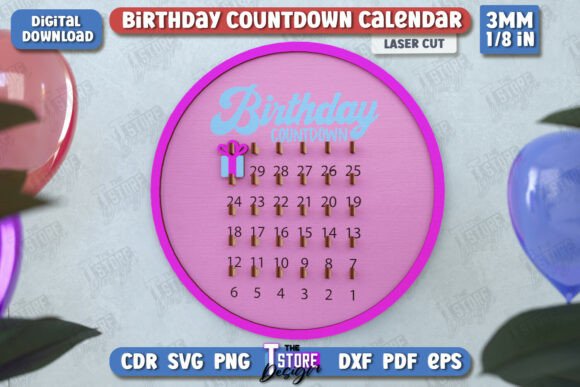
Family Birthday Tracker Board Laser Cut
A tracker-board design variant with personalized name-sign and date-tag elements, single-file format.
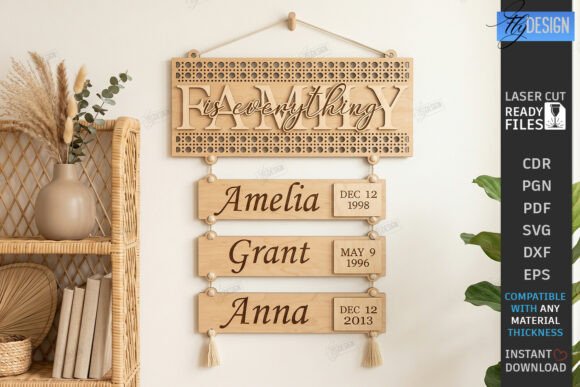
Family Birthdays Calendar Laser Cut — CNC
Another CNC-series calendar layout with the same RED cut / BLACK engrave lines and single-file delivery.
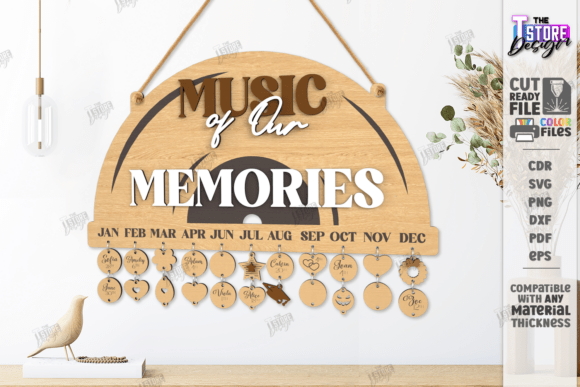
Birthday Countdown Calendar Laser Cut
A third birthday countdown calendar variation, delivered as a single SVG, EPS, transparent PNG, PDF, and DXF file.
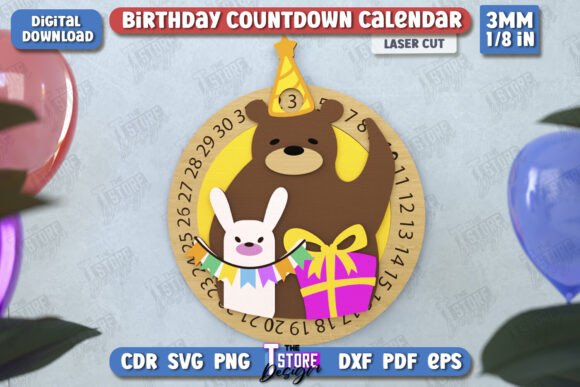
Birthday Countdown Calendar Laser Cut
A fourth layout in the Birthday Countdown Calendar series, same transparent PNG and single-file structure.
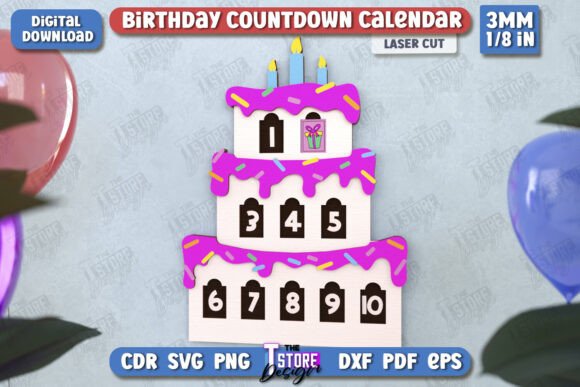
Family Birthday Tracker Board Laser Cut
A final tracker-board variant rounding out the series, with personalized name-sign and date-tag elements in single-file format.
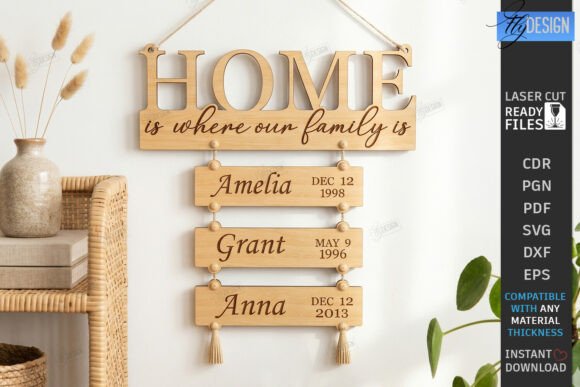
For matching wall decor pieces, see our laser cut birthday wall decor SVG files collection.
Browse All Laser Cut Birthday Calendar Files →
Key Takeaways
- Use DXF instead of SVG when cutting in Lightburn — several sellers note SVG import can distort file dimensions.
- RED cut / BLACK engrave line conventions appear across most CNC-tagged bundles — check the file preview before loading it into your cutter.
- Multi-design bundles (6 to 10 files) offer better value than single-layout files if you plan to make more than one calendar or matching name-tag set.
- Files tested on a Glowforge Pro generally work across other laser cutters and CNC routers, but always confirm your machine’s compatibility first.

Frequently Asked Questions
What file format should I use for my laser cutter?
Most bundles include SVG, DXF, EPS, PDF, and PNG. DXF is recommended for Lightburn users since SVG imports can distort dimensions. Check your cutter’s software documentation for its preferred format.
Do these calendars work with Glowforge and CNC routers?
Yes — most files in this list were tested on a Glowforge Pro but are compatible with other laser cutters and CNC routers, provided your machine and software support the included file formats.
What do the RED and BLACK lines mean in the files?
RED lines indicate cut paths and BLACK lines indicate engrave paths. Always double-check the color-to-function mapping in your own cutter’s software before running a job.
Can I resize these calendar designs?
Yes — vector formats like SVG, DXF, AI, and CDR can be resized without quality loss. Some sellers specify a recommended cutting width, such as 50cm, so check the product description before scaling significantly larger.
Can I customize the dates on these calendar designs?
Most calendar files are laid out as an editable vector grid, so you can update the month, numbers, or year text in your design software before cutting, rather than being locked into the exact dates shown in the preview.