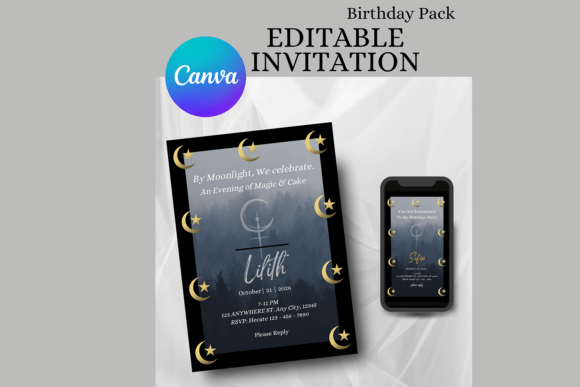
Dark birthday aesthetic templates for Instagram split into two main formats — large multipurpose Canva bundles built for an entire feed, and single animated MP4 invitations meant to be sent directly to guests. The 16 templates below are ranked by how often other buyers have saved each one, from a 140-piece bundle at the top down to a handful of single invitations with no saves yet.
This Instagram template library adds new Canva and Photoshop kits every week, and most bundles here are editable straight in Canva without extra software or font installs.
See also: dark birthday theme ideas.
Quick Answer: This guide covers 16 dark birthday aesthetic Instagram templates — a large Canva post/story bundle, Photoshop post packs, and single animated MP4 invitations — ranked from most-saved to least-saved. Each file is editable and downloads instantly.


The most-saved template here isn’t a single invitation — it’s a 140-piece bundle covering posts, stories, and Reels covers, suggesting buyers prefer one purchase that restyles an entire feed over a one-off invite.
All files below are digital downloads. Edit the Canva templates directly in a browser, or open the Photoshop files in PSD/AI/EPS for full layer control. Most animated invitations export as an MP4 file ready to send over text or messaging apps. The list runs in order of popularity, so the top few are what other buyers have saved the most.
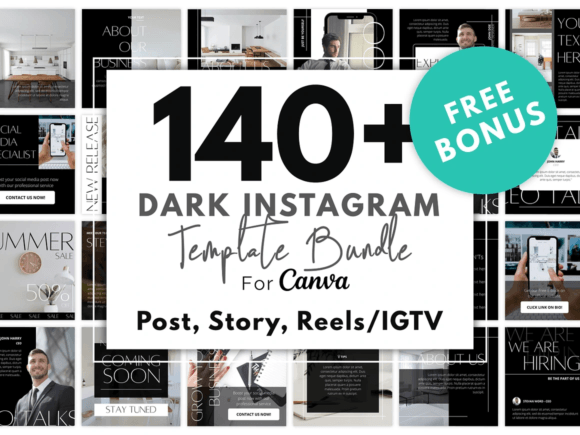
140 Dark Instagram Template KIT BUNDLE
A 140-piece Canva bundle in black-and-white multipurpose styling — 80 Instagram post templates, 50 Story templates, and 10 Reels/IGTV covers, plus 15 abstract backgrounds and 8 boho rainbow elements as a bonus. Everything edits directly in Canva: fonts, photos, background color, and layout elements.
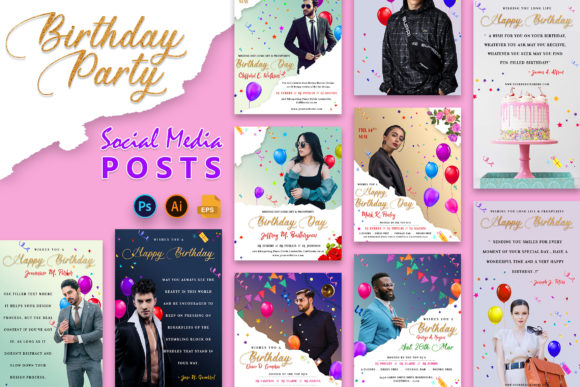
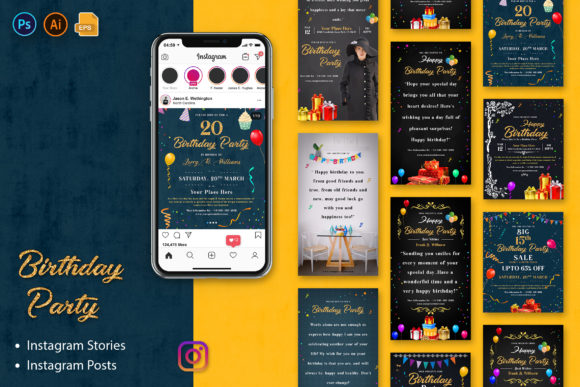
Birthday Party Social Media Posters
A 10-design Instagram Stories and Posts pack built in Photoshop with smart-object placeholders for images, sized to the standard 1080×1920 Stories and 1080×1350 Posts dimensions. Delivered in PSD, AI, and EPS formats with a free-font-based layout.
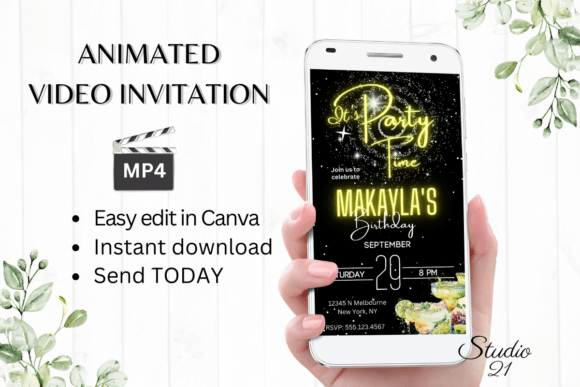
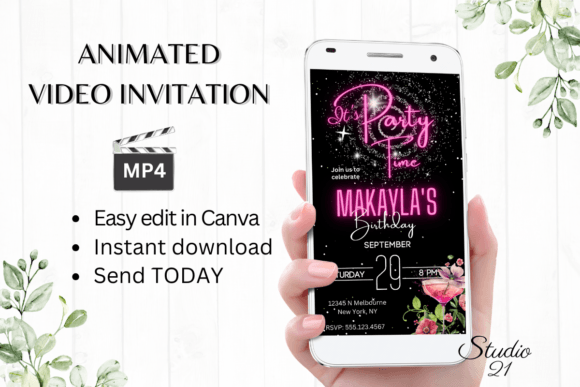
Neon Birthday Party Invitation
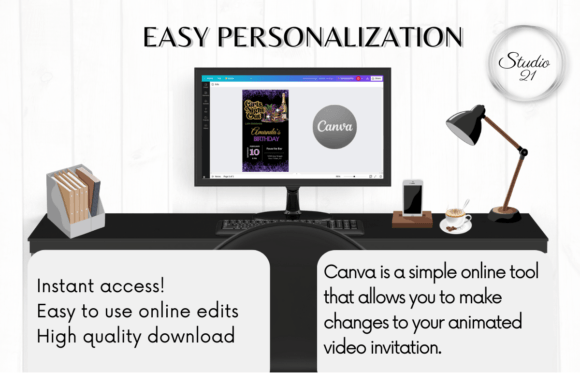
An animated video invitation edited entirely in Canva — personalize the text, font, color, and animation style, then export the finished invite as an MP4 to send over text or messaging apps. No extra software or font downloads needed.
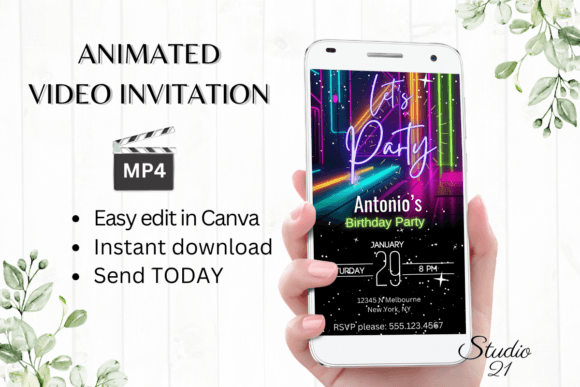
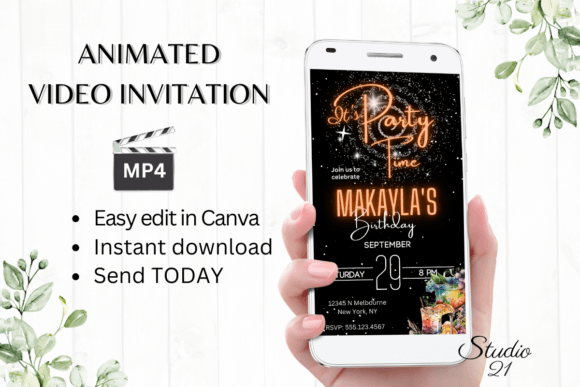
Neon Birthday Party Invitation
A second neon-style animated invitation from the same Canva template line, giving a slightly different neon color treatment to choose from if the first version doesn’t match your party’s palette.
Birthday Party Social Media Posts
The Posts companion to the Stories pack above — 5 Instagram Story designs and 5 Instagram Post designs in one Photoshop file set, at the same 1080×1920 and 1080×1350 dimensions with smart-object image placeholders.
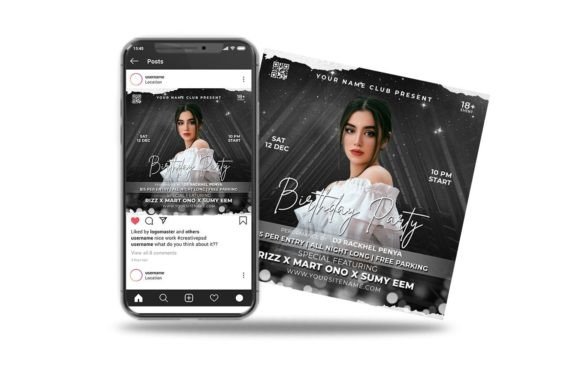
Birthday Party Night Event
A Photoshop flyer template built for night-club-style birthday events, sized at 1080×1080 for direct social posting. Layers are organized into labeled folders and all text is editable, with a template guide and font link included.
Animated Birthday Party Invite
An animated Canva invitation with the same MP4-export workflow as the neon versions — edit text, colors, and animation in Canva, then download and send as a video file rather than a static image.
Neon Birthday Party Invite
A third neon-toned Canva invitation variant from Studio21, offering another color and animation combination within the same easy MP4-export template system.
Browse All Dark Birthday Instagram Templates →
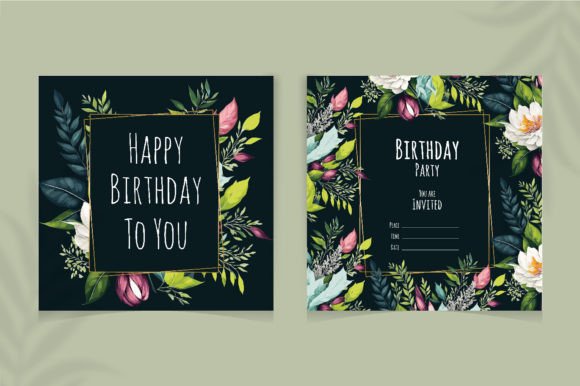
Flower Birthday Party Social Media Post
A floral Instagram post template delivered as an editable EPS vector file at 300 DPI, suited to birthday posts, greeting cards, or invitations where a botanical accent fits better than a neon or dark theme.
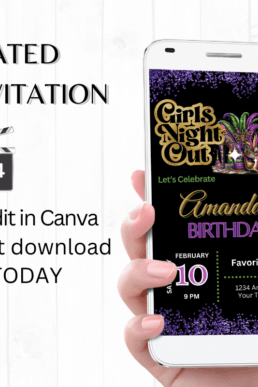
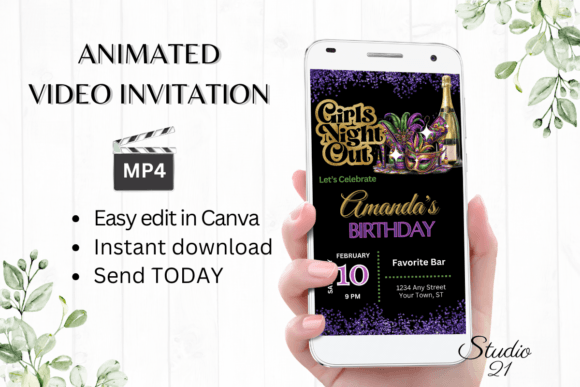
Animated Mardi Gras Birthday Invitation
A Mardi Gras-themed animated birthday invitation using the same Canva-to-MP4 workflow, with masks, beads, and jewel-tone coloring standing in for the neon treatment used elsewhere in this list.
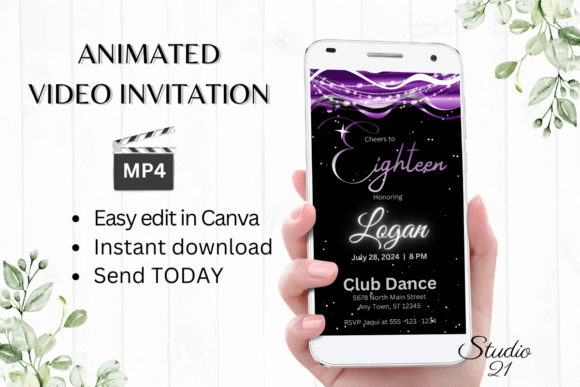
18 Birthday Invitation
An 18th-birthday-specific animated Canva invitation, pre-labeled for the milestone so the age doesn’t need to be added manually — just personalize the name, date, and details before exporting as MP4.
Animated Birthday Party Invitation
A Canva-based animated invitation with a more understated color treatment than the neon designs, still exporting to MP4 for sharing over text or messaging apps.
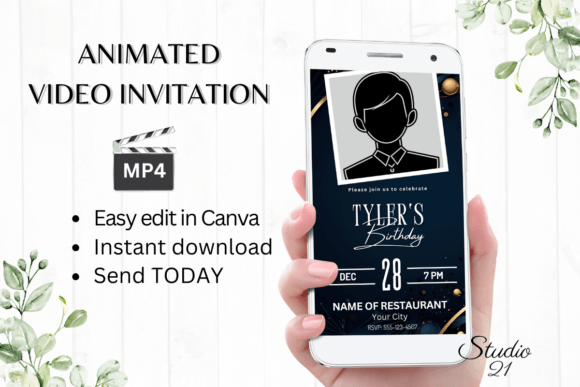
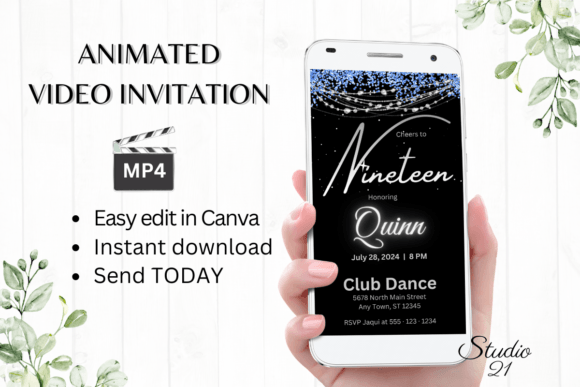
19 Birthday Invitation
A 19th-birthday-labeled animated Canva invitation, following the same MP4-export process as the 18th-birthday version above.
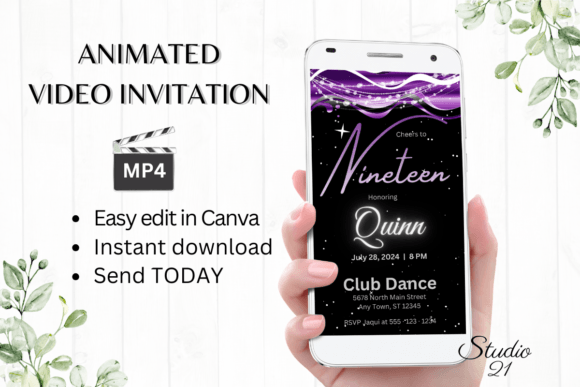
Digital Birthday Party Invitation
A general digital birthday invitation template with the standard Canva MP4-export workflow — personalize text and colors, then download and share the finished animated invite.
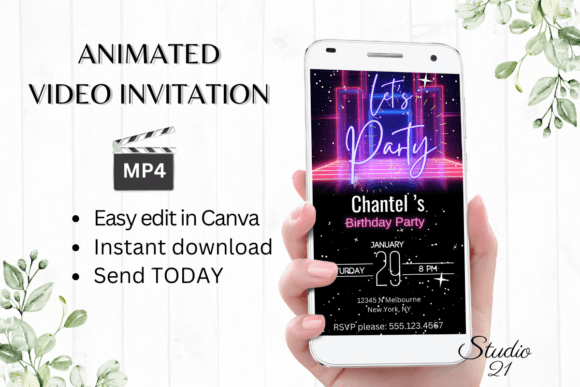
19 Birthday Invitation (v2)
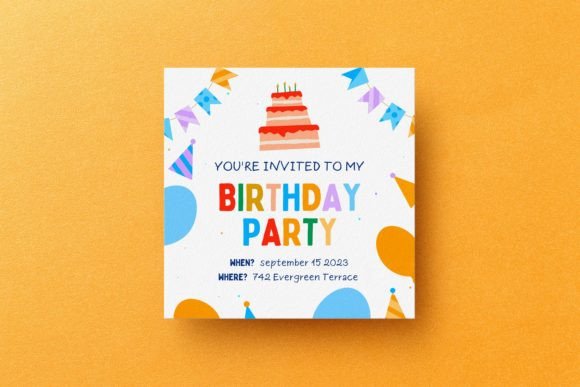
A second 19th-birthday Canva invitation option from the same creator, giving an alternate layout to compare against the first 19th-birthday listing.
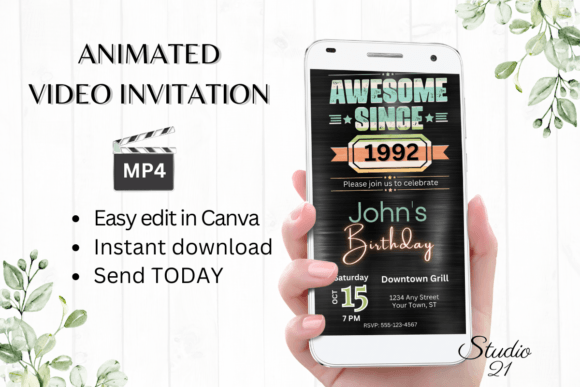
Animated Retro Birthday Invitation
A retro-styled animated Canva invitation, leaning into vintage color and type treatment rather than the neon or minimal styles used in the rest of this list.
For printable black designs that match these templates, see our black and white birthday templates.
Story or Feed? Check the Size Before You Edit
A dark template that looks perfect in a Story can lose its edges in the feed, so you want to know the format before you type a single word. Out of 42 birthday Instagram, Story and animated invitation templates on sale at Creative Fabrica, 41 open in Canva, 38 are built as Stories (1080×1920) and 36 are animated or video. Only 1 names a feed size, and just 3 are described as dark, neon or black.
- Posting to the feed too? Resize a copy to 1080×1350 in Canva and move the text back inside the frame; a Story layout cropped to a square cuts off the date.
- Animated invite? Download it as MP4 for Stories and WhatsApp, and as a still PNG for anyone who reads messages on a laptop.
- Want it darker? Most templates are bright, so you change the background to near-black, then switch text to white or gold; check that thin script fonts are still readable at phone size.
Building the Whole Dark Party From One Template
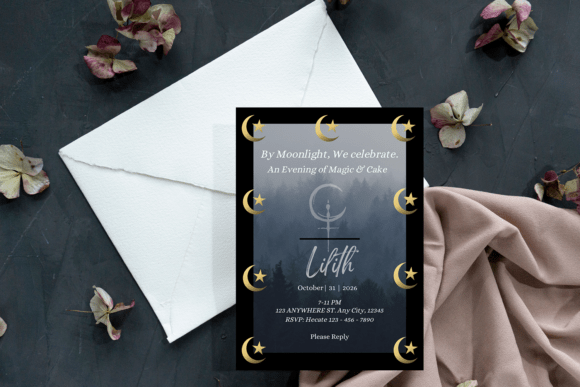
A dark party looks planned when every printed and digital piece speaks the same language, and the easiest way to get there is to decide things in this order.
- Invitation first. It sets the palette and the font. Gothic serif lettering suits a romantic gothic party, a bold sans-serif suits black and gold glam, a delicate script suits dark coquette.
- Light second. Turn the overhead lights down and use clusters of candles or LED candles, one cluster per table. Take a test photo on your phone before guests arrive.
- Table third. A plain black tablecloth, then table cards and a menu printed in the invitation’s font.
- Cake fourth. Show the baker a reference photo rather than describing “dark and gothic”. If the bakery only does plain cakes, a black and gold paper topper carries the look on its own.
- Backdrop and Stories last. Print a large dark background at A2 or A1 for portraits, and post Stories from the same template family as the invitation.
For an alt photoshoot, small props do more work than big ones: a folded cake box, a layered topper and paper luminaries all read well under a ring light. Use LED tealights inside any paper lantern, never a real flame.
Key Takeaways
- The top pick is a 140-piece Canva bundle covering posts, stories, and Reels covers — the best option if you need to restyle an entire feed rather than send one invite.
- Several listings are animated Canva templates that export as MP4 files, built for sending directly through text or messaging apps instead of printing.
- Age-specific invitations (18th, 19th birthday) are pre-labeled, so double-check the milestone matches before editing the rest of the details.
- The Photoshop-based packs (PSD/AI/EPS) give more manual layout control than the Canva templates, at the cost of needing Photoshop or Illustrator to edit.

Frequently Asked Questions
Do I need Photoshop to use every template in this list?
No — most of the animated invitations and the 140-piece bundle edit directly in Canva. Only the Instagram Stories/Posts packs from 3djagan require Photoshop, Illustrator, or a compatible EPS editor.
How do the animated invitations get sent to guests?
You edit the text, colors, and animation in Canva, then export the finished design as an MP4 video file, which can be shared via text, Messenger, iMessage, or WhatsApp.
Can the 140-piece bundle be used for a business account instead of a personal birthday feed?
Yes — it’s built as a multipurpose beauty/lifestyle kit, so it works equally well for a personal birthday feed or a small business account needing a dark, cohesive Instagram look.
Are the age-specific invitations (18th, 19th birthday) editable for a different age?
The number is part of the editable text layer in most listings, so it can usually be changed, though the layout is originally designed around that specific milestone number.
What image dimensions work best for an Instagram Story versus a feed post?
Stories are sized 1080×1920px, while feed posts work best as a square 1080×1080px or portrait 1080×1350px. Check each listing for the specific format it’s built for — using a Story-sized template for a feed post will crop the design.
How do I make a dark birthday party look intentional rather than gloomy?
Pick one sub-style, such as gothic, black glam or dark coquette, and keep it on every printed piece; light the room with candle clusters instead of ceiling lights; and add one warm metallic, usually gold, so the black has something to set it off.
Which templates do I need for a full dark birthday party?
Six cover most parties: the invitation, table cards, a cake topper, a menu or sign, a large backdrop print and a Story template. Choose them from the same design family so the colours and fonts match in photos.
 Pin it
 Pin it
 Pin it
 Pin it
 Pin it
 Pin it
 Pin it
 Pin it
 Pin it