Black birthday frame designs lean heavily on balloons as the connecting motif — doodle-style borders, polaroid frames, chalkboard mockups, and silhouette bundles all build around the same balloon-and-confetti visual language. The 13 designs below are ranked by how often other buyers have saved each one, from a hand-drawn doodle frame at the top down to a golden balloon frame with zero saves yet.
This frame and mockup library adds new balloon and party-themed designs every week, and most files here ship in multiple formats — vector EPS/SVG plus print-ready JPG and PNG.
See also: black birthday background designs.
Quick Answer: This guide covers 13 black birthday frame designs — doodle borders, chalkboard mockups, polaroid frames, and silhouette balloon bundles — ranked from most-saved to least-saved. Each file is a print-ready digital download.
The most-saved design in this list is a hand-drawn doodle frame, not a photo-realistic mockup — buyers are favoring an illustrated, editable border over the staged chalkboard-and-balloon scenes further down the list.
All files below are digital downloads. Print the JPG and PNG files directly onto invitations or signage, and open the AI/EPS vector files in Illustrator or a compatible editor for full color and layout control. The list runs in order of popularity, so the top few are what other buyers have saved the most.
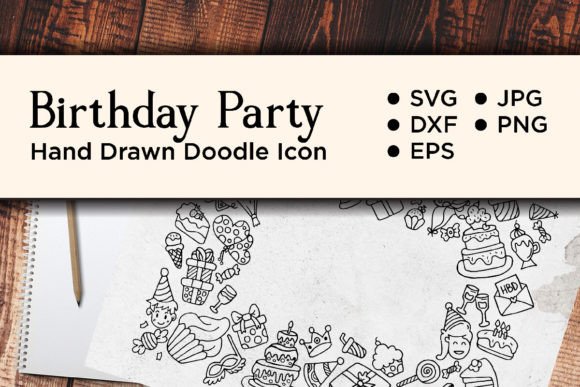
1. Birthday Doodle Icon Frame Design
A hand-drawn doodle-style birthday frame delivered in five formats — SVG, DXF, EPS, JPG preview, and transparent PNG — so it works whether you’re cutting it on a machine, editing the vector in Illustrator, or dropping the PNG straight into a design.
2. New Year’s Eve Chalkboard Mockup
A portrait-oriented chalkboard mockup ringed in a golden frame, black-and-gold balloons, pinecones, and fairy lights — built for framing custom party messages, menus, or event details rather than as a standalone graphic.
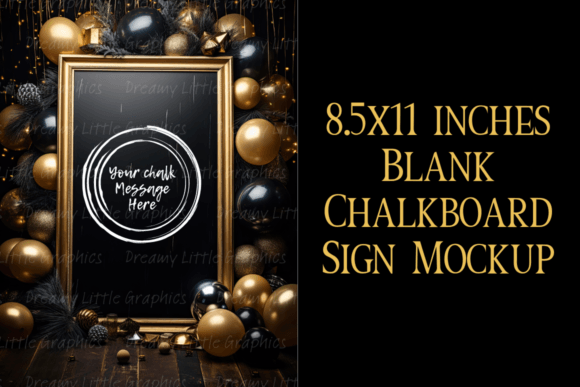
3. Rectangle Frame with Balloons
A rectangle balloon frame in red, navy, and white at a large 7020x4950px, 300 DPI — sized to leave open space in the middle for your own text or photo.
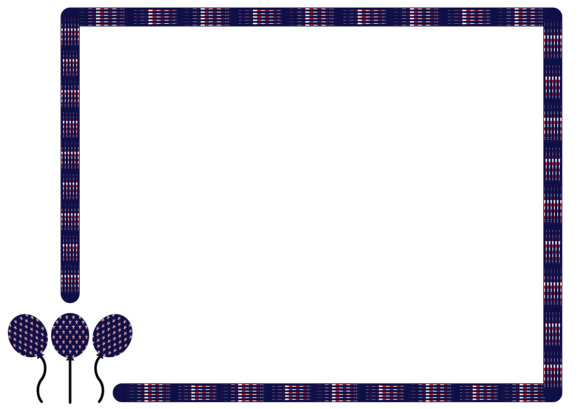
4. Blank Polaroid Photo Frame with Balloons
A blank polaroid-style photo frame decorated with balloons, delivered in AI, EPS, JPG, and PNG — a fit for guest photo stations or printed party favors.
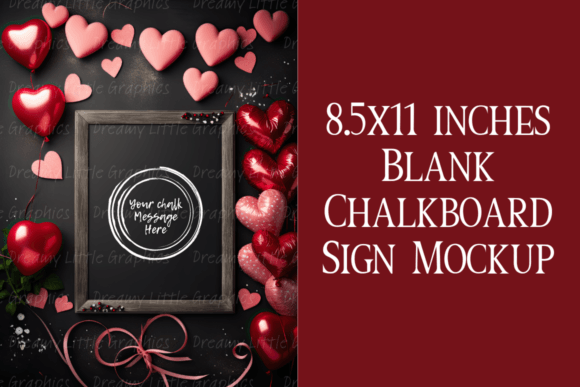
5. Whimsical Valentines Chalkboard Mockup
A rustic wooden chalkboard frame surrounded by pink-and-red heart balloons and greenery, leaving the chalkboard blank for your own custom text.
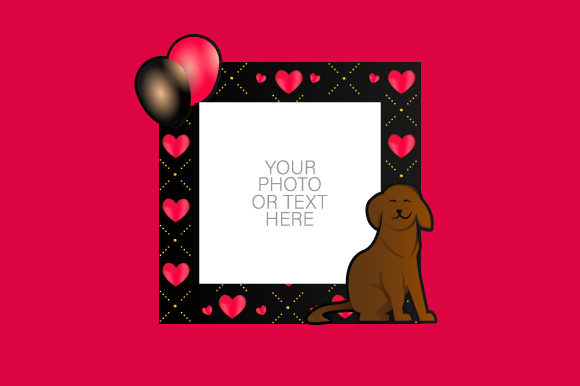
6. Photo Frame with Cartoon Dog and Balloon
A photo frame built around a cartoon dog and balloons, delivered in AI, EPS, JPG, and PNG for print use — a playful option for a kids’ birthday photo prop.
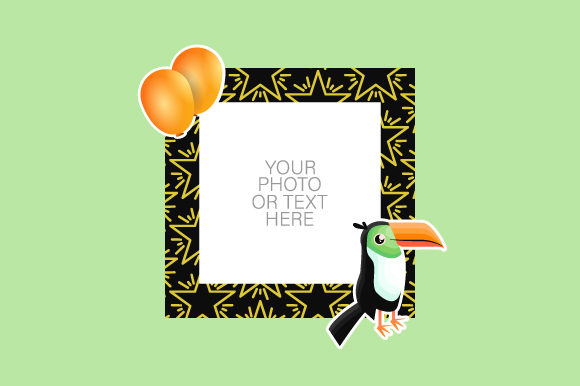
7. Photo Frame with Cartoon Toucan Design
A photo frame featuring a cartoon toucan and balloons in the same AI/EPS/JPG/PNG file set as the dog version, suited to a tropical or animal-themed kids’ party.
Browse All Black Birthday Frame Designs →
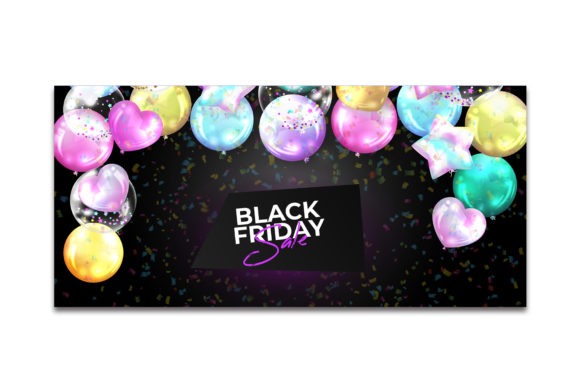
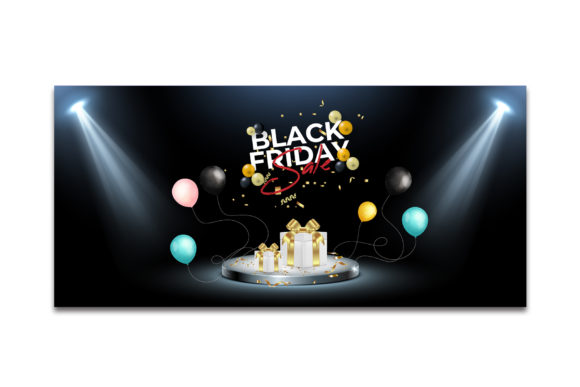
8. Black Friday Sale Banner with Balloons
A horizontal banner frame with shiny balloons and confetti at 1920x900px RGB, built with a smart-object layer so a photo drops straight into the frame without manual masking.
9. Black Friday Sale Banner with Balloons (v2)
A second color variation of the same balloon banner frame from the same creator, at the same 1920x900px RGB spec with a smart-object image layer.
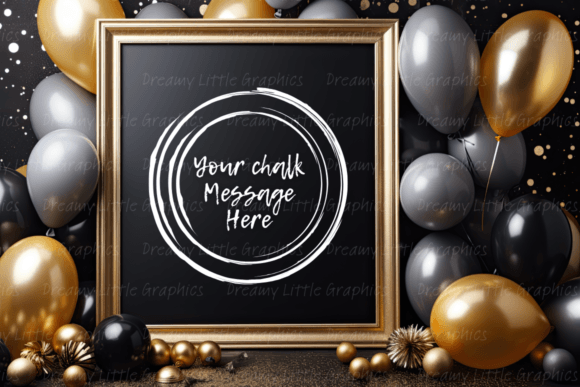
10. Countdown New Year’s Eve Chalkboard
A golden-framed chalkboard mockup surrounded by black, silver, and gold balloons and glitter accents, built for countdown-style party announcements or celebratory menus.
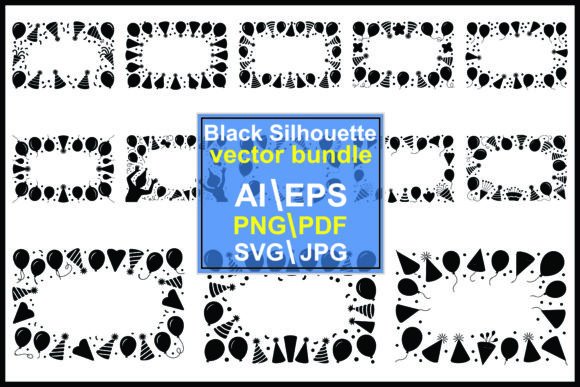
11. Black Birthday Party Frames Balloons Hat
A black silhouette bundle of birthday party frames with balloons and party hats, delivered as a full cutout vector set in JPG, PNG, AI, EPS, SVG, and PDF — the most format-complete option in this list.
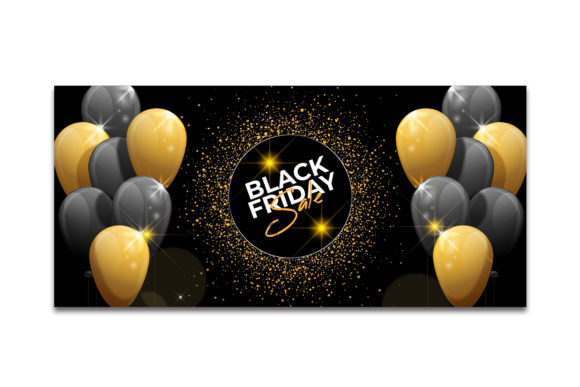
12. Black Friday Sale Banner with Balloons (v3)
A third variant of the balloon banner frame, matching the same 1920x900px RGB dimensions and file formats as the other two versions from this creator.
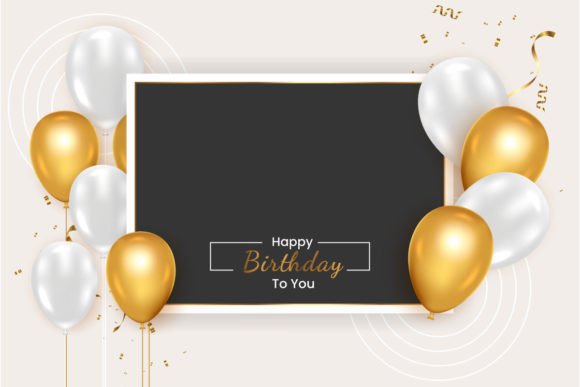
13. Birthday Frame with Golden Balloon
A birthday frame built around a realistic golden balloon set with gold confetti at 1920×1080, delivered as a high-quality JPG plus an editable Illustrator EPS file.
For more dark-toned party inspiration, see our black aesthetic birthday ideas.
Key Takeaways
- The most-saved frame is a hand-drawn doodle design available in five formats, giving the most flexibility for cutting machines and vector editing alike.
- Three chalkboard mockups from the same creator (New Year’s Eve, Valentine’s, and countdown themes) share the same golden-frame styling, so they can be mixed for a multi-event set.
- The balloon banner frame comes in three near-identical color variants from one creator — compare all three before choosing, since the layout and smart-object setup are the same.
- Only one design in this list — the black silhouette bundle — ships in all six major formats (JPG, PNG, AI, EPS, SVG, PDF), making it the best fit for mixed print and cutting-machine use.
Frequently Asked Questions
What’s the difference between the three Black Friday balloon banner listings?
They’re three separate color variants of the same balloon banner layout from one creator — same 1920x900px dimensions and smart-object setup, just different balloon and confetti coloring.
Can the chalkboard mockups be edited for a different event than the one in the title?
Yes — since they’re delivered as mockup or vector files with a blank chalkboard area, the surrounding balloon and prop styling can be repurposed for any party by swapping in your own text.
Which format should I pick if I want to cut the frame on a machine?
Look for listings that include SVG or DXF files — the doodle frame and the silhouette bundle both include cut-ready formats, while several of the photo frame and banner listings are JPG/PNG/EPS only.
Are these frames sized for print or for social media?
Both — most are delivered at 300 DPI for print, and the banner-style frames additionally specify pixel dimensions suited to direct social media posting.
Can these black birthday frame designs be recolored, or are they fixed to black?
Most of the layered and vector-based files here support recoloring in Canva or a vector editor, since the black tones sit on separate layers — the flat mockup-only listings are the exception and stay fixed to their delivered color.