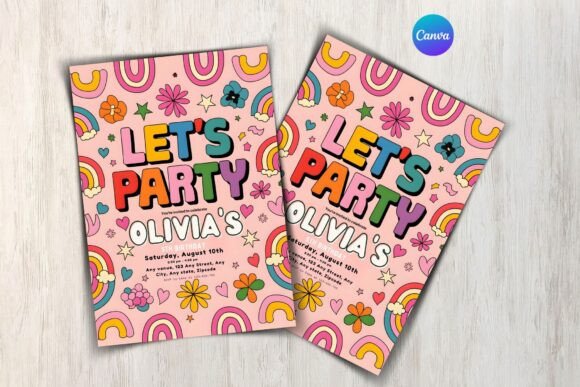
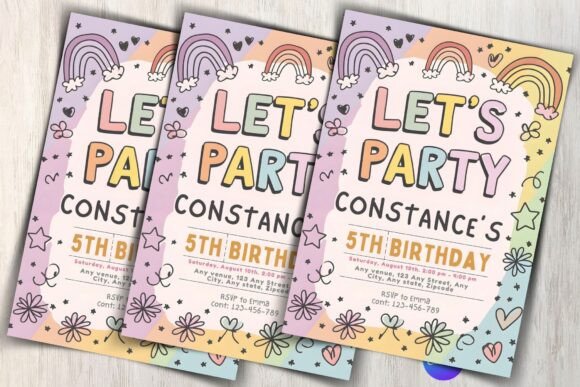
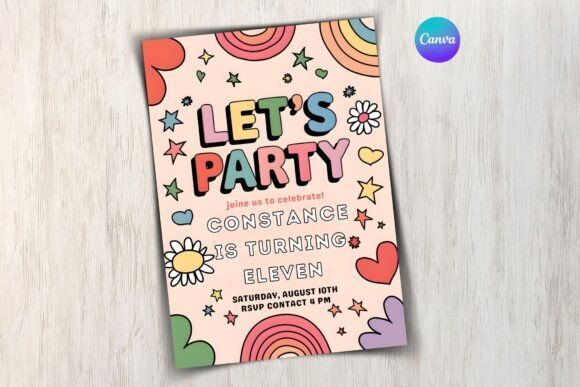
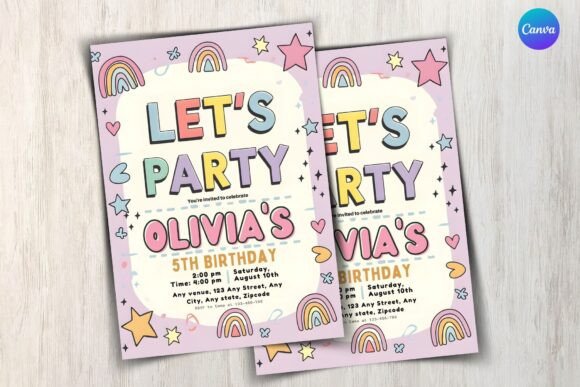
Birthday invitation format matters more than most people realise — the wrong layout buries the party details, and guests miss the time or venue. These 12 templates cover every common format: card, flyer, digital-first, and printable — all editable and ready to download. elegant birthday invitation templates
This birthday invitation library has grown to over 2,000 designs, with new templates added weekly. Every file is print-ready at 300 DPI — the professional standard for sharp results at 5×7 inch and A5 sizes. Files come as editable formats compatible with Canva, Photoshop, and most home printers.
See also: birthday invitation background design guide — covers colour palettes, layout styles, and which backgrounds print cleanly at home.
Quick Answer: This guide covers 12 birthday invitation format templates — from bold kids’ party designs to elegant adult formats. Each is editable, available for instant download, and ready to print or share digitally. Scroll to find the format that fits your party style.
The best birthday invitation format puts the three critical details — date, time, venue — in a place a distracted parent can find in under three seconds.
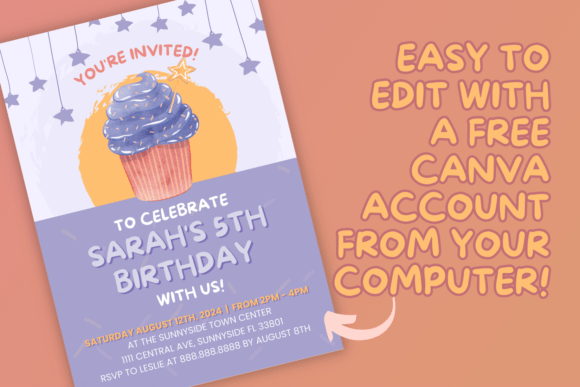
All templates are digital files — download instantly, edit the name, date, and venue in Canva or your preferred editor, then print at home or send digitally. No design experience needed.
Kids Birthday Party Invitation Templates
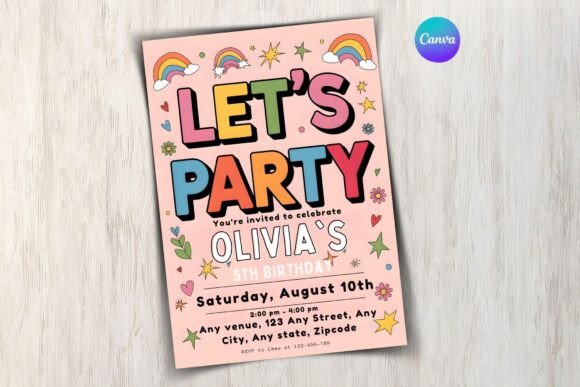
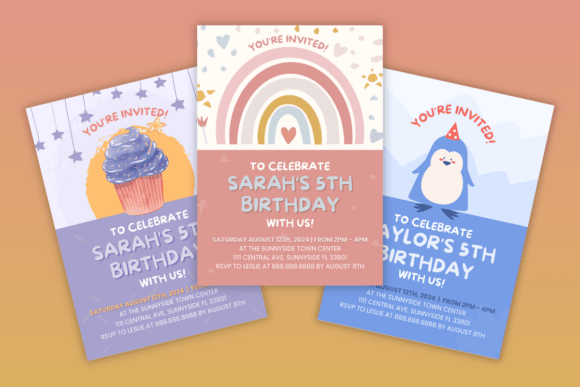
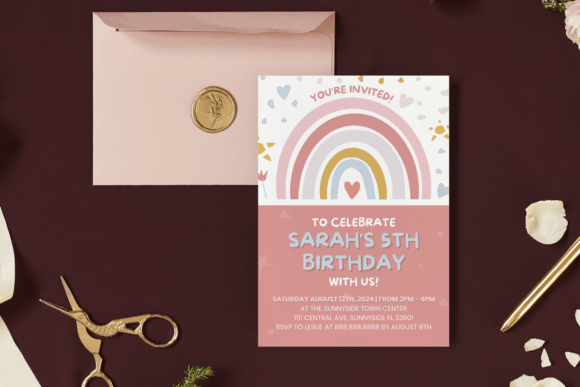
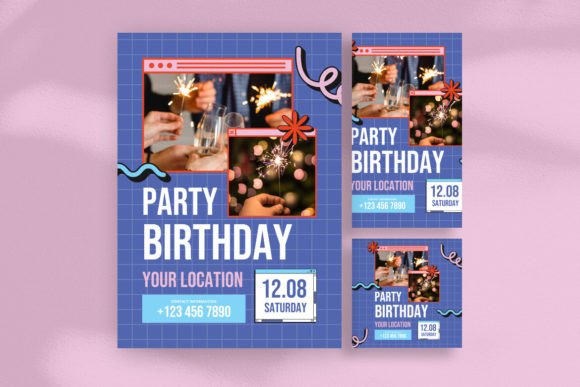
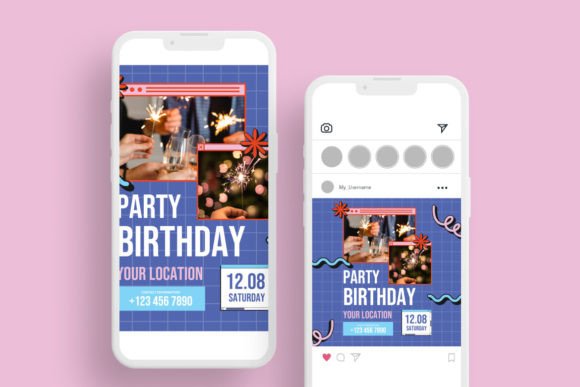
Bright primary colours — red, yellow, blue — laid out in a grid format that puts the party name front and centre. Designed for younger children’s parties where bold and readable matters more than refined typography.
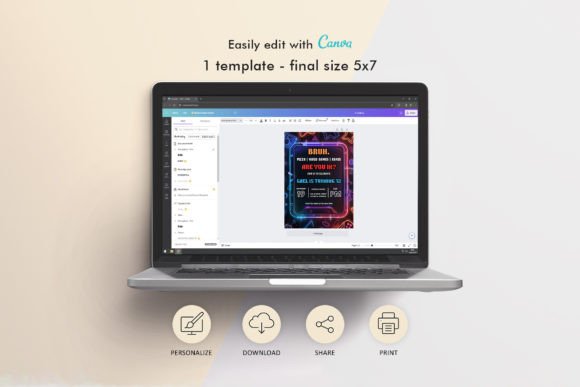
Gamer Neon Birthday Party Invitation
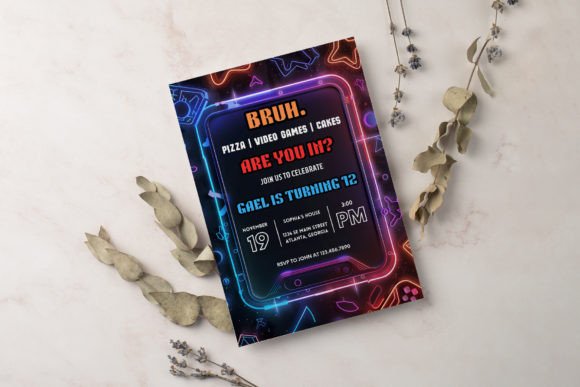
Black background with neon green and purple highlights — the colour palette reads instantly as gaming without needing any illustration. Works well for ages 10 and up, and looks sharper on screen than printed.
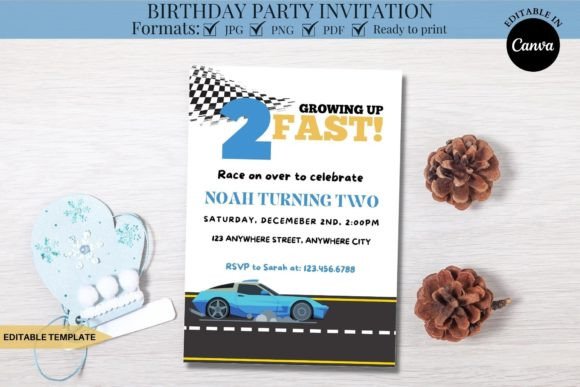
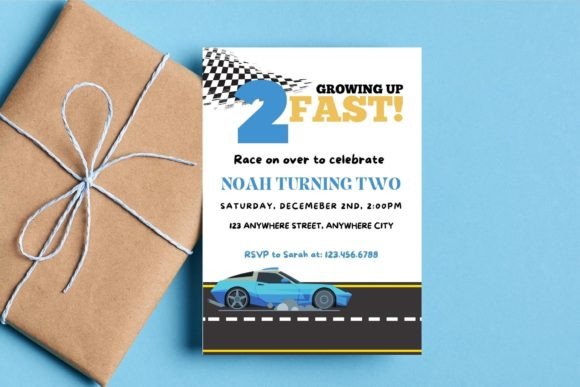
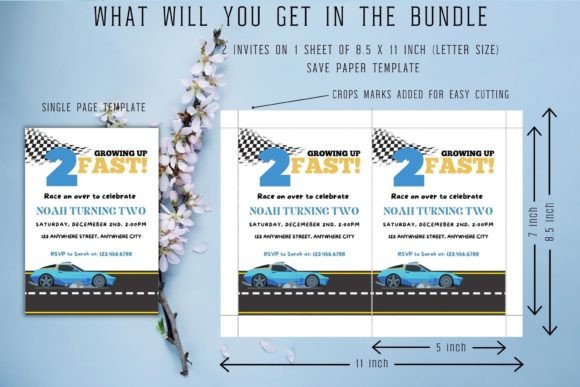
Related guide: First Birthday Invitation Templates for Wild One and Two Fast.
Related guide: 31 Birthday Invitation Templates for 13-Year-Old Girls for 2026.

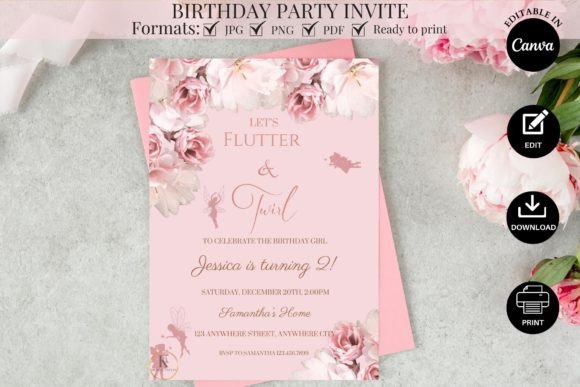
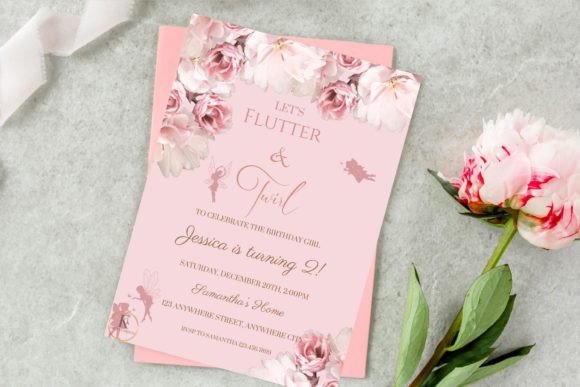
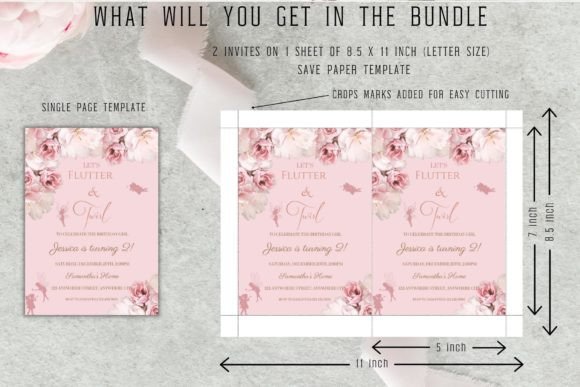
Fairy Birthday Party Invitation Template
Soft lavender background with a delicate fairy wing motif along the top border — the illustration uses thin lines and blush tones rather than cartoon-style art, giving it a more refined look for girls aged 5–9.
Birthday Party Invitation Card
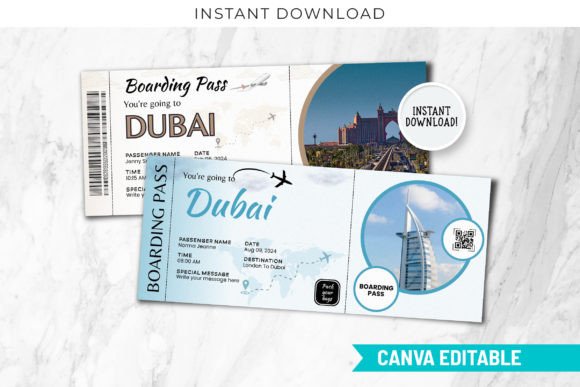
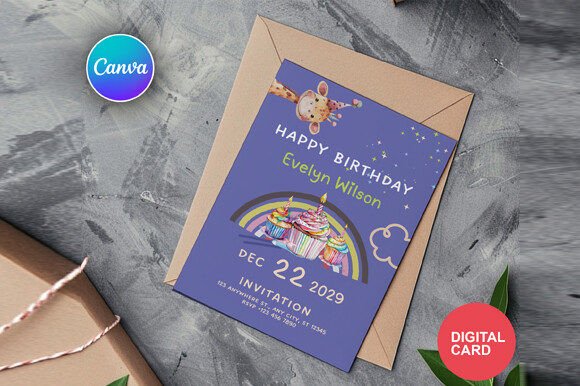
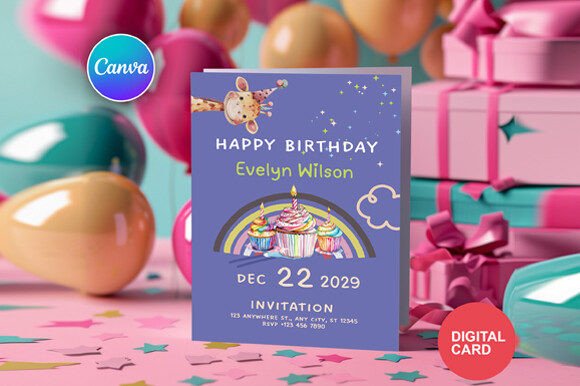
White card with a bold sans-serif headline and a thin colour border that changes based on the template variant — the restrained layout means it prints cleanly on standard home printers without colour bleed issues.
Birthday Party Invitation Flyer
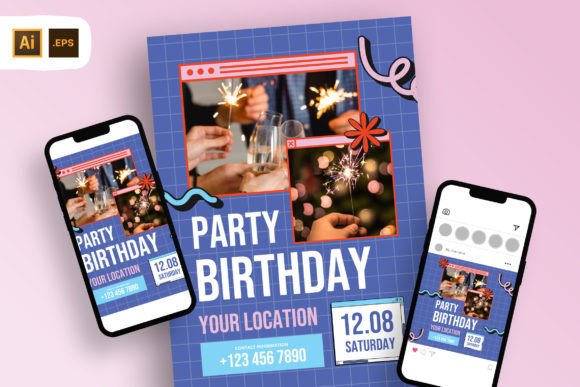
A4 flyer format rather than the standard card size — useful if you want to post invitations on a school noticeboard or hand them out in a folder. Horizontal layout with a photo placeholder in the left third.
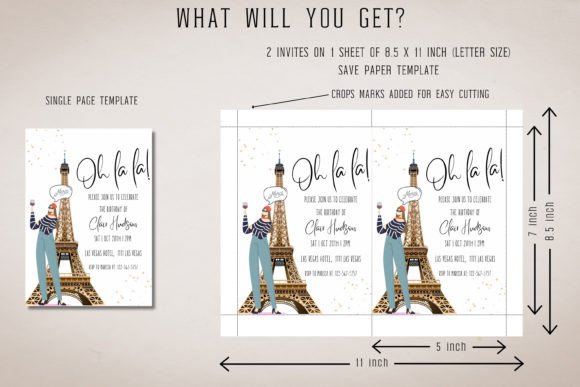
Oh La La Birthday Party Invite Template
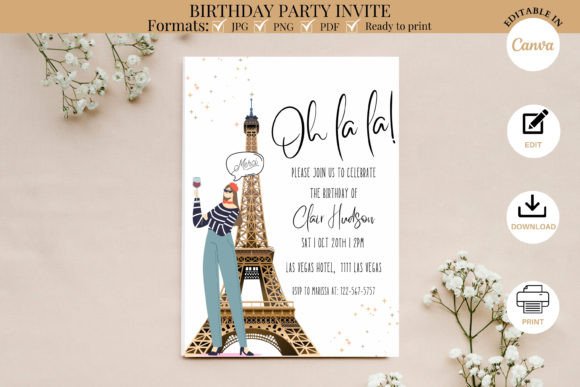
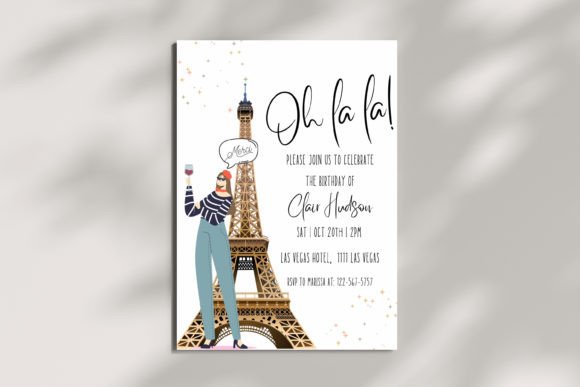
Rose gold and cream with a Paris-café illustration — the Eiffel Tower silhouette in the background makes the theme immediately clear. Best suited to tweens and adults rather than young children.
Browse All Birthday Invitation Templates →
3D Birthday Card SVG (3D Cut File)
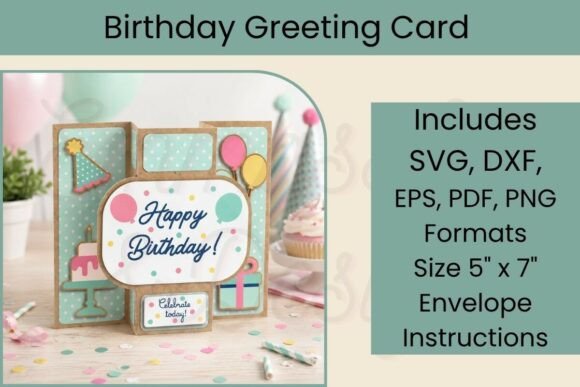
A layered 3D SVG cut file — load it into Cricut Design Space or Silhouette Studio, cut from cardstock, and assemble into a standing three-dimensional card. The pop-up structure is what stops people mid-scroll. Noticeably different from every flat template in this list.
Birthday Party Invite Template
Confetti scatter on a white background with a bold centred headline — one of the most neutral formats in this list, suitable for any age or gender. The confetti prints in full colour or works equally well in greyscale.
Personalized Birthday Party Invite Design
Kraft paper background with white typography — the warm brown tone gives it a handcrafted, rustic feel without needing any illustration. The name field uses a large display font that takes up the top half of the card.
Elegant Birthday Invitation
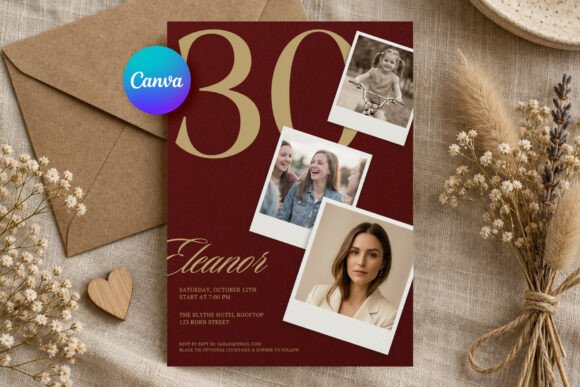
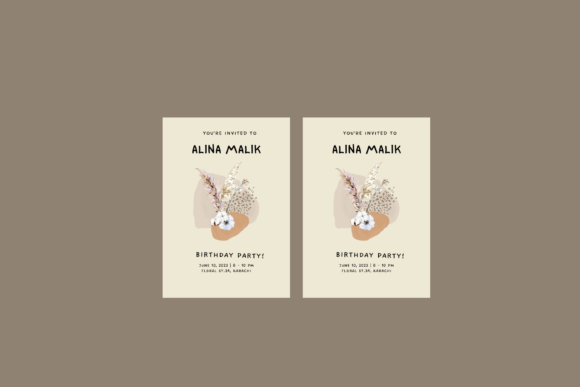
Ivory background with a thin gold border and condensed uppercase serif headline — no illustration, no pattern, just typography and gold rules. The restraint makes it read as premium and works best for adult milestone birthdays.
Watercolor Floral Invitation Card Design
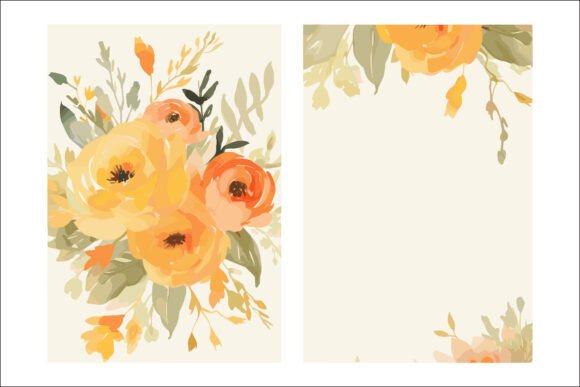
Loose watercolour roses in blush and dusty green wrapping the top-left corner. Hand-painted style rather than clip art — the soft edges reproduce well when photographed for Instagram if you’re sharing a printed version.
Birthday Party Invitation Template
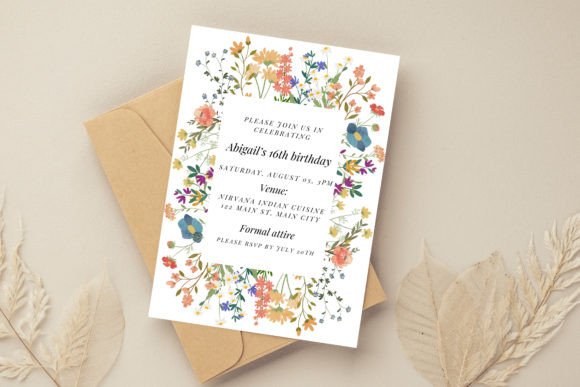
Sage green background with scattered pastel wildflowers and a white oval text panel centred on the card. The oval keeps the details readable regardless of how dense the floral pattern sits behind it.
Birthday Invitation Template
Cream background, centred serif headline, thin rule dividers between the date, time, and venue fields. Every detail has its own visual lane. The tight grid means it reads clearly even at postcard size and prints cleanly on inkjet.
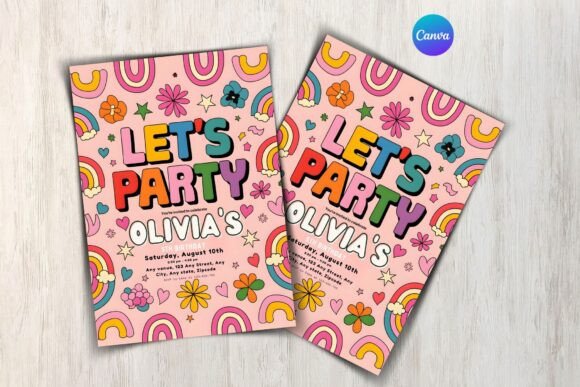
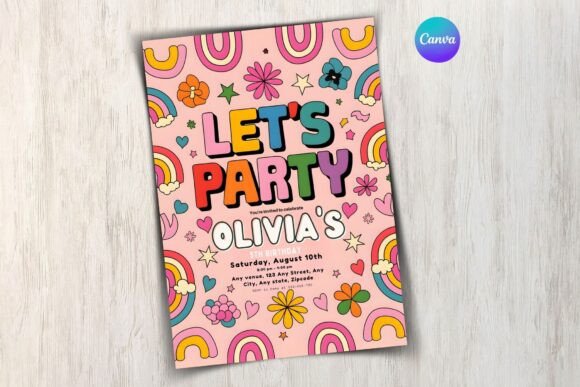
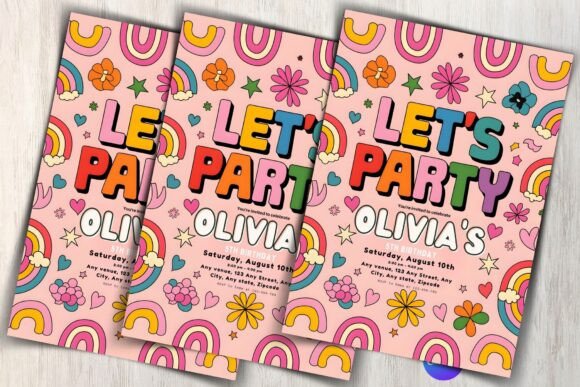
For more invitation styles, see our birthday invitation flyer templates — larger A4 formats designed for noticeboards and group sharing.
Key Takeaways
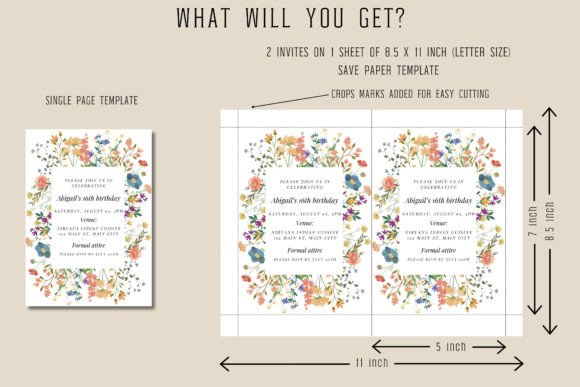
- Card format (5×7 inch) works for printed invitations posted or hand-delivered; flyer format (A4) works for noticeboards and group distribution.
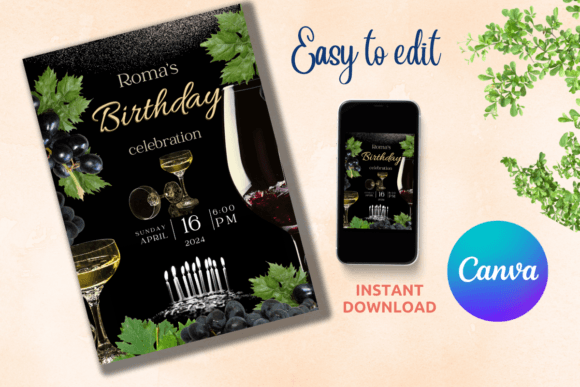
- Dark backgrounds like navy and black look sharper as digital invites — on standard printer paper the ink can bleed; use cardstock if printing dark designs.
- The most important layout principle: date, time, and venue must be findable in under three seconds — put them in a dedicated panel, not buried in a paragraph.
- Neutral formats (confetti on white, cream with serif type) work for any gender and age; themed formats (gamer neon, fairy, Paris café) only work if the theme matches the party.

Frequently Asked Questions
What is the standard birthday invitation format?
The standard format is a 5×7 inch card with the birthday person’s name at the top, followed by date, start time, venue address, and RSVP contact. Most templates follow this structure. Digital invitations follow the same information order but are sized for mobile screens — typically 1080×1920px for Stories or 1080×1080px for feed sharing.
Should I use a card or flyer format for a birthday party?
Cards (5×7 inch) work best for personal delivery or posting to guests. Flyers (A4 or US Letter) work better when you want to pin them on a school noticeboard, hand them out in bulk, or include more information like a map or activity schedule. Most birthday parties use cards.
Can I edit birthday invitation format templates without design software?
Yes. Most templates in this list are Canva-compatible, meaning you open them in your browser, click on text fields to update the details, and export the finished file as PDF or PNG. No software download needed. The process takes under 10 minutes.
How much text should a birthday invitation include?
Keep it short: name, date, time, venue, and RSVP. That is all guests need. Optional extras — dress code, parking instructions, gift notes — can go on the back of the card or in a follow-up message. The more text on the front of a card, the harder it is to read at a glance.
What file format should I download for printing at home?
PDF is the best option for printing — it preserves the exact layout and fonts without scaling issues. PNG works well for digital sharing but can shift slightly when printed due to resolution differences. Check the product description to confirm which formats are included before downloading.