Quick answer: A laser cut birthday cake topper starts with the cake, not the machine. Pick 3 mm acrylic or 3 mm birch for anything wider than a hand, keep the finished letters off the buttercream with a skewer, and cut from an SVG or DXF file whose letters are already joined into one closed path. Everything below is the order I work in, and you will see where a free topper file stops being enough.
Every laser cut cake topper tutorial opens the same way: here is the machine, here are the settings, here is the cut.
None of them tells you how the material behaves once the piece is pushed into soft cake and left standing for an hour under warm room light.
So this tutorial runs the other direction: the cake decides the material, the material decides the thickness, and the file decides whether any of it cuts cleanly.
The roundup of laser cut cake topper SVG files covers the bundles worth cutting; this page is what happens after you download one.
Ready-cut topper files, to skip to the laser
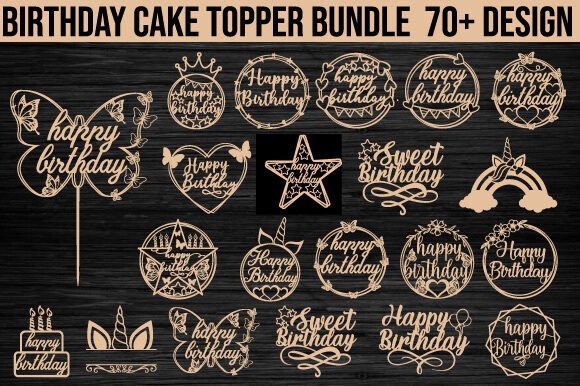
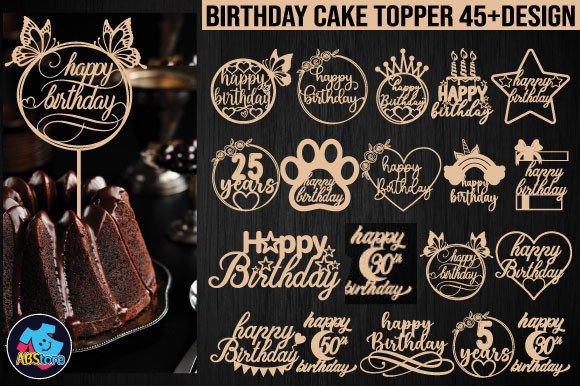
48 SVG, 48 EPS and 48 DXF files. Every file in the archive is a cut file, which is what you need when the machine is the whole point.
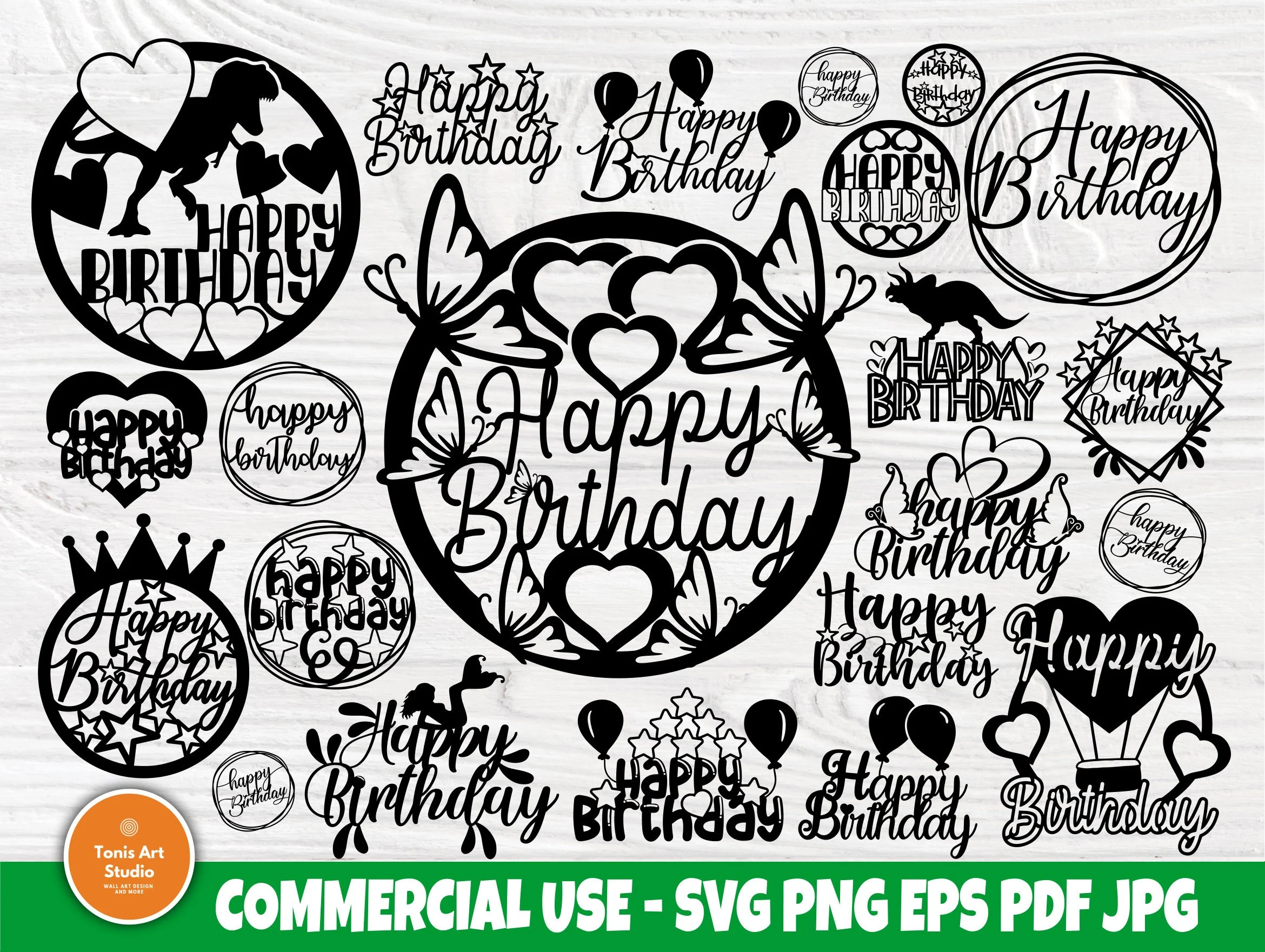
Vector plus transparent PNG at 300 dpi in the same download, so one design covers a cut topper and a printed one.
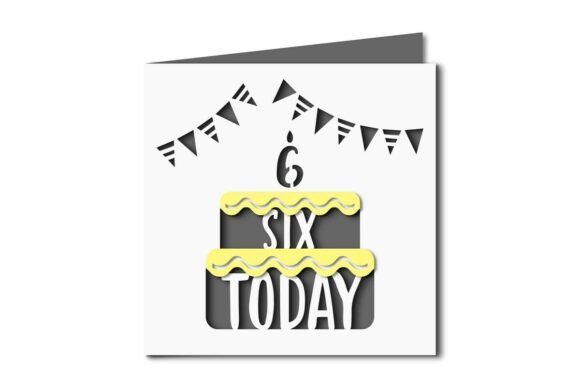
20 designs in SVG, EPS, PDF and PNG, so the same name works on the laser and on a printer if the acrylic run goes wrong.
Supplies
| What you need | Why this one | What happens with the other one |
|---|---|---|
| A cut file with joined letters (SVG, EPS or DXF) | The script letters already touch, so the word lifts off the bed in one piece. The Birthday Cake Topper Laser Cut Bundle ships all three formats. | Separated letters come out as loose shapes and snap at the thin strokes. |
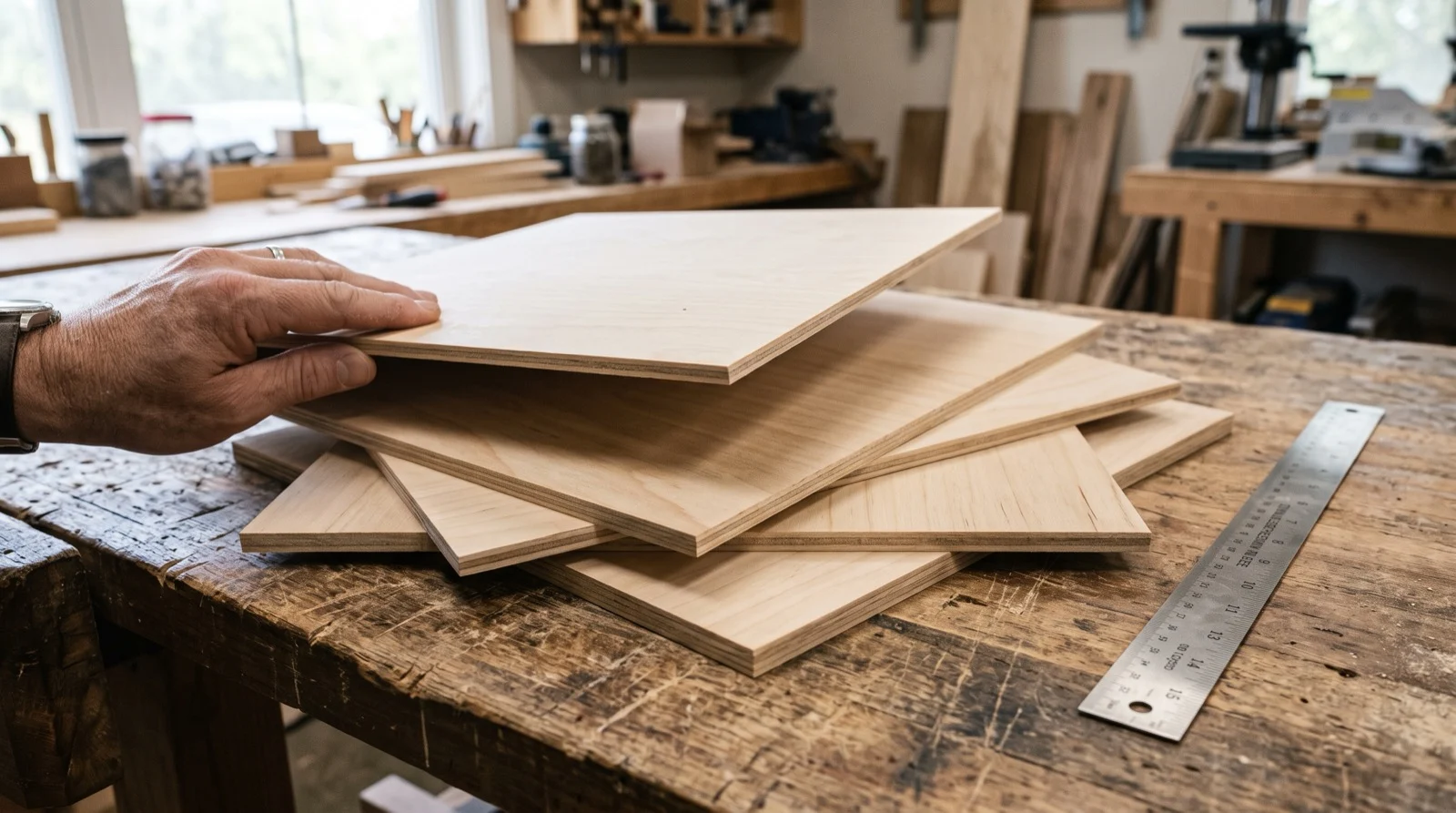
| 3 mm cast acrylic or 3 mm birch ply | One sheet covers several toppers, which matters when the first goes wrong. | Extruded acrylic goes milky at the cut edge and will not polish back. |
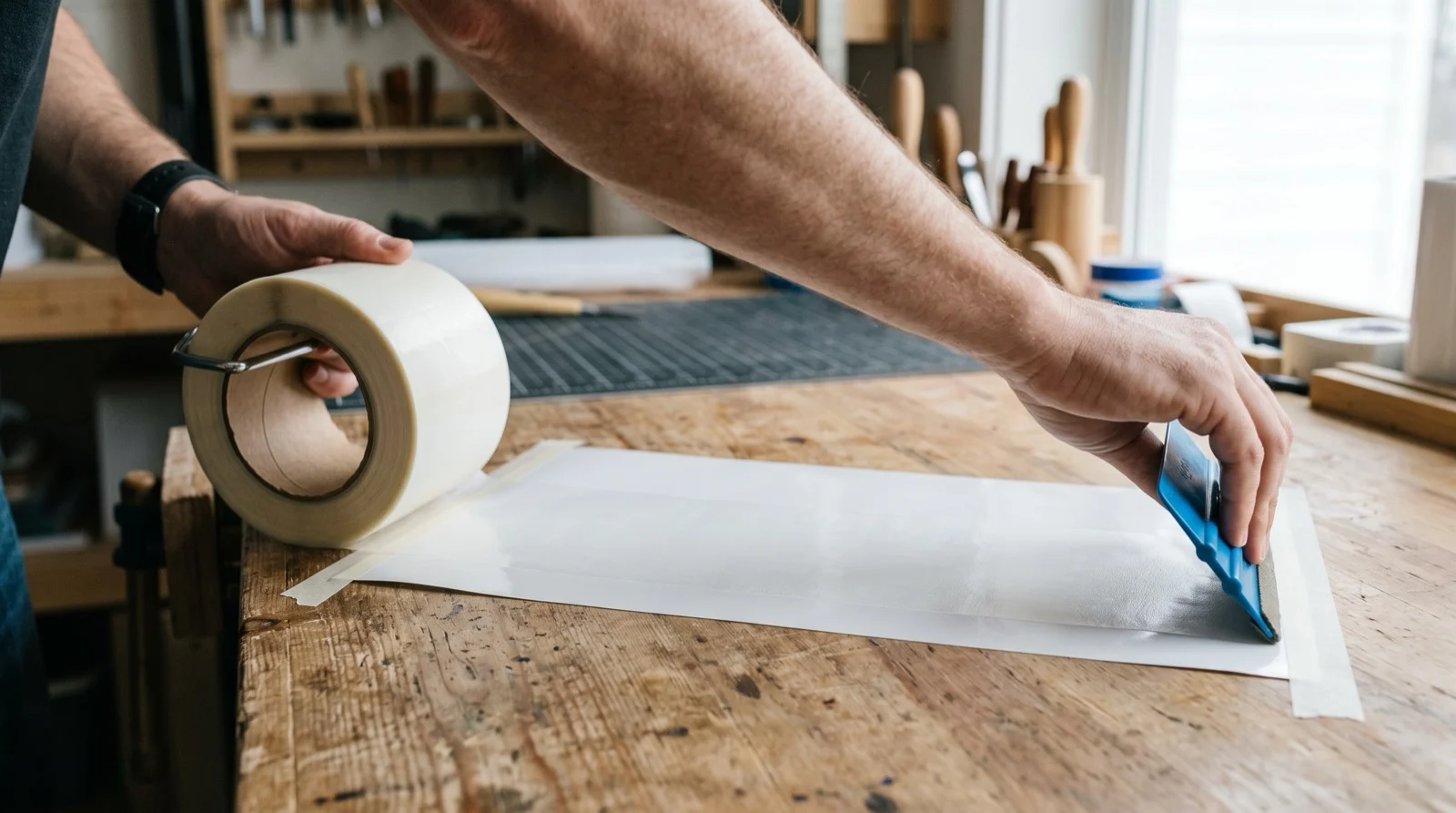
| Masking or transfer tape | Keeps the cut edge clean, so the polish picks up no soot. | Bare acrylic takes the smoke and the edge stays grey. |
| Wooden skewers, two per topper | The topper stands above the cake instead of sitting in the icing. | One skewer lets the whole word swivel while it is carried. |
| Wood glue or two-part epoxy | Holds the skewers when the room is warm and the candles are lit. | Hot glue softens and the topper tips forward. |
I leave a specific machine off the list on purpose.
You can cut 3 mm birch on all of them, a blue diode in several passes and a CO2 in one, so what changes is how much scorch you sand off afterwards.
Acrylic is the exception: a blue diode passes straight through clear and light acrylic without cutting it, because the material barely absorbs blue light.
On a diode, order black, dark blue or mirror acrylic, or cut the topper from wood. A CO2 cuts every colour, clear included.
Laser cut cake topper material: acrylic or wood
Buttercream and whipped frosting. Soft surface, and anything with weight sinks in over the party.
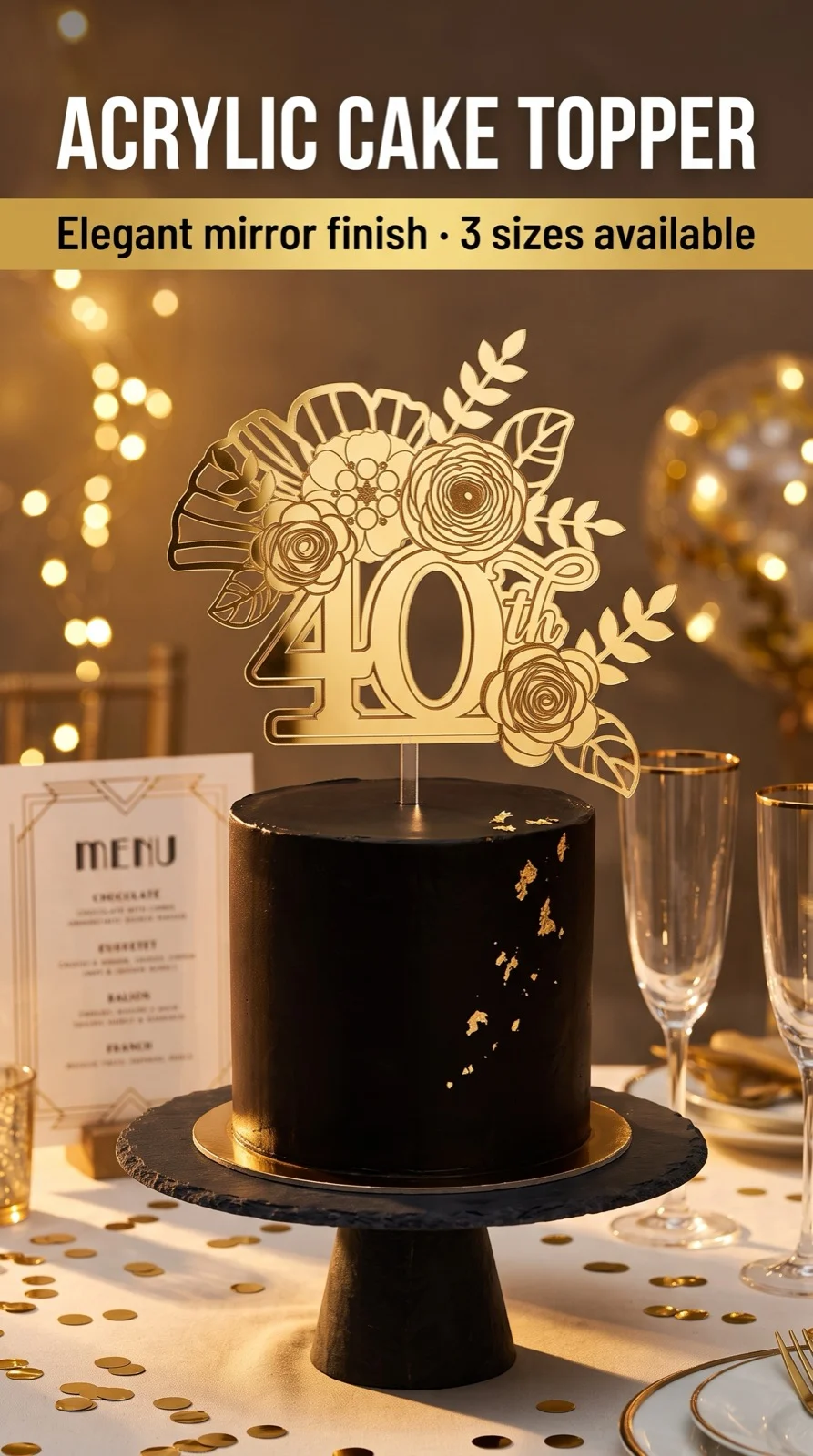
Acrylic is the safer answer: 3 mm acrylic stays flat on skewers and does not absorb moisture the way an untreated wood edge does.
Fondant and firm ganache. A hard shell holds a heavier topper upright, so birch ply works and photographs better than a mirror finish under a flash.
Anything transported in a box. Wood survives a car trip.
Thin acrylic script snaps at the ascender if the box tips, and you only find out after the cutting, not during it.
Product pages are little help here. Most describe what is inside the archive and leave the material to you.
A multi-format set like the Happy Birthday Cake Topper Bundle is worth more than a single file when you do not yet know which cake you are decorating.
Pick the material for the frosting and the car ride, not for the machine you own.
Both materials cut on every machine in this hobby; only one survives an hour on soft buttercream.
Laser cut cake topper thickness: why 3 mm is the default
 Pin it
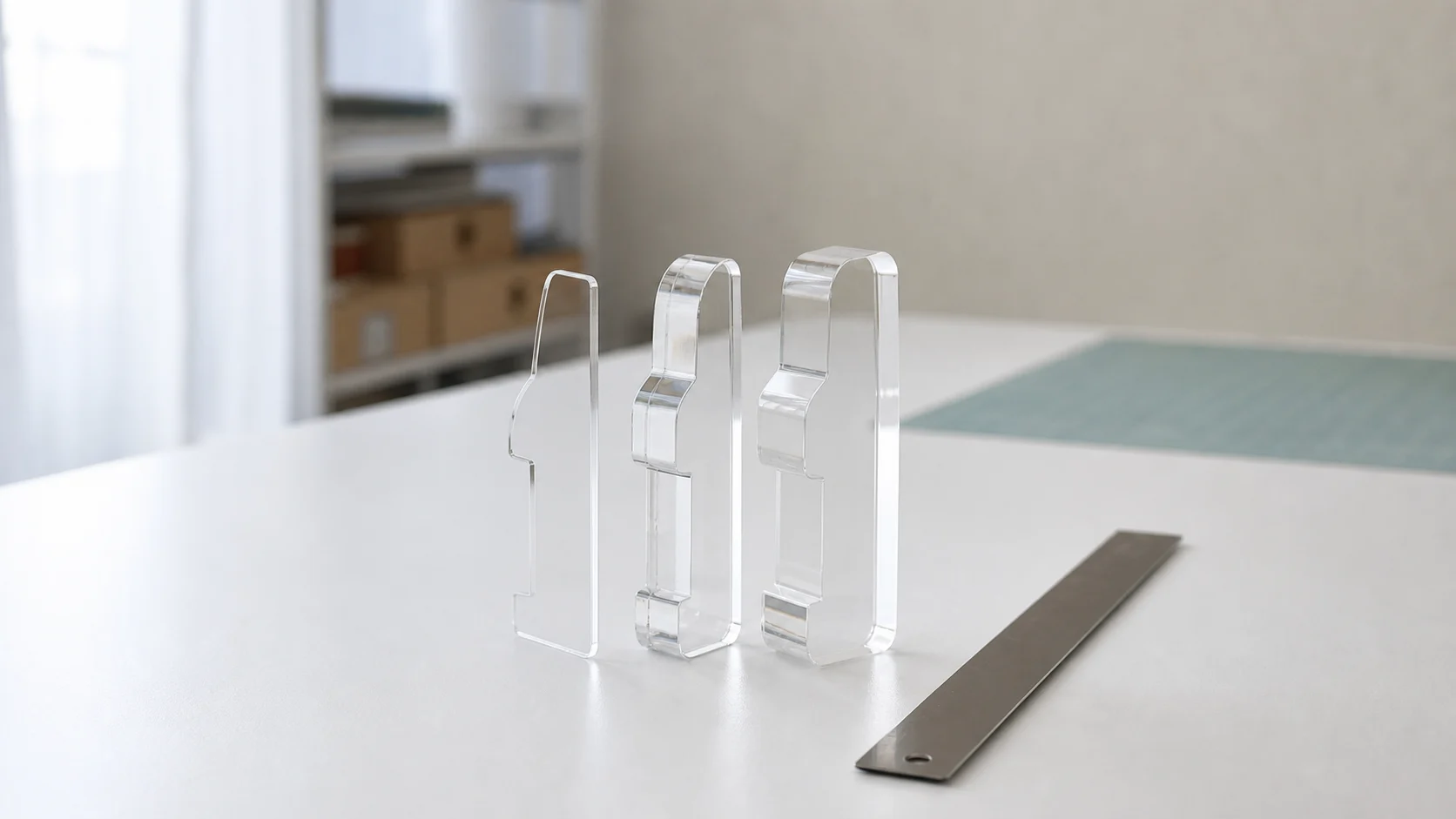
2 mm cuts fastest and looks delicate, and it is the thickness that breaks on you.
A script name at 2 mm has connecting strokes barely wider than the cut itself; lift it by one letter and you find out where it cracked.
3 mm survives handling, stands upright on two skewers without wobbling, and the edge is thick enough to polish or sand without rounding the letterforms away.
4 mm is for toppers wider than about 18 cm, where the piece has to span its own weight, or for a number topper reused at several parties.
For a standard 20 cm round cake, aim for a topper that reads best at 13 to 15 cm wide and 6 to 9 cm tall above the frosting, plus 4 cm of skewer below it.
One number decides whether the letters survive: kerf, the width the beam itself removes. Thickness shows up on a product page now and then.
Kerf almost never does, because it belongs to your machine. Cut a 20 mm square, measure what comes out, and keep the difference written on the wall.
Then run a test cut on scrap of the same sheet using the design you will actually cut.
A set such as the Birthday Cake Topper Laser Cut Bundle gives you 48 designs to test one letterform against.
This is the first thing you will be asked, and product pages almost never answer it.
Laser cut cake topper food safe: what touches the cake
This is the first thing anyone asks, and product pages almost never answer it.
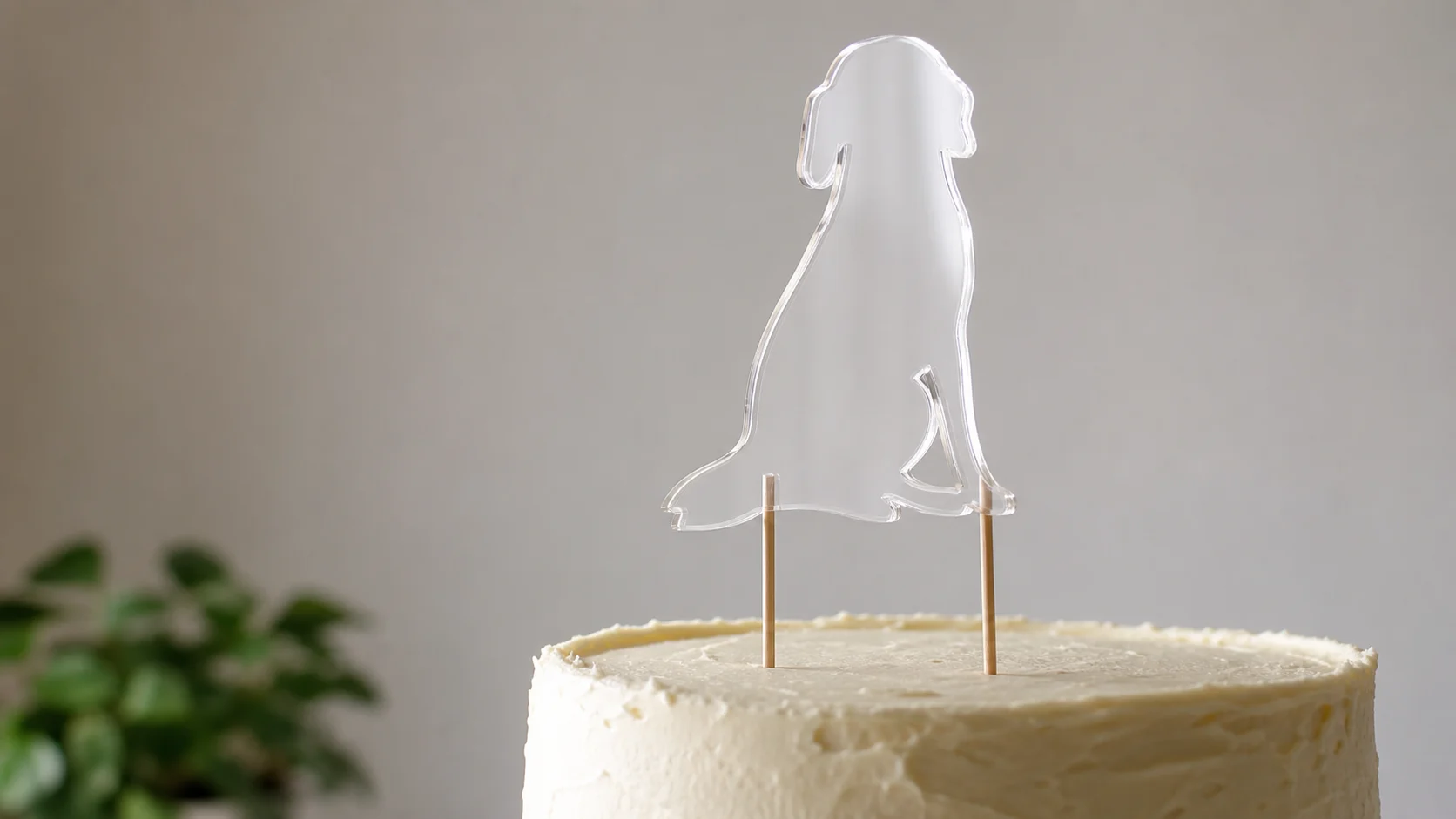
The topper stands on skewers pushed through the cake, and you buy the skewers for food use.
 Pin it
The working rule: nothing you cut touches the food. The topper stands on skewers pushed through the cake, and the skewers are sold for food use.
- Cut acrylic edges stay above the surface. A laser leaves a tacky edge and a smell that lingers for a day. Wipe the piece with a damp cloth and air it out overnight.
- Bare wood is sealed or kept clear. Untreated ply wicks moisture and buttercream oil into the grain, and the mark does not come out.
- Painted or glittered toppers never go in directly. Craft paint, spray glitter and adhesive vinyl are not made for food contact.
- Anything scorched gets sanded. Soot transfers to fingers and then to the frosting; fine sandpaper takes it off in seconds.
Selling cakes with these is a licence question rather than a mounting one, and the licence lives on the file you cut from.
Read that line on the page of whichever cake topper file you download before you take an order.
Laser cut cake topper file: the line the laser follows
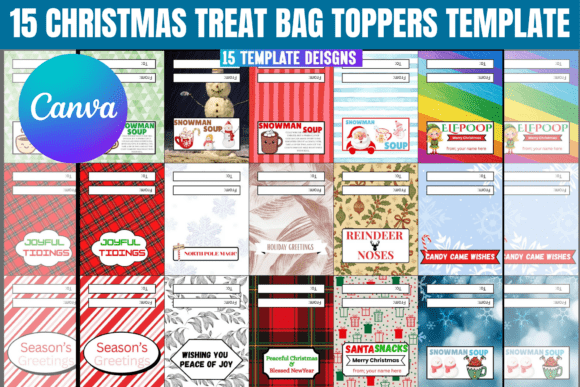
A laser follows lines, not pictures. That sentence explains most disasters in this project.
If the drag test keeps failing on free files, you are looking at print exports where the welding was never done.
- Vector, not raster. In an archive like the 20-design Birthday Cake Topper Set, only the SVG, EPS and PDF are cut files. The PNG at 300 dpi is for printing and gets you an engraved photograph of a topper.
- One closed path per piece. Drag one letter of the word in your software. If the whole word moves, the paths are joined; if one letter comes away alone, they are not.
- Cut lines and score lines separated by colour. A file built for one machine often loses its score lines in another, so open it and look every time.
- Nothing thinner than about 1 mm. Below that, fine serifs disappear into the kerf.
| What the screen shows | What it means | What you do |
|---|---|---|
| Drag one letter and the whole word moves | The paths are joined | Nothing. Cut it. |
| One letter comes away alone | Separate paths, the machine cuts them apart | Overlap the strokes, then Union in Inkscape, Weld in Design Space or Combine in LightBurn, and re-save as SVG |
| Letters touch but do not overlap | The join is about one kerf wide and breaks on lift | Overlap first, weld second, in that order |
| A line either side of each stroke | An outlined font, the laser cuts both edges | Unite the outlines into one shape or the letter falls out as a ring |
You are not putting the topper in contact with the food when you mount it correctly.
Bundles sold as laser files start from joined paths, so laser-ready cake topper files save the half hour the fix takes on every name.
Where a free topper file runs out
| What you need | Typical free file | Paid bundle |
|---|---|---|
| Vector the machine can read | Often a PNG or a flattened PDF preview | SVG, EPS and DXF of the same design |
| Letters joined into one path | Separate letters, breaks on lift | United paths, tested for cutting |
| A set, not one design | One name or one number | 20 to 48 designs in one archive |
| The right to sell the topper you cut | Personal use, or silent about it | Commercial licence stated on the page |
The last row matters if you cut for others. A commercial licence adds the right to sell the physical thing you made from it.
For other names, the full cake topper file catalogue holds the rest.
Learn the cuts before you spend the acrylic
Unlimited creative assets. Access to AI tools.
Commercial licence included.
Browse all
28 minutes, beginner level, filmed as one build: cutting the letters, joining them and mounting the piece on skewers.
33 minutes on the material: masking before the cut, keeping the edge clean and finishing acrylic so it reads as glass.
For the point where the second topper is for someone else: pricing a cut piece and what a commercial licence lets you sell.
Key takeaways
- The cake picks the material: acrylic on buttercream, birch on fondant, wood for anything travelling in a box.
- 3 mm is the default thickness; go to 4 mm past about 18 cm of width, and stay off 2 mm for script names.
- Measure your own kerf once, since no listing publishes it.
- Nothing you cut touches the food; the skewers do.
- Only the vector files in a bundle are cut files, so check for joined paths first. A tested set such as the Birthday Cake Topper Laser Cut Bundle helps.
FAQ
Are laser cut cake toppers food safe?
The topper is not in contact with the food when mounted correctly. It stands on wooden skewers, so only the skewer touches the frosting.
Pick acrylic on soft frosting, because you get a rigid piece that does not absorb moisture.
Acrylic or wood, which is better for a cake topper?
Pick wood for firm fondant and for any cake you are driving anywhere. Wood on firm fondant and for any cake going in a car.
What thickness is best?
3 mm for almost everything. Move to 4 mm above roughly 18 cm of width. 2 mm cuts fine and breaks in handling.
Can fine detail be cut without breaking?
Yes, if the letters are joined into one closed path and nothing is thinner than about 1 mm.
What file format should I use?
SVG or EPS for current software, DXF for older toolchains. PNG and JPG in the same archive are for printing.
If your machine reads only DXF, filter for it before you download; the laser cut bundle above ships all three formats.
What laser power do I need?
Less than the specification sheets suggest. A small diode cuts 3 mm birch in several passes; a CO2 does it in one.
Acrylic is where the machine does decide: dark or mirrored acrylic cuts on a diode, everything else on a CO2.
Can I sell cakes decorated with a topper I cut?
That depends on the licence attached to the file, not on the machine.
Check that line on the product page before you take orders, or pick a name from the licensed cake topper files.
If your laser reads only DXF, start from a set that ships one: birthday cake topper files with a DXF copy.